


Firefox automatically saving files instead of asking me where to save

Hello,
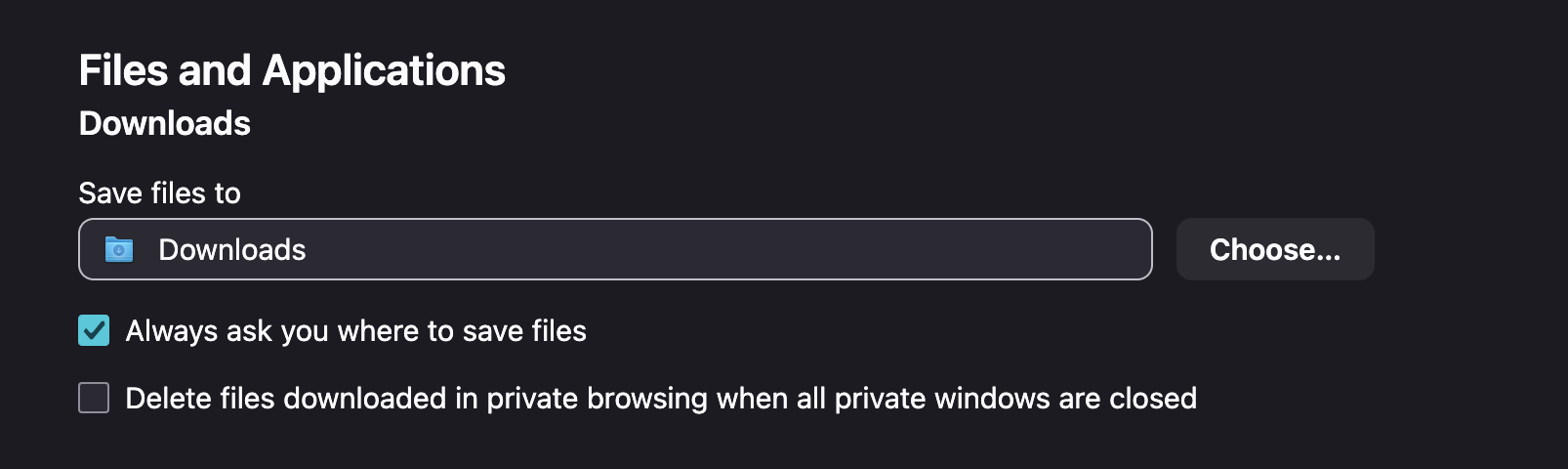
As you can see always ask where to save is selected but whenever I download a PDF file it doesn't ask me and it just saves to downloads. How can I fix that?
എല്ലാ മറുപടികളും (1)
Yeah,
In addition to going Tools -> Settings -> General and setting "Always ask you where to Save Files" under the Downloads heading, you also need to go into Tools -> Settings -> General and set the Action for the types of downloads (Applications) to "Always Ask" for those types you want it to. If it's set to just Save File then it just saves it in whatever the download directory you've set is. For example, I have Portable Document Format (PDF) set to Open in Firefox since I prefer viewing them within Firefox.
Down below the list of applications, also select "Ask whether to open or save files" instead of just Save files for unknown types.
This is what works for me anyway. Hope that helps.