


Firefox tab appearance.

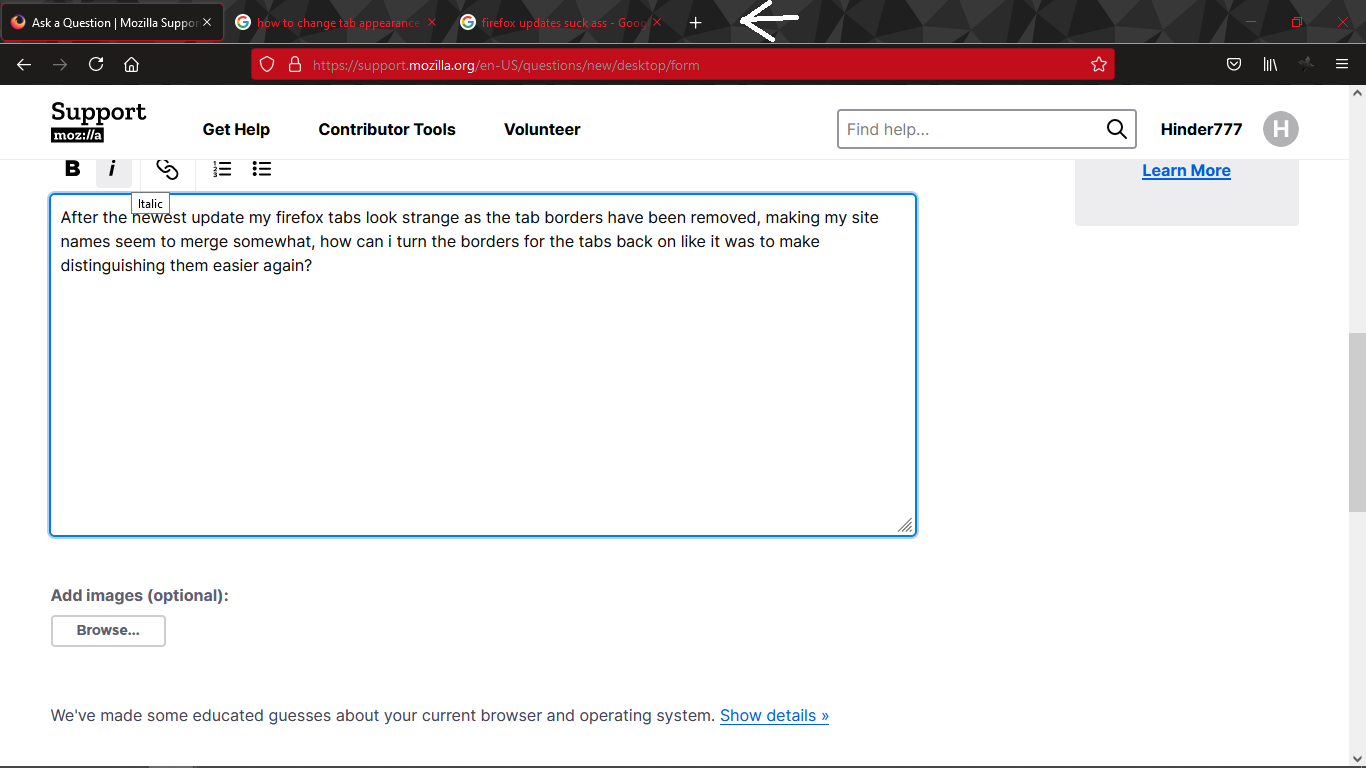
After the newest update my firefox tabs look strange as the tab borders have been removed, making my site names seem to merge somewhat, how can i turn the borders for the tabs back on like it was to make distinguishing them easier again?
After the newest update my firefox tabs look strange as the tab borders have been removed, making my site names seem to merge somewhat, how can i turn the borders for the tabs back on like it was to make distinguishing them easier again?
എല്ലാ മറുപടികളും (2)

Where the hell is your response Firefox???
You can possibly use code in userChrome.css to override changes coming in Firefox 89+ with the new Proton design.