


Google - systems have detected unusual traffic from your computer network

When I try to make a Google search I get the following message, "I'm not a robot" with a reCAPTCHA: "Our systems have detected unusual traffic from your computer network. I know this has been an ongoing issue, but it only happens with firefox on both my computers, vpn and all extensions off. Even tried a new IP address, same issue.
All Replies (16)
Bonsoir
Private Browsing - Use Firefox without saving history https://support.mozilla.org/en-US/kb/private-browsing-use-firefox-without-history Otherwise, do you use, Always use private browsing mode or to Never remember history?
Otherwise, cookies https://support.mozilla.org/en-US/kb/cookies-information-websites-store-on-your-computer, have you checked your cookie settings..
I use 'customize history' - always use private browsing mode. History won’t be saved.
When I open firefox and do a google search, I have to check the box, then everything is fine as long as I keep firefox open. If I close firefox and the open it again, I have to check the box again on google.
As mentioned, I am not using a VPN or any extensions and I have tried two different IP addresses. I am not on a shared network. I have no issues with Chrome, only Firefox.
roberrt99 said
I use 'customize history' - always use private browsing mode.
Me too.
If it's not already experimented, nevertheless, you can use an other search engine https://support.mozilla.org/en-US/kb/change-your-default-search-settings-firefox
Did anyone ever find a solution to this? I have seen other threads where others are having the same issue.
To continue https://support.mozilla.org/en-US/questions/1587084#answer-1849321
Private Browsing - Use Firefox without saving history https://support.mozilla.org/en-US/kb/private-browsing-use-firefox-without-history Starting with Firefox version 151, Private Browsing mode now allows users to instantly clear all data from their current session without closing the entire browser. When you click the Clear Private Session button (the fire icon) to the right of the address bar, Firefox will ask you to confirm to clear your session.
The preference, browser.privatebrowsing.resetPBM.enabled, has been usable since Firefox 120 https://www.soeren-hentzschel.at/firefox/firefox-120-ermoeglicht-das-zuruecksetzen-privater-sitzungen - https://www.ghacks.net/2023/10/06/firefox-is-getting-a-button-to-reset-private-browsing-sessions
I always use private browsing mode.
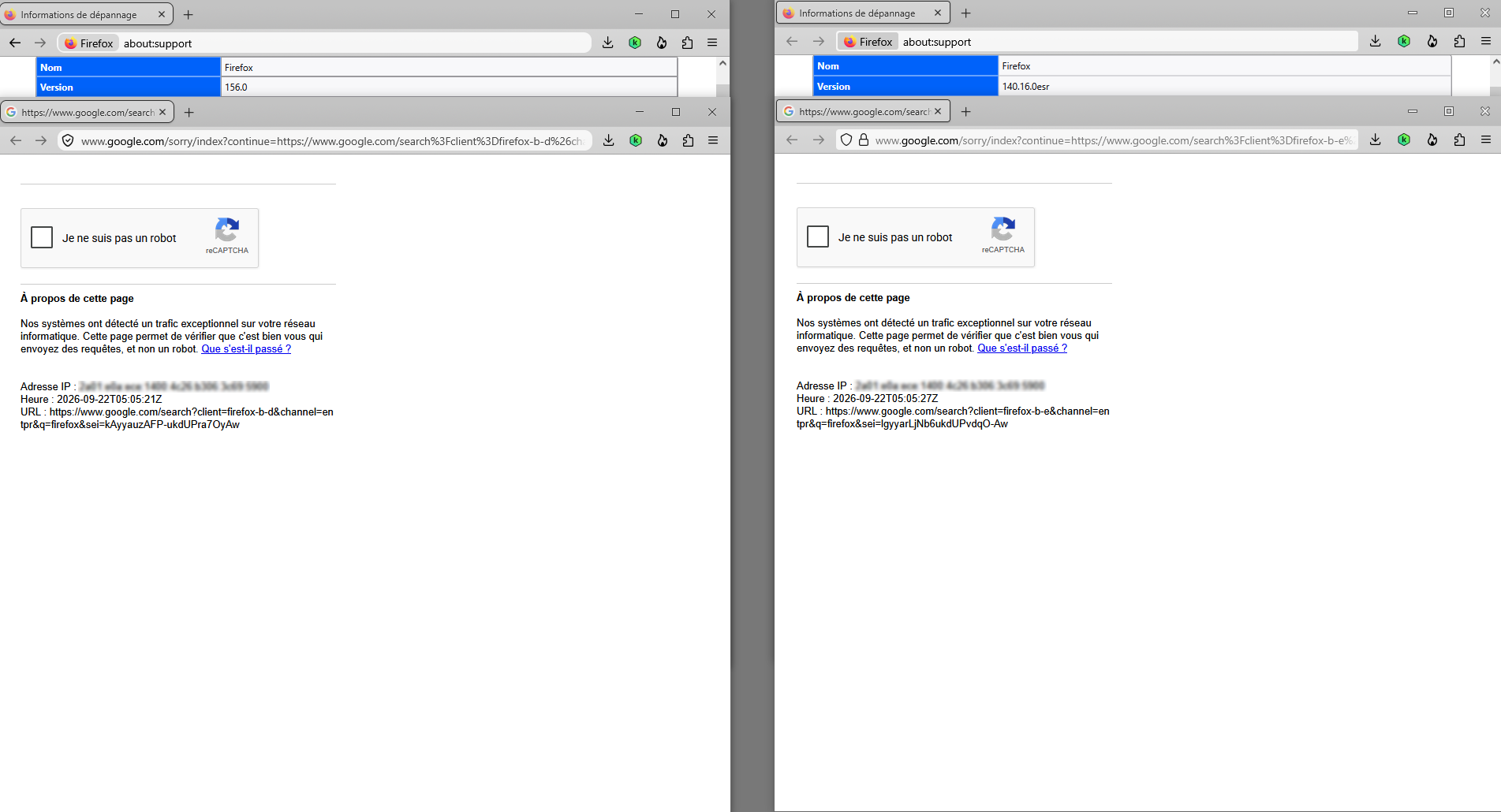
Modified by Agent virtuel
Pour ma part, a test performed. Paramètres du réseau https://support.kaspersky.com/fr/kaspersky-for-windows/21.26/201001 Configurer les adresses de confiance.
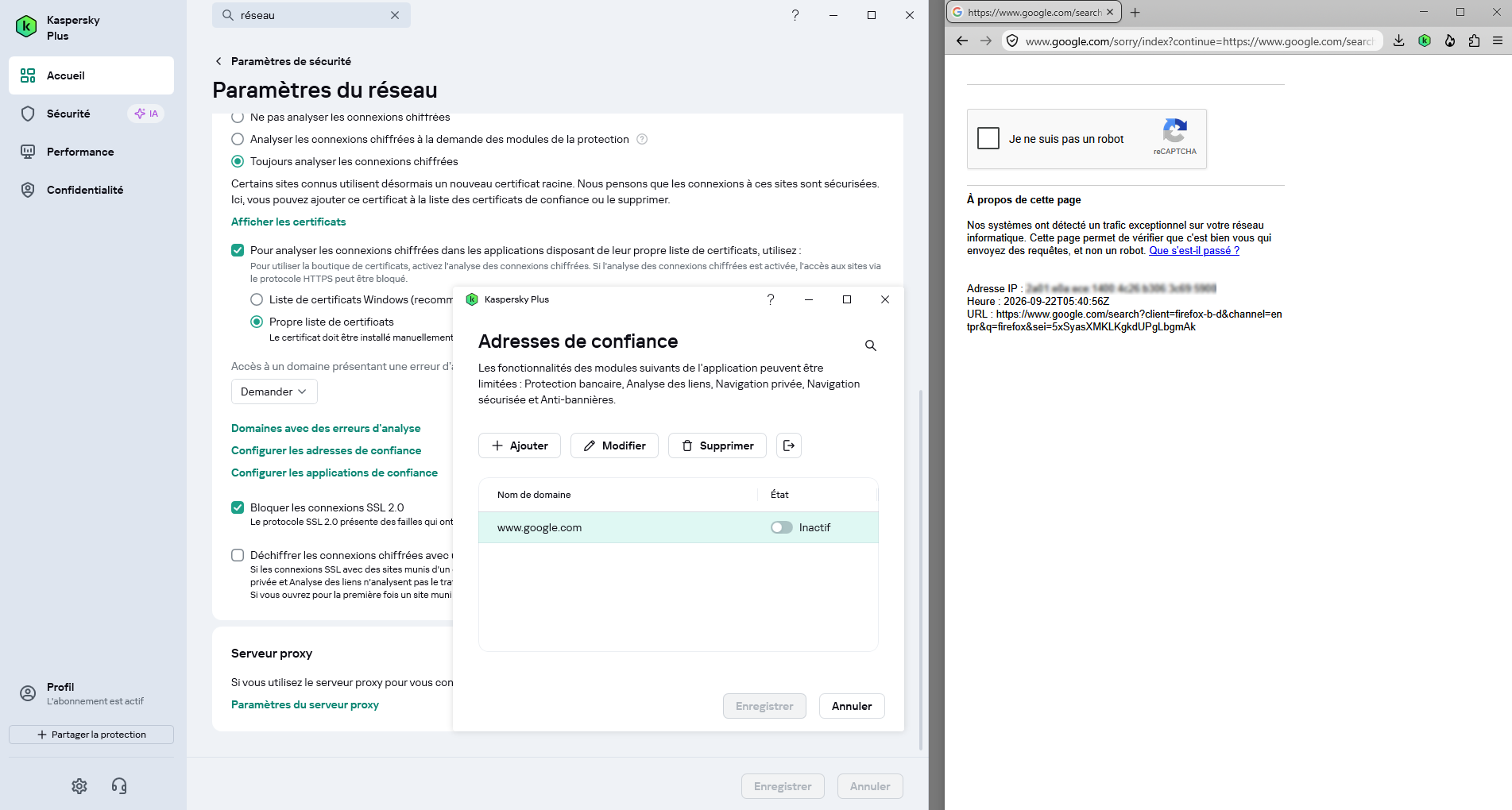
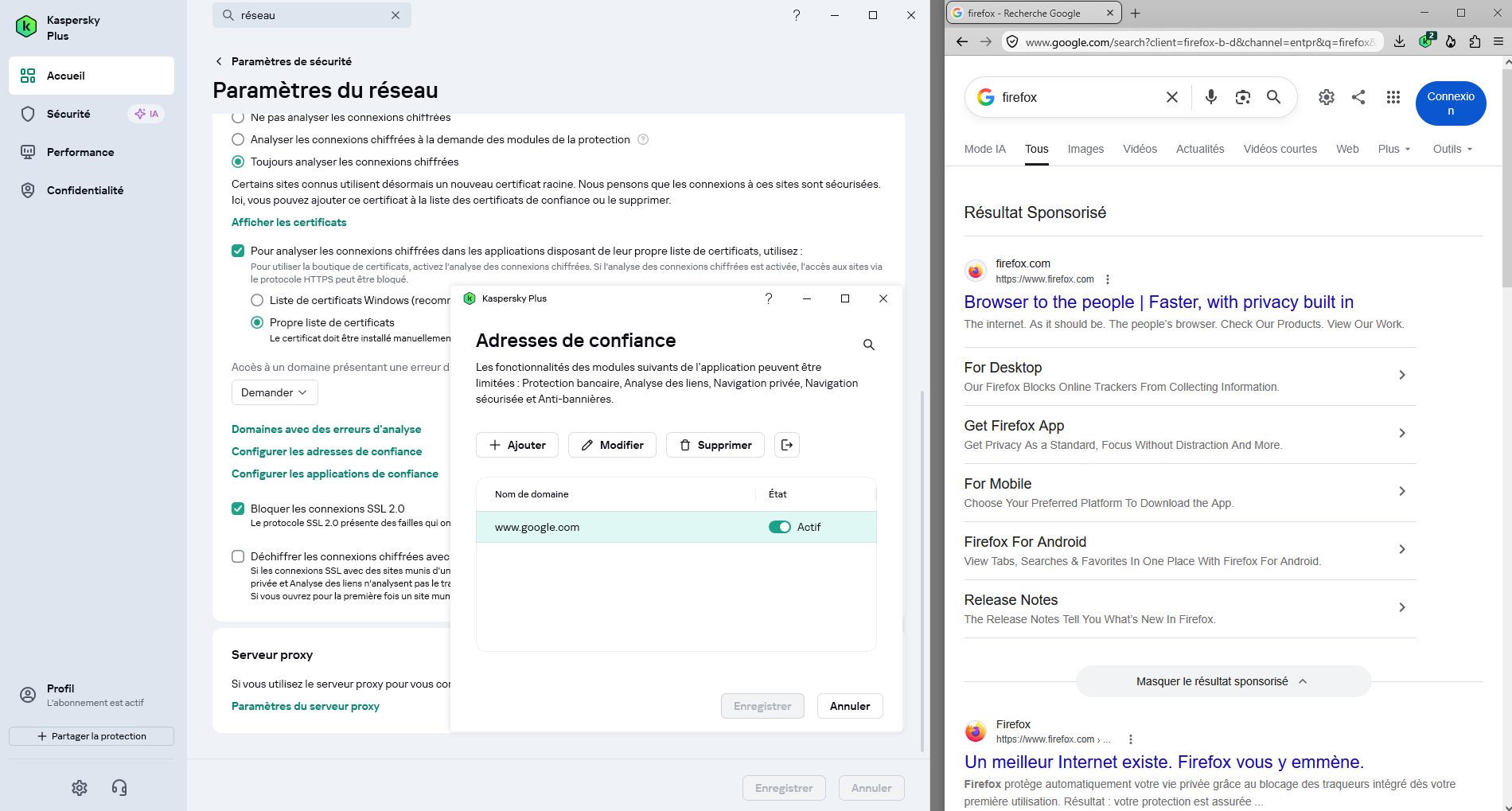
Modified by Agent virtuel
they need to fix this

hi Roberrt99, do you have Nvidia app on your computer ? I was disconnected and i connected again to my account, since then, no more of this captcha everytime when searching on google, at least for the moment...
francoislacoste01 said
hi Roberrt99, do you have Nvidia app on your computer ? I was disconnected and i connected again to my account, since then, no more of this captcha everytime when searching on google, at least for the moment...
I don't.
Modified by roberrt99
still there after the latest update.
Bonsoir
francoislacoste01 said
connected again to my account, since then, no more of this captcha everytime when searching on google, at least for the moment...
Test performed, Configurer les adresses de confiance www.google.com Inactif. Of course (screenshot) https://myaccount.google.com, but, when i disconnect and search on google or close Firefox, start Firefox and search on google. Nos systèmes ont détecté un trafic exceptionnel sur votre réseau informatique. Cette page permet de vérifier que c'est bien vous qui envoyez des requêtes, et non un robot. Que s'est-il passé ?
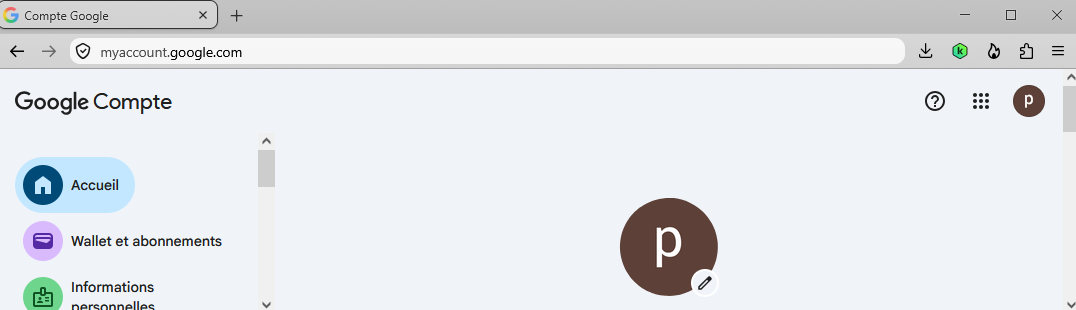
Modified by Agent virtuel
doesnt seem to matter what settings i change, it keeps coming back

Im too have this problem but only when using private window regular tab is fine. 9/23/2026
i never had this problem until two weeks ago. So I turned off private browsing and it was fine for a bit, then the next day the issue started again eventhough private browsing was off.

The repeated Google Captcha has been frustrating - for weeks unable to find a solution. Today I used a combination of changes and it seems to have stopped. That is just "today". Time will tell if it returns. I did this.
In Google settings - instead of clearing browsing history every time I close, I changed to 3 months.
In Firefox I turned off private browsing.
And following a 6/12/2026 post made by clb6 who fixed it on a MAC......I followed clb6 recommended steps in Firefox - copied in below.
added http://google.com and https://google.com to Settings->Privacy and Security->Cookies and Site Data -> Manage Exceptions , clicked "ALLOW" , clicked "SAVE CHANGES",
uncheck Clear Site Settings, go to: History -> Clear Recent History -> Clear Browsing Data and Cookies -> when Everything -> uncheck Site Settings
I closed all programs, rebooted the Windows 11 PC.....and performed numerous searches closing Firefox in between each.....that before were blocked with repeated Google Captcha. The problem has not repeated (at least yet)!