


Open
Remove logo

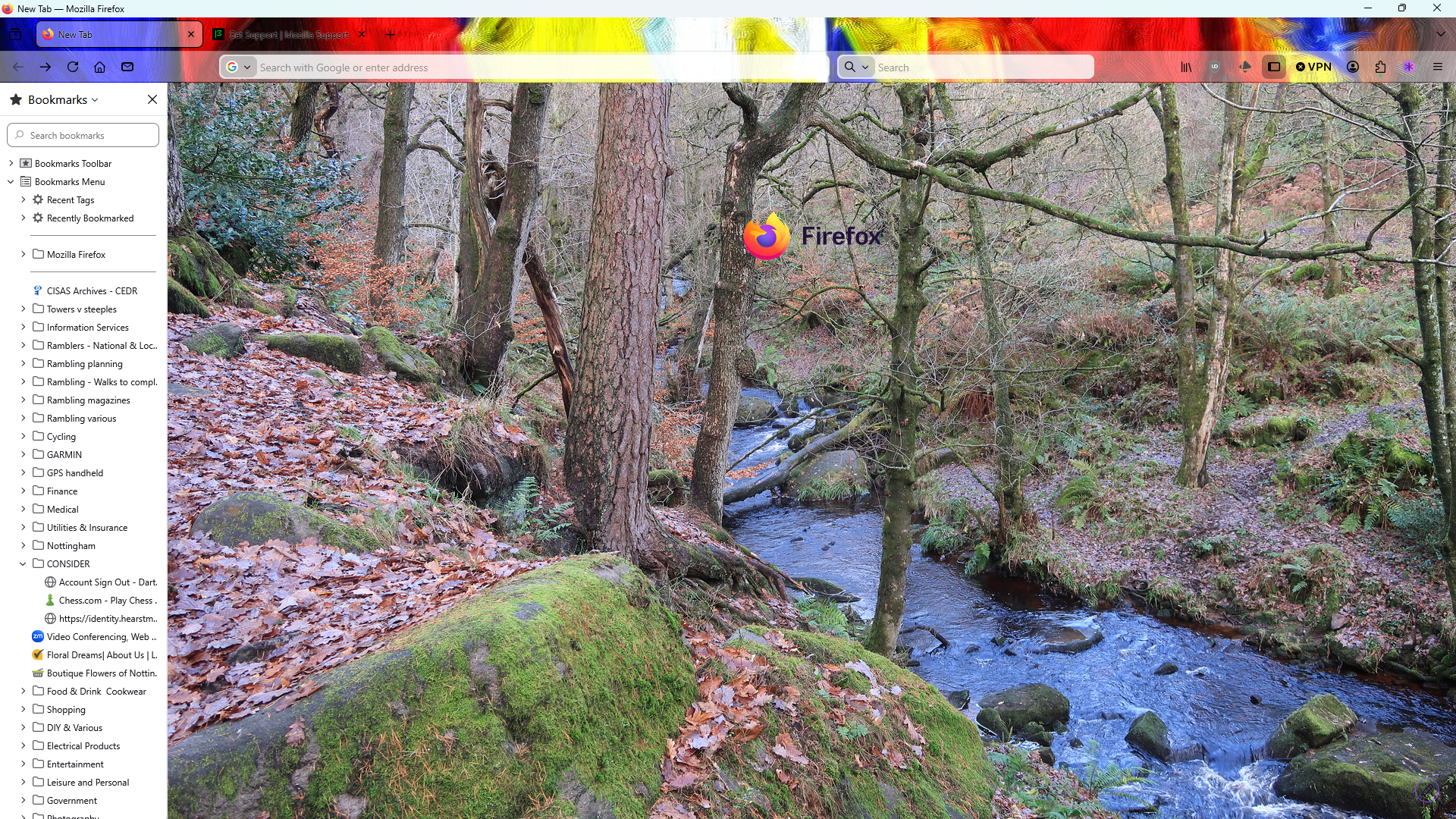
Hi! How do I remove the Firefox logo which suddenly appeared in middle of screen when I open Firefox.
Hi! How do I remove the Firefox logo which suddenly appeared in middle of screen when I open Firefox.
All Replies (1)
Hello
https://support.mozilla.org/en-US/kb/about-new-tab-page
A space for users to give product feedback https://support.mozilla.org/en-US/kb/what-mozilla-connect
Try 1 - Go to configuration editor https://support.mozilla.org/en-US/kb/about-config-editor-firefox 2 - Enter a search term browser.newtabpage.activity-stream.nova.enabled You can double-click on the preference to set the value to false
Modified by Agent virtuel