


How to remove FF logo from New Tab

Hello,
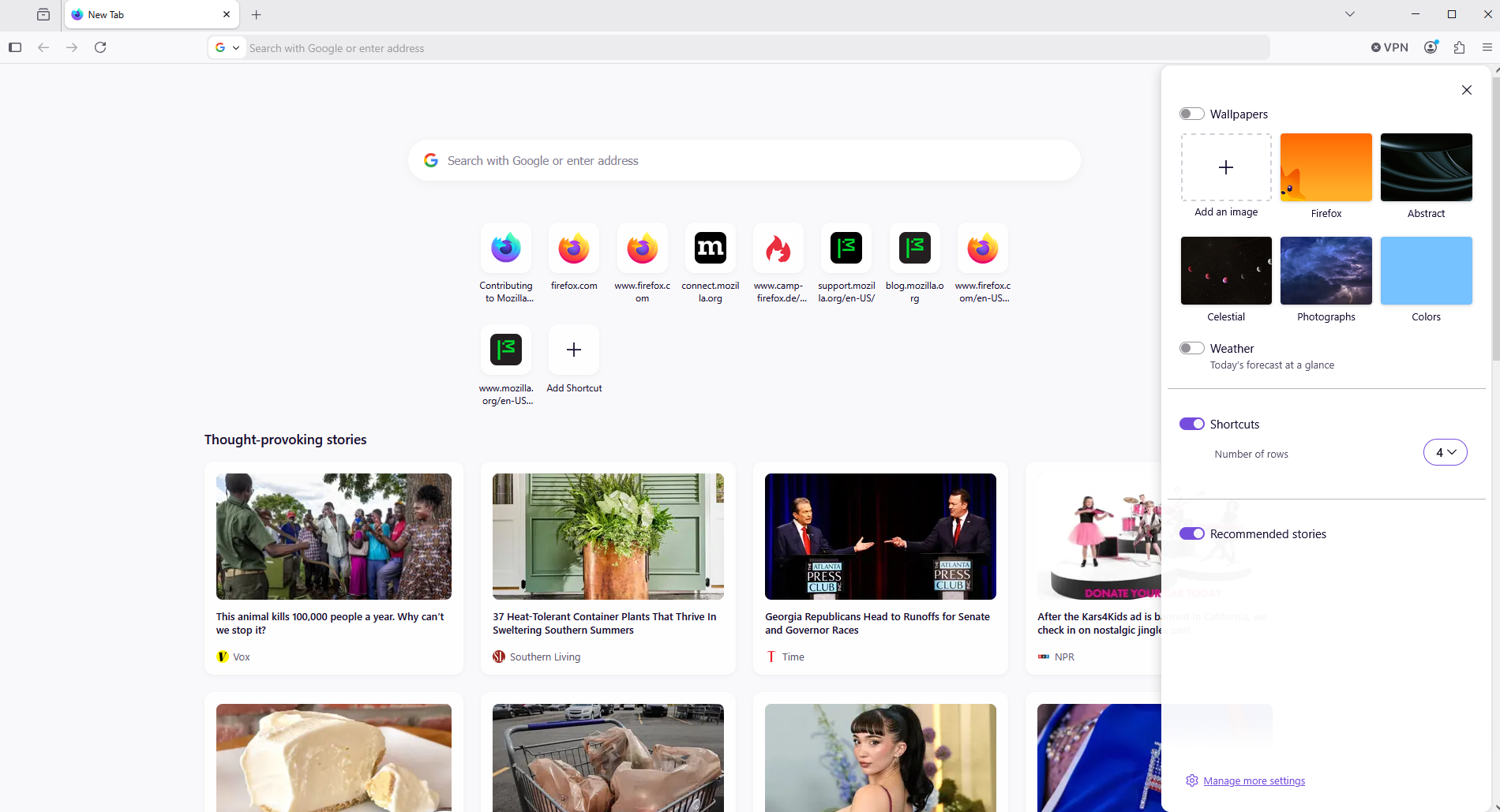
After today's FF update my new tab has the FF logo obscuring the image. I've tried removing it in about:config by setting this preference to false: browser.newtabpage.activity-stream.logowordmark.alwaysVisible But it didn't work.
I don't want the logo and also don't want the search bar. I want just the image.
When that didn't work, I tried going to Settings->Home->New Windows and Tabs I was able to set Homepage and New Windows to a Custom URL, but not New Tabs.
What's up with this??
I read somewhere to try using a custom css and set the attribute of .logo-and-wordmark to none. I don't know how to do that.
Is there a workaround that doesn't involve creating a custom css? If not, I'd like some advice on how to create a css.
Many Thanks! - Andre'a
Chosen solution
DreaSpirit, unless if someone else suggests something more suitable, you might be able to (temporarily) revert back to the previous version of the New Tab page by going to about:config, searching for "browser.newtabpage.activity-stream.nova.enabled" and setting it to false.
It's a possible workaround at least.
Also, the developers are listening to feedback on the new New Tab page at the link below, so it might be worth posting yours there if you wanted to. https://connect.mozilla.org/t5/discussions/firefox-151-introduces-a-fresh-new-look-for-home-amp-new-tab/td-p/125715
Read this answer in context 👍 0All Replies (5)

Chosen Solution
DreaSpirit, unless if someone else suggests something more suitable, you might be able to (temporarily) revert back to the previous version of the New Tab page by going to about:config, searching for "browser.newtabpage.activity-stream.nova.enabled" and setting it to false.
It's a possible workaround at least.
Also, the developers are listening to feedback on the new New Tab page at the link below, so it might be worth posting yours there if you wanted to. https://connect.mozilla.org/t5/discussions/firefox-151-introduces-a-fresh-new-look-for-home-amp-new-tab/td-p/125715
Modified by TechHorse
Hello
A similar request https://connect.mozilla.org/t5/discussions/firefox-151-introduces-a-fresh-new-look-for-home-amp-new-tab/m-p/125839/highlight/true#M49673
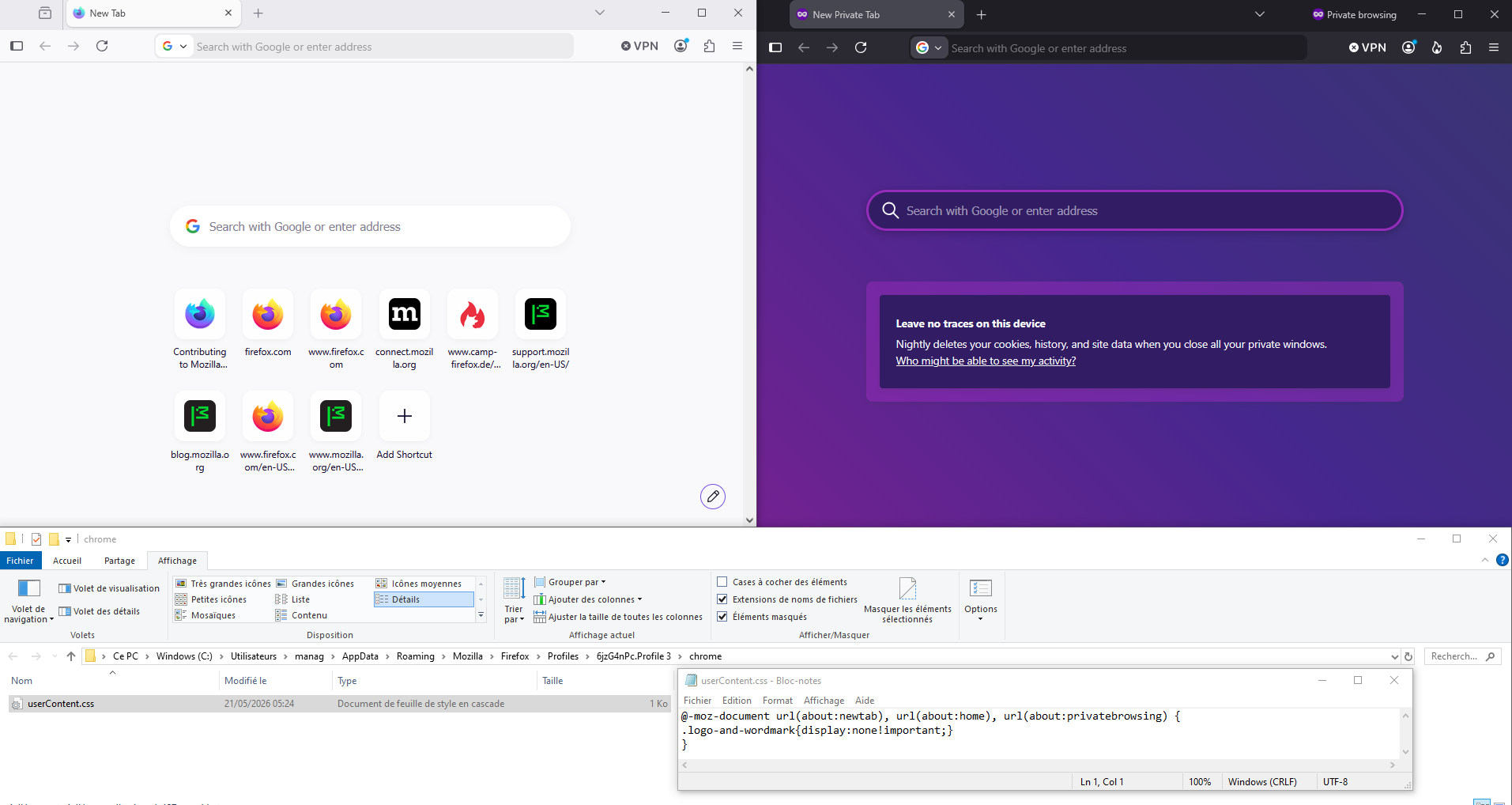
For information, with the help of userContent.css file, you can find tutorials on the web. https://connect.mozilla.org/t5/discussions/giant-logo/m-p/111993/highlight/true#M43314
Below, a test userContent.css
Hi TechHorse! Hi Agent virtuel!
I appreciate both of your responses. I'll spend more time on this issue over the next few days. I look forward to following thru with your suggestions. I'll let you know how it goes.
Thanks again for the suggestions. - Andre'a