


Hotmail will not load up. Just a blank white screen.

I cannot access my hotmail on Firefox anymore. It is just a blank white page "outlook.live.com/mail/0/" is what the tab shows up as. I have cleared cache/cookies and such, it has done nothing. Any help would be appreciated. Thanks
All Replies (10)
Does it still happen in Troubleshoot Mode?
Yes the problem is still present in Troubleshoot Mode.

When I click on the link you provided, it takes me to https://outlook.live.com/owa/0/?state=1&redirectTo=aHR0cHM6Ly9vdXRsb29rLmxpdmUuY29tL21haWwvMC8
with ready to login.
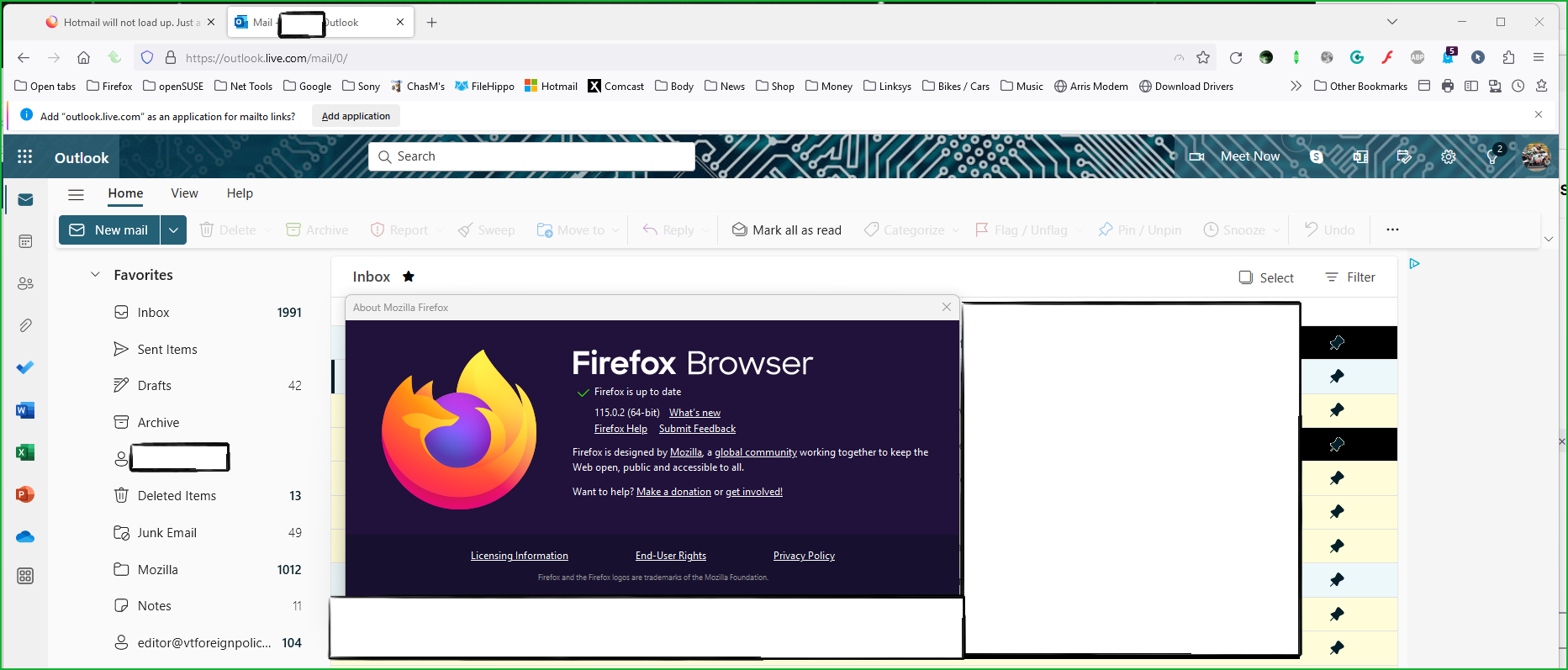
I can login with no issue. see screenshot You need to show us the issue.

What security software are you running?
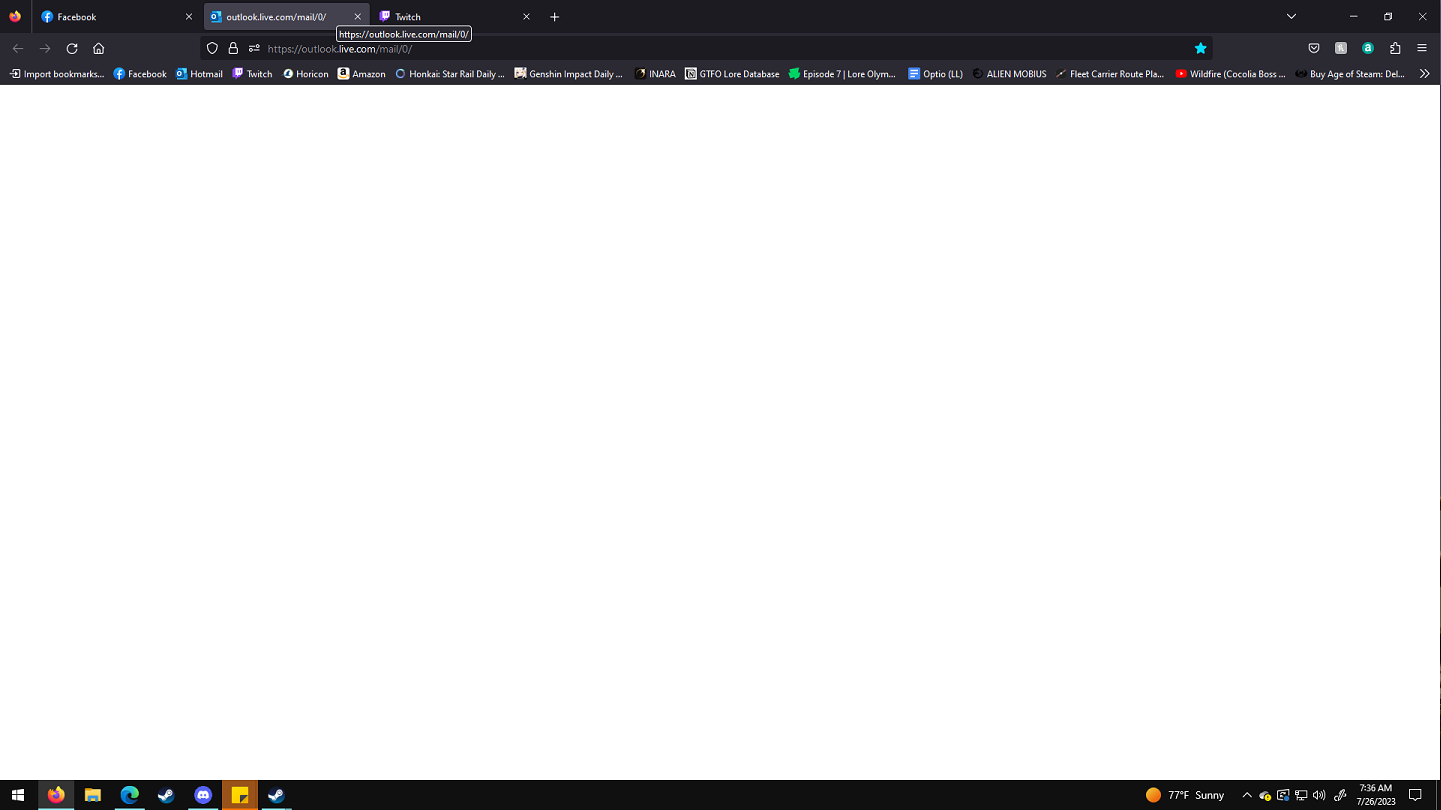
This is all I get when I log in to Outlook on Firefox. I run Avast and your normal Windows firewall. Neither of which had an update within the time frame of this issue (a week now).
Disable Avast, reboot, and try https://outlook.live.com/. When you go to http://outlook.live.com/mail/0/ and it doesn't redirect to the login page with the female I posted above tells me that something is preventing your Firefox from redirecting.
Modified by jonzn4SUSE
Disabled Avast, rebooted, and no dice! Still getting the same blank white page.
If you're running Windows Pro, try this option.
How to Use Windows 10's New Sandbox (to Safely Test Apps) https://www.howtogeek.com/399290/how-to-use-windows-10s-new-sandbox-to-safely-test-apps/
You can check the Web Console (Tools -> Web Developer) for messages about blocked content and about the presence of mixed or unsafe content.
You can check the Network Monitor to see if content is blocked or otherwise fails to load.
If necessary use "Ctrl+F5" or "Ctrl+Shift+R" (Mac: Command+Shift+R) to reload the page and bypass the cache to generate a fresh log.
So doing "Ctrl+F5" while on the blank page fixed the issue. Made a new bookmark of it and it is working fine. With that having solved it can anyone explain what the problem was then? Thanks.