


Firefox home page (MSN) story headlines only scroll part way

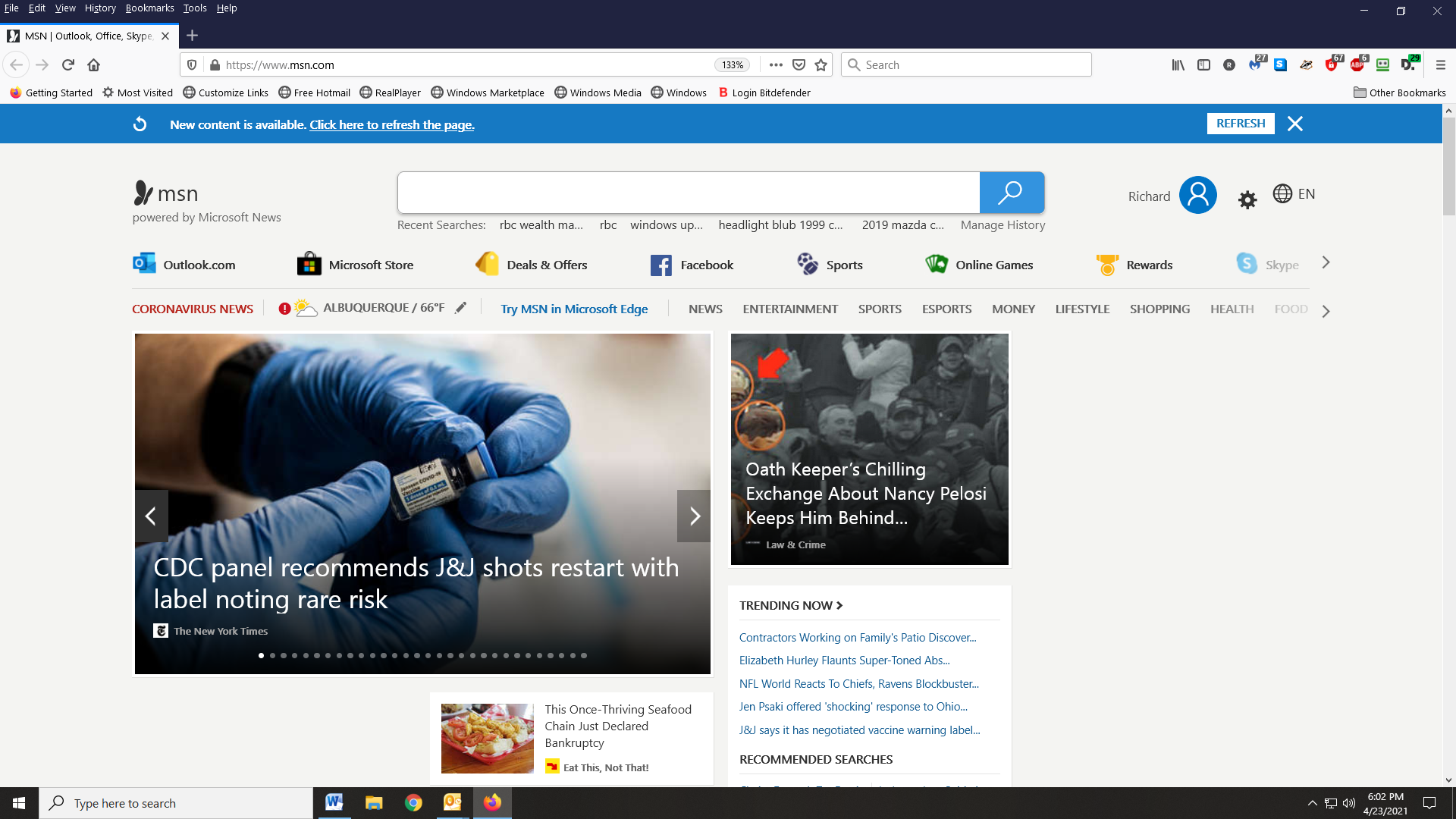
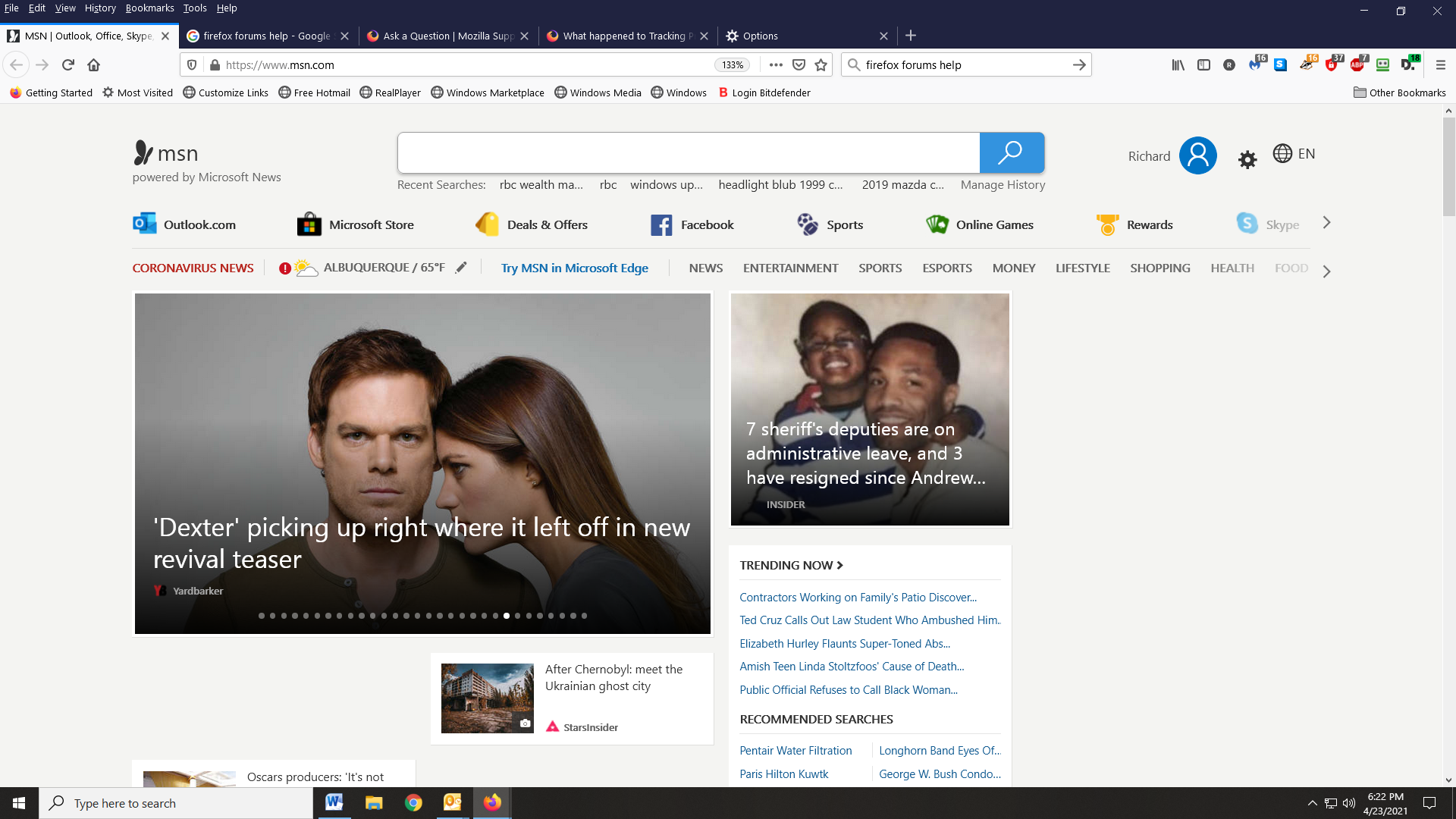
Firefox home page (MSN) top stories only scrolls part way. It stops 7 headlines from the end. I have try changing network settings in Options from " Use system proxy settings" to " No proxy settings". This didn't fix the issue. See pic 1 for beginning of scrolling and pic 2 has scrolled within 7 screens of the end. This is as far as it will scroll
選ばれた解決策
Deleted all cookies, all site data and cache per the instructions above. Did not fix problem.
Started firefox in safe mode and disabled Hardware Acceleration. This fixed the issue in safe mode.
Restarted firefox and made sure the settings for Hardware Acceleration were still unchecked. Still have the issue. Next disabled all extensions and restarted firefox. Issue was fixed. Enabled Hardware Acceleration and issue was fixed. Found that “ADBLOCKER ULTIMATE” was the culprit causing my issue. Have reported this to Mozllla for them to review. Thanks to FredMcD for the suggestions.
すべての返信 (5)
DOES ANYONE ELSE HAVE THIS ISSUE? HOW TO FIX??????????

Many site issues can be caused by corrupt cookies or cache.
Warning ! ! This will log you out of sites you're logged in to. You may also lose any settings for that website.
- How to clear the Firefox cache {web link}
If there is still a problem, Start Firefox in Safe Mode {web link} by holding down the <Shift> (Mac=Options) key, and then starting Firefox.
A small dialog should appear. Click Start In Safe Mode (not Refresh). Did this help?
While you are in safe mode;
Try disabling graphics hardware acceleration in Firefox. Since this feature was added to Firefox it has gradually improved but there are still a few glitches.
How to disable Hardware Acceleration {web link}
選ばれた解決策
Deleted all cookies, all site data and cache per the instructions above. Did not fix problem.
Started firefox in safe mode and disabled Hardware Acceleration. This fixed the issue in safe mode.
Restarted firefox and made sure the settings for Hardware Acceleration were still unchecked. Still have the issue. Next disabled all extensions and restarted firefox. Issue was fixed. Enabled Hardware Acceleration and issue was fixed. Found that “ADBLOCKER ULTIMATE” was the culprit causing my issue. Have reported this to Mozllla for them to review. Thanks to FredMcD for the suggestions.
Load the web page. After the page is loaded, click the AdBlock icon. Now select Disable on <website>. After, reload the page.
Thanks