


firefox 29 printing issue

I've upgraded to 29 recently and found that it has problem with printing tables. When i define scale that differs from 100%, for example 80% it make some cell borders bold, some cell borders are missing. I've downgraded to 28 and everything is just perfect. Can be reproduced in Xubuntu 14.04 i386 Probably it's related problem https://support.mozilla.org/en-US/questions/997170
Tutte le risposte (14)
The other thread is specific to PDFs, which actually are coming out blank for some users. Is the problem with using scaling when printing PDFs, or when printing regular web pages?
This issue is about regular web pages.
Do you have a URL for page like that?
Or can you create a test case?
Please check this link http://pastebin.com/wu7qj3JP
The scaling is set in the page by a call to the https://addons.mozilla.org/firefox/addon/js-print-setup/ extension? I've never heard of that before...
Do you get the same problem setting the scaling in the native Page Setup dialog or on the toolbar in Print Preview?
Result is the same on clean config of ff29
I think we need to connect it with the print.css style sheet. Otherwise, the borders are "none" by default. This probably isn't what you're seeing: http://jsfiddle.net/Wv9pw/
I'm absolutely sure it's not css related. Here is text. Your link is not what i see. Bug can bee seen when page in scale 100% and all cell borders are visible compared to scale 80%: some borders are bold and some borders are missing.
.torg-table { line-height: 8pt; width:100%; border-collapse:collapse; } .torg-table th { padding:1px; } .torg-table td { padding:1px; } .torg-table .cellComment { font-size: 7pt !important; }
.torg-table-list { line-height: 8pt; width:100%; border-collapse:collapse; } .torg-table-list th { padding:1px; border:1px solid #000000 !important; } .torg-table-list td { padding:1px; border:1px solid #000000 !important; }
Thank you for those border rules. Preview is missing a lot of borders, but they do appear in a PDF printout. Upon close zooming, some of the borders appear heavier than others. I don't know why that is if they are all 1px. Note: this is on Windows 7.
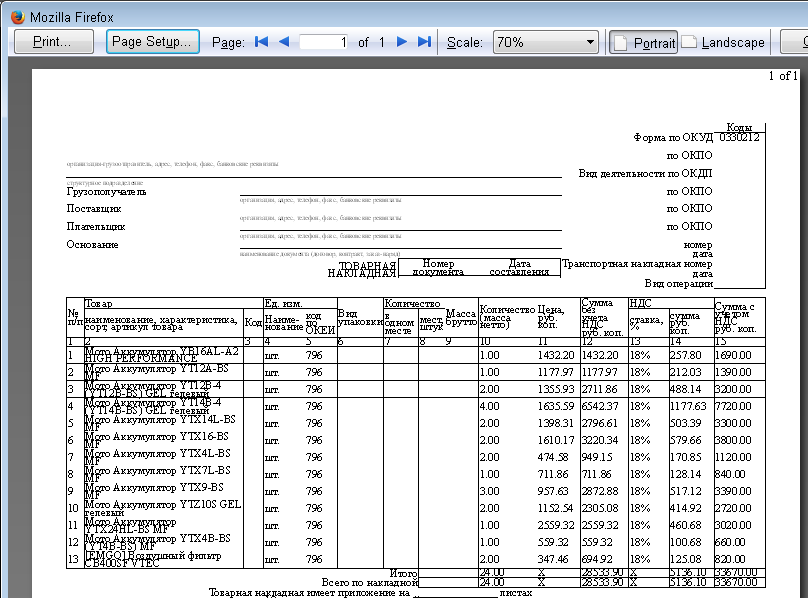
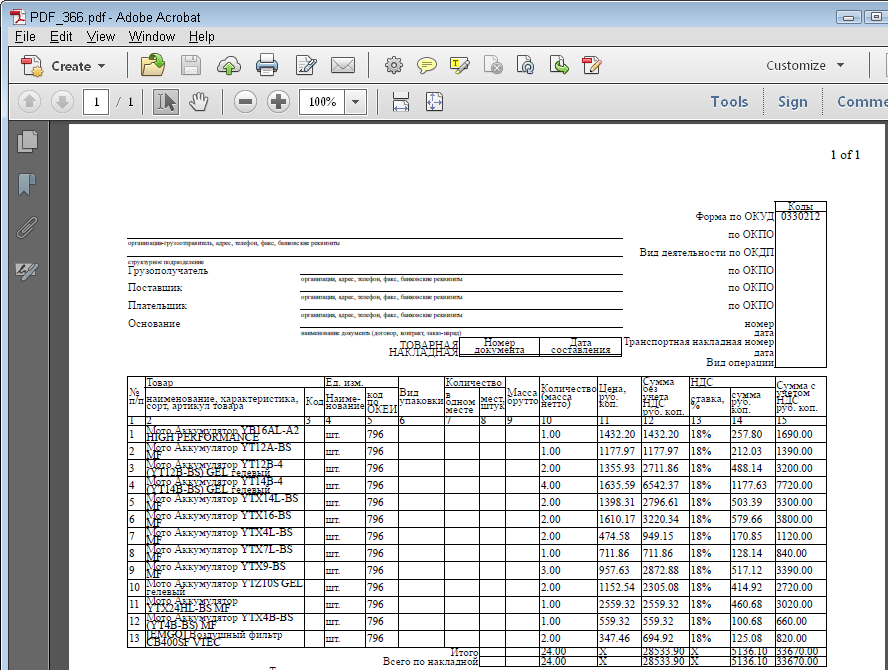
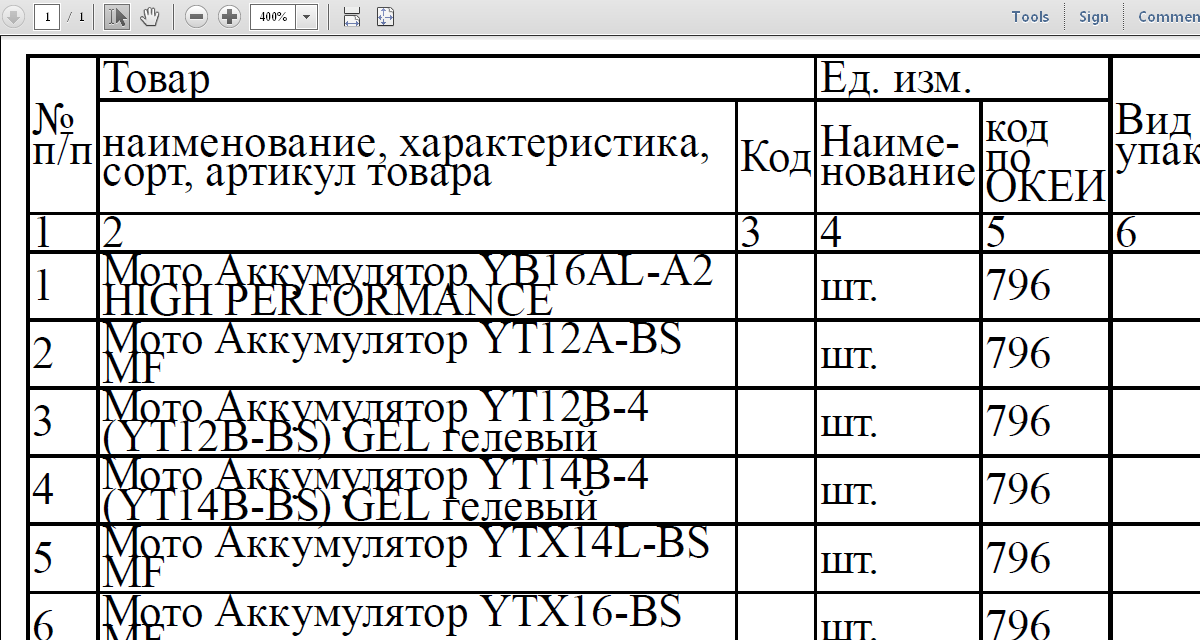
Please take a look at my screenshot. The document, i've posted earlier is printed to pdf via standard firefox function. On real printer it looks exactly the same. This problem not related with any firefox extensions. Same result can be reproduced on clean firefox config in my system. Something changed in v29 because v28 stays as good as always been.
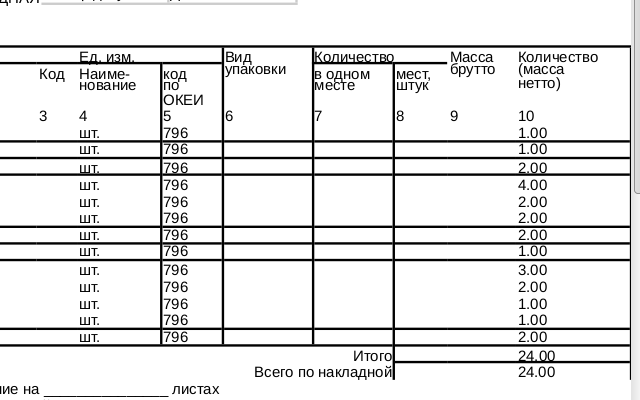
Should i open bug report for this issue?
Yes. Even though I couldn't replicate it on Windows, it could be a bug for other Linux users or for different printers.
I have the same problem.
I tried printing the same document on Firefox 29 from Ubuntu, and borders were randomly missing. I tried printing the same document from Firefox 29 on Windows XP and the document printed as expected, i.e. exactly as it shows in the print preview.
If there is a bug report for this please post a link to it so I can follow progress, thanks.
(NB Chrome didn't print any borders, but at least it was consistent and printed all the edges without borders).
Modificato da ecoten il
Please vote for this bug https://bugzilla.mozilla.org/show_bug.cgi?id=1011858