Merging Logins, Passwords, etc from different computers, profiles, devices.

Hello world! Is there any documentation explaining if FireFox Sync is the best way to merge different computers and/or devices with different logins saved? And if yes, how to use it (which computer log in first, etc). Has anybody done it and can explain if in the process entries with the same URL were duplicated or if the newer login information overwrote the older one?
I have found this question ALL OVER the internet (phrased differently) and yet, NOT ONE OFFICIAL ANSWER or an unofficial one that actually answers the question. Many well intended volunteers suggest to export and import but then again, there's no information on how the process works. (Duplication or saving Account #1 Over Account #2 or newer over older, etc). How can we get a an official answer? I am sure the coders know how their tool works... why is it so hard to help so many people in need?
For users who have been using FireFox in different computers over the years, it's a VERY REAL problem. Right now, I have to switch between my different devices when searching for passwords as I'm unsure what the Sync would do.... We should not be sorry for having chosen FireFox over other browsers... Thank you.
Tutte le risposte (2)
For merging logins from multiple devices is using Sync still the best option as importing a CSV backup is broken in 104-107 (is fixed in 108). You can beforehand export the logins on a desktop device to CSV to have at least a backup.
You do not get multiple entries of the same logins if details like origin and username and password of the login are the same.
You can also keep a backup copy of logins.json and key4.db in the profile folder.
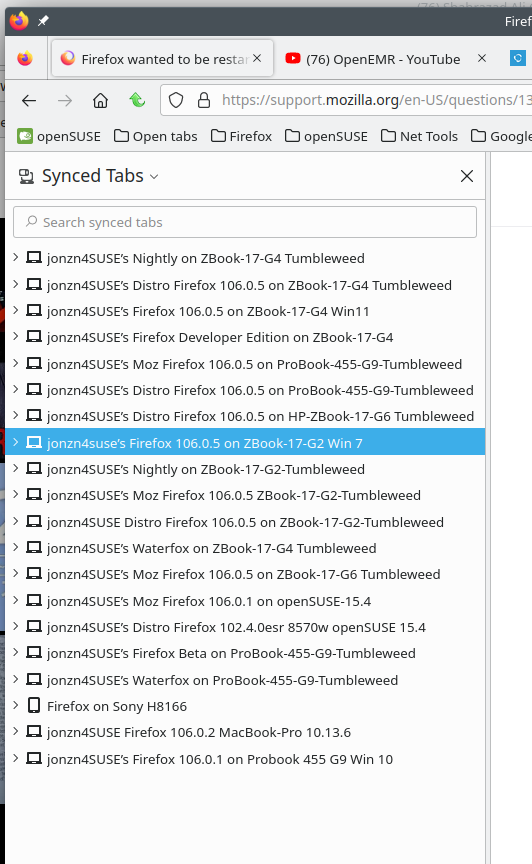
Keep it simple with Sync. see screenshot I'm on multiple laptops running different versions of Firefox so that my data is not in just 1 browser on 1 device.