


Firefox slow after fresh install

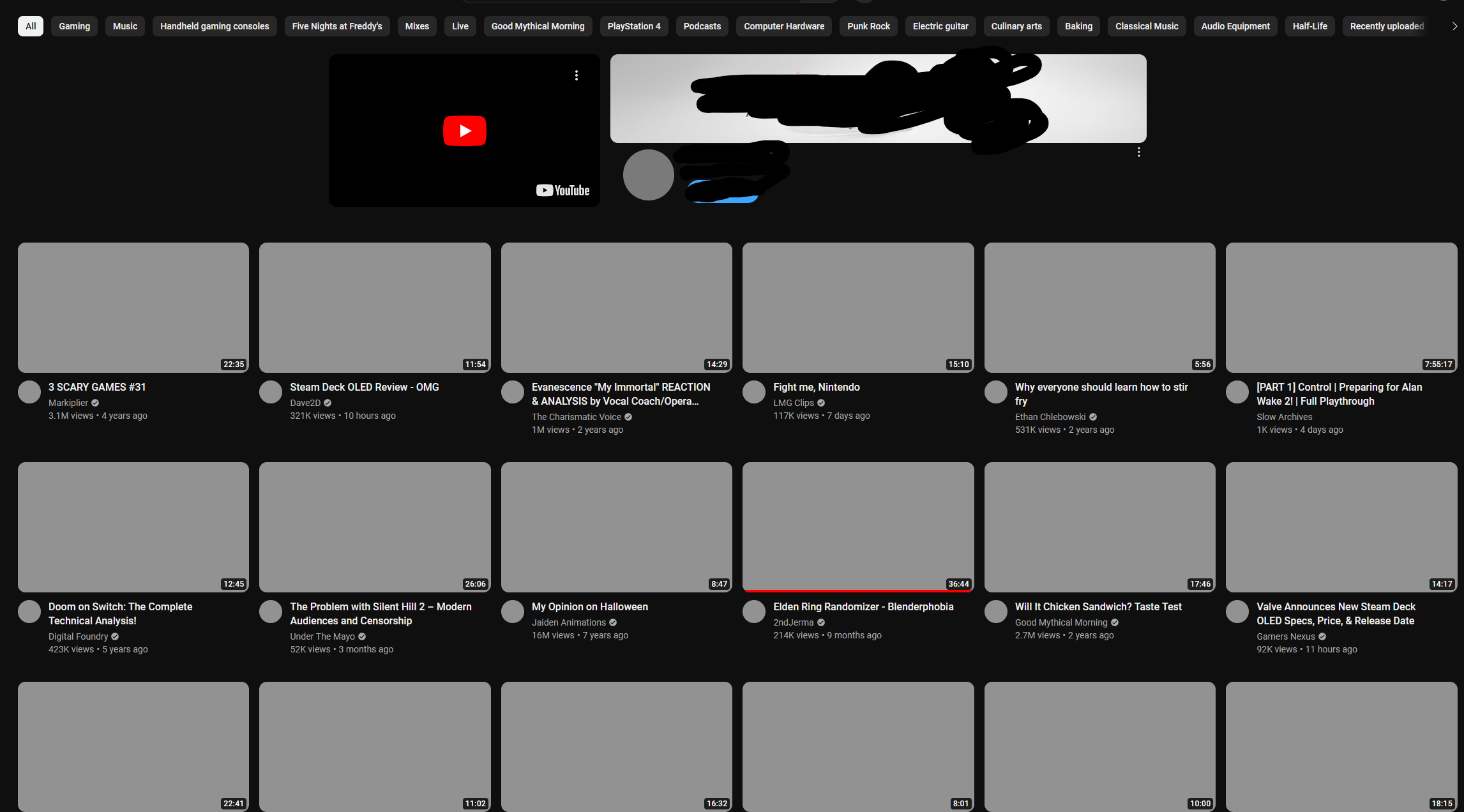
I decided to migrate from chrome to firefox, sadly, my experience has been faced with random slow downs or partial loads even on a fresh install. It's weird but it seems that at random times some websites will refuse to fully load or even start loading, it appears that the app is just hanging. This is usually fixed after several refreshes. Oddly enough, even on a fresh install, if I attempt to load up the same website while in private browsing, it loads right away, again this is consistent even on a fresh install, the attached image was an attempt to load youtube after signing in on a fresh install without add-ons, I tried loading up youtube in private and it worked right away. Chrome wasn't presenting this problem on my computer for years. Any ideas? My computer specs are high enough where they shouldn't matter. I'm running an AMD GPU (7900 XTX) but I haven't found any know issues regarding these, to even discard that, I disabled hardware acceleration, but the issue persisted. Running up to date windows 10, installing latest version of firefox.
Wót gabevt změnjony
Wšykne wótegrona (3)
Try changing secure DNS over HTTPS (DoH) to "Off" or "Increased Protection" and in Connection Settings change "Use system proxy settings" to "No proxy".
Does it still happen in Troubleshoot Mode?
Hey zeroknight! The issue is present even with the suggestions you provided, I think I've isolated the problem though, it's the Web Shield from Avast, guess I should post on their forums? But whenever I enable it the issue happens every 3-5 minutes, with it disabled, I was able to surf for hours without problems. I tried enabling it in combination to your suggestions, but it didn't seem to work. Any ideas?
Maybe Avast's Web Shield does not like your browser configuration.
Does it still happen in a new profile? An easy way to test a new profile is to install Developer Edition and see if it happens there or refresh your existing profile.