


On some Webpages not-visited Hyperlinks are red and i dont get why

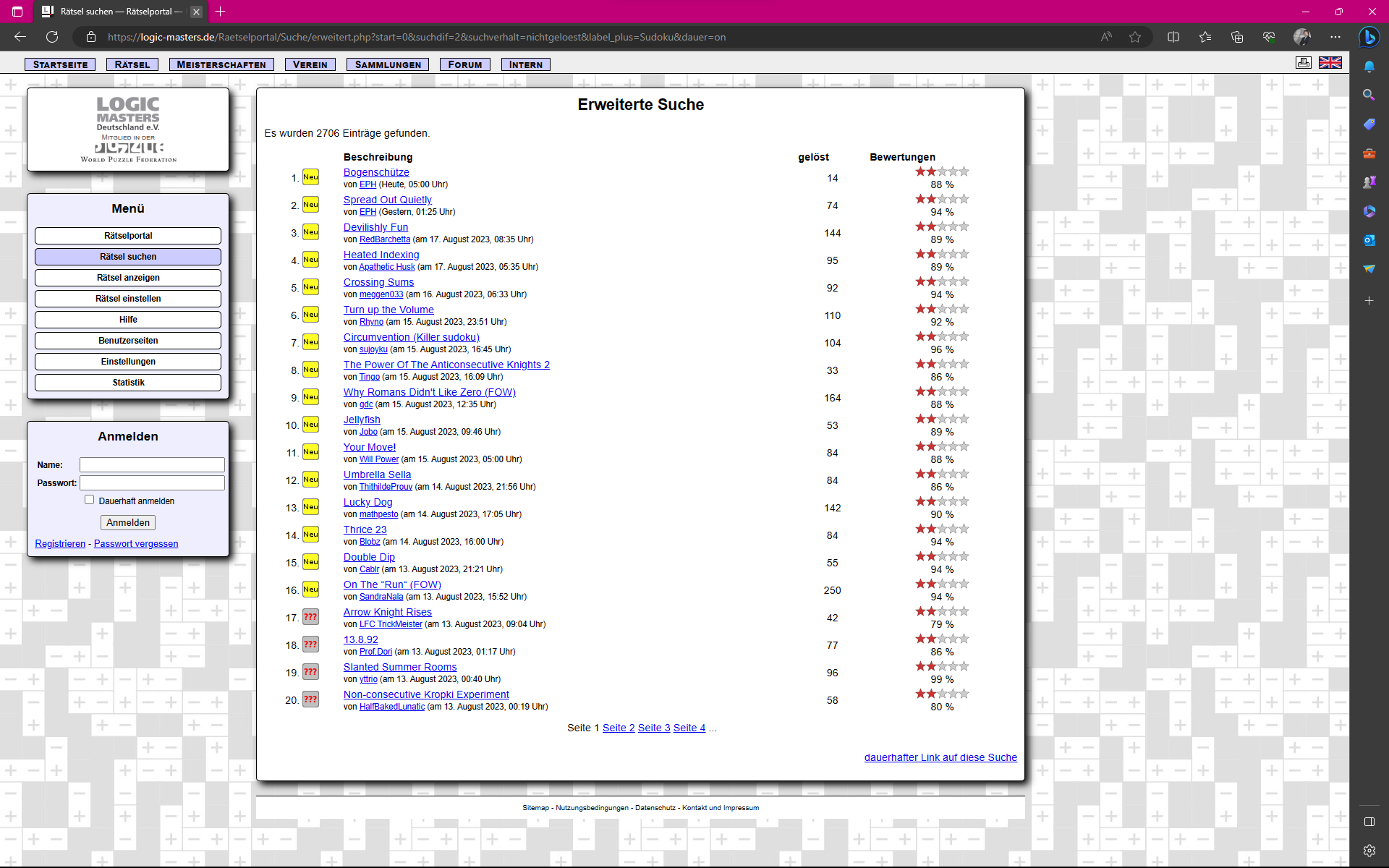
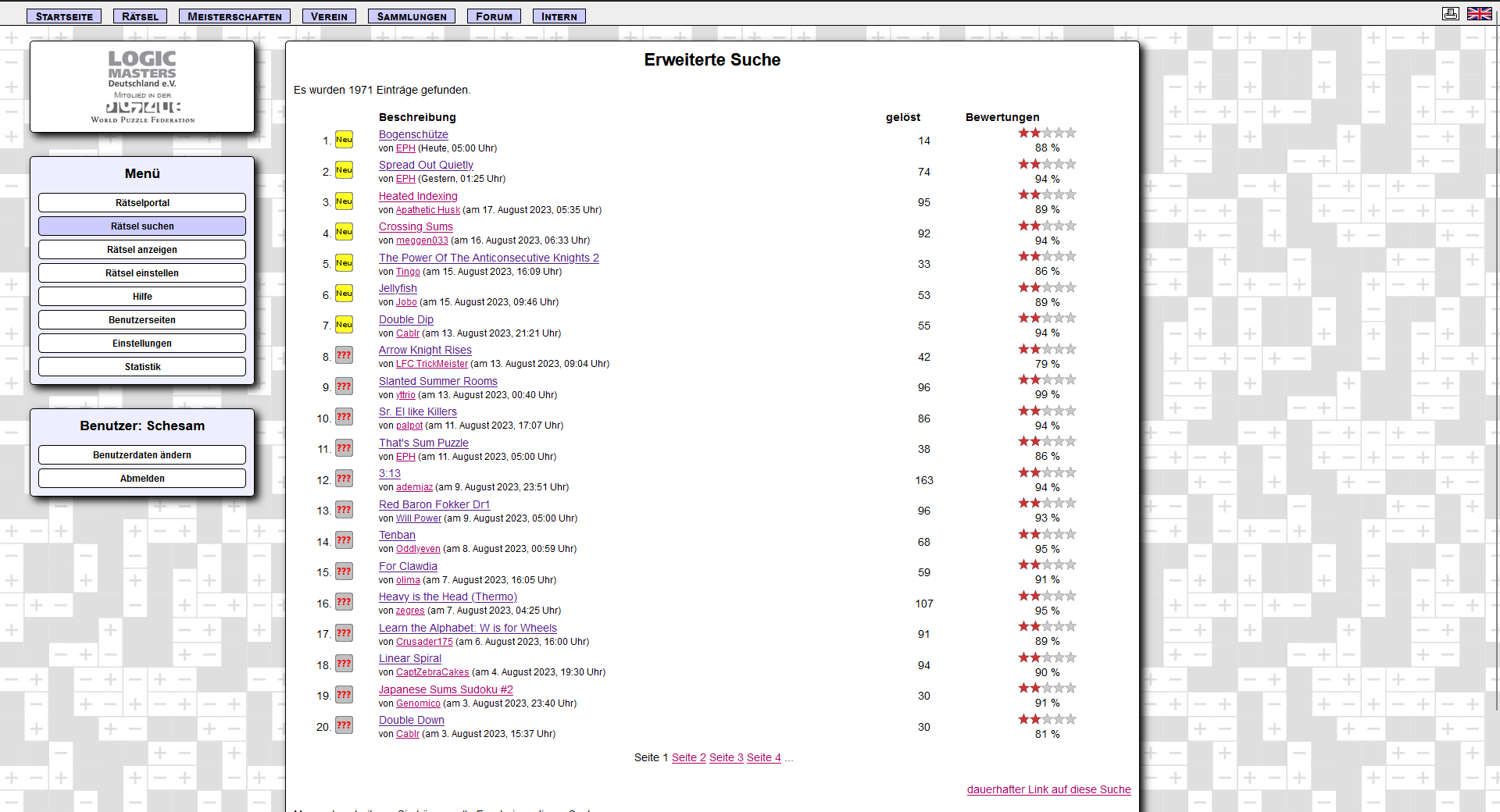
I added 2 Screenshots, one from Firefox and one from Edge. Link is the following: https://logic-masters.de/Raetselportal/Suche/erweitert.php?start=0&suchdif=2&suchverhalt=nichtgeloest&label_plus=Sudoku&dauer=on
Before i got my Laptop, the Link color was normal blue, it just appeared like that on my new one. At first i thoguht, i just have wrong settings. But on most other Websites ist blue like it should. Then i thought the Website changed something. But in the Developer Tools those links dont have any CSS added to them for the color. Then i switched Browser to Edge and everything is normal there too.
So whats the Problem?
Alle Antworten (4)
Check your link color settings (see attached screenshot).
Does it still happen in Troubleshoot Mode?

zeroknight schrieb
Check your link color settings (see attached screenshot). Does it still happen in Troubleshoot Mode?
Yea, like i said the settings are fine and it only happens on a few Websites (For example on Ecosia every Link is blue except the ones i clicked on). I just tested it on FIrefox on another PC and the exact same Page looks like it should. In Troubleshootmode it looks the same.
Does it still happen in a new profile? An easy way to test a new profile is to install Developer Edition and see if it happens there or refresh your existing profile.

I get the same issue on one website after an extension has reloaded the page. I have dealt with it by unloading the page, finding both entries of the page in history and deleting them.
Geändert am von Terry