Windows 10 reached EOS (end of support) on October 14, 2025. If you are on Windows 10, see this article.

Hilfe durchsuchen

Vorsicht vor Support-Betrug: Wir fordern Sie niemals auf, eine Telefonnummer anzurufen, eine SMS an eine Telefonnummer zu senden oder persönliche Daten preiszugeben. Bitte melden Sie verdächtige Aktivitäten über die Funktion „Missbrauch melden“.

Weitere Informationen
Archiviert

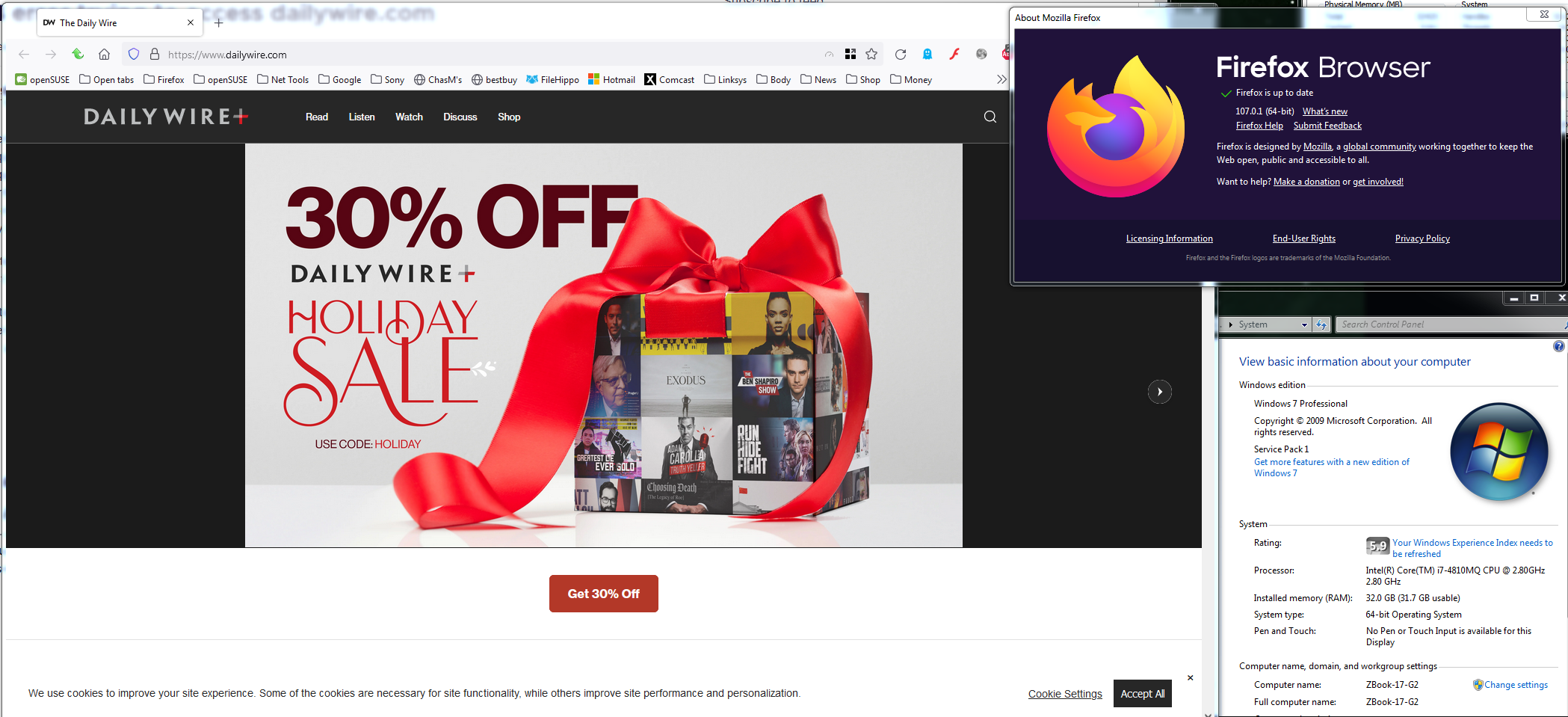
494 error trying to access dailywire.com

SuMo Bot beantwortet
gjmillar2001

I've been trying to days, and this is what I get: 494 ERROR The request could not be satisfied. Bad request. We can't connect to the server for this app or website at this time. There might be too much traffic or a configuration error. Try again later, or contact the app or website owner. If you provide content to customers through CloudFront, you can find steps to troubleshoot and help prevent this error by reviewing the CloudFront documentation.

Generated by cloudfront (CloudFront) Request ID: Jkd7exhgxkc-2zoIcLXq5pY5_hZ6vwdc2mO0_tKiO5kJHApCmiKAUQ==

I've restarted the browser and the laptop, and still get the error. I CAN access dailywire.com on Microsoft Echo, however. I prefer using Firefox. What can I do to make this work?

I've been trying to days, and this is what I get: 494 ERROR The request could not be satisfied. Bad request. We can't connect to the server for this app or website at this time. There might be too much traffic or a configuration error. Try again later, or contact the app or website owner. If you provide content to customers through CloudFront, you can find steps to troubleshoot and help prevent this error by reviewing the CloudFront documentation. Generated by cloudfront (CloudFront) Request ID: Jkd7exhgxkc-2zoIcLXq5pY5_hZ6vwdc2mO0_tKiO5kJHApCmiKAUQ== I've restarted the browser and the laptop, and still get the error. I CAN access dailywire.com on Microsoft Echo, however. I prefer using Firefox. What can I do to make this work?

Alle Antworten (1)

Do you have the same issue with Firefox in Safe Mode? https://support.mozilla.org/en-US/kb/diagnose-firefox-issues-using-troubleshoot-mode#w_how-to-start-firefox-in-4troubleshoot-modesf5safe-modesf What security software are you running?