


"Thunderbird can't connect to the server" Part 2

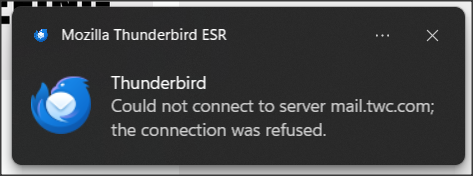
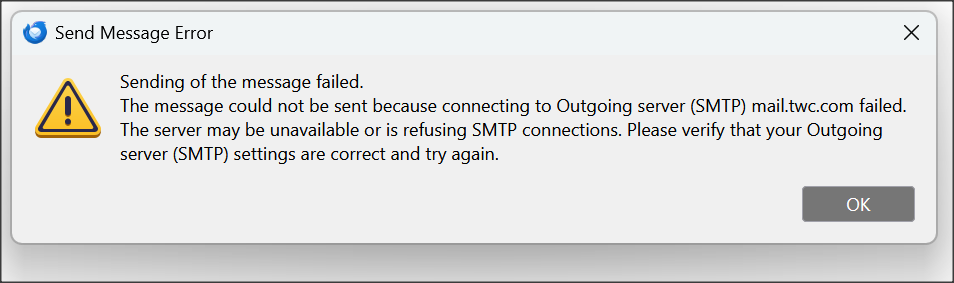
Recently I posted about this problem here: https://support.mozilla.org/en-US/questions/1580858 In sum, I was having problems both in downloading messages from the Spectrum server and also with sending messages. I've attached screenshots of the error messages.
Matt and David kindly posted some helpful responses. The problem then seemed to spontaneously solve itself and I breathed a sigh of relief. Then a few days later it re-appeared.
This time it's not quite as bad in that I'll get the error messages but then usually a few minutes later I can download the messages or send an email. But it's still a real problem.
I called Spectrum again and this time the rep was adamant that if I can still use the Spectrum webmail feature (and I can), then it's not a Spectrum issue.
Last time Matt asked about my antivirus. I use Windows Defender (and occasionally do a manual scan with Malwarebytes free version), so if I understood him right, I should be OK as far as antivirus interference.
Matt also suggested I set TB so that I download messages at startup and every 15 minutes. I was set to every 10 minutes so I changed it to 15.
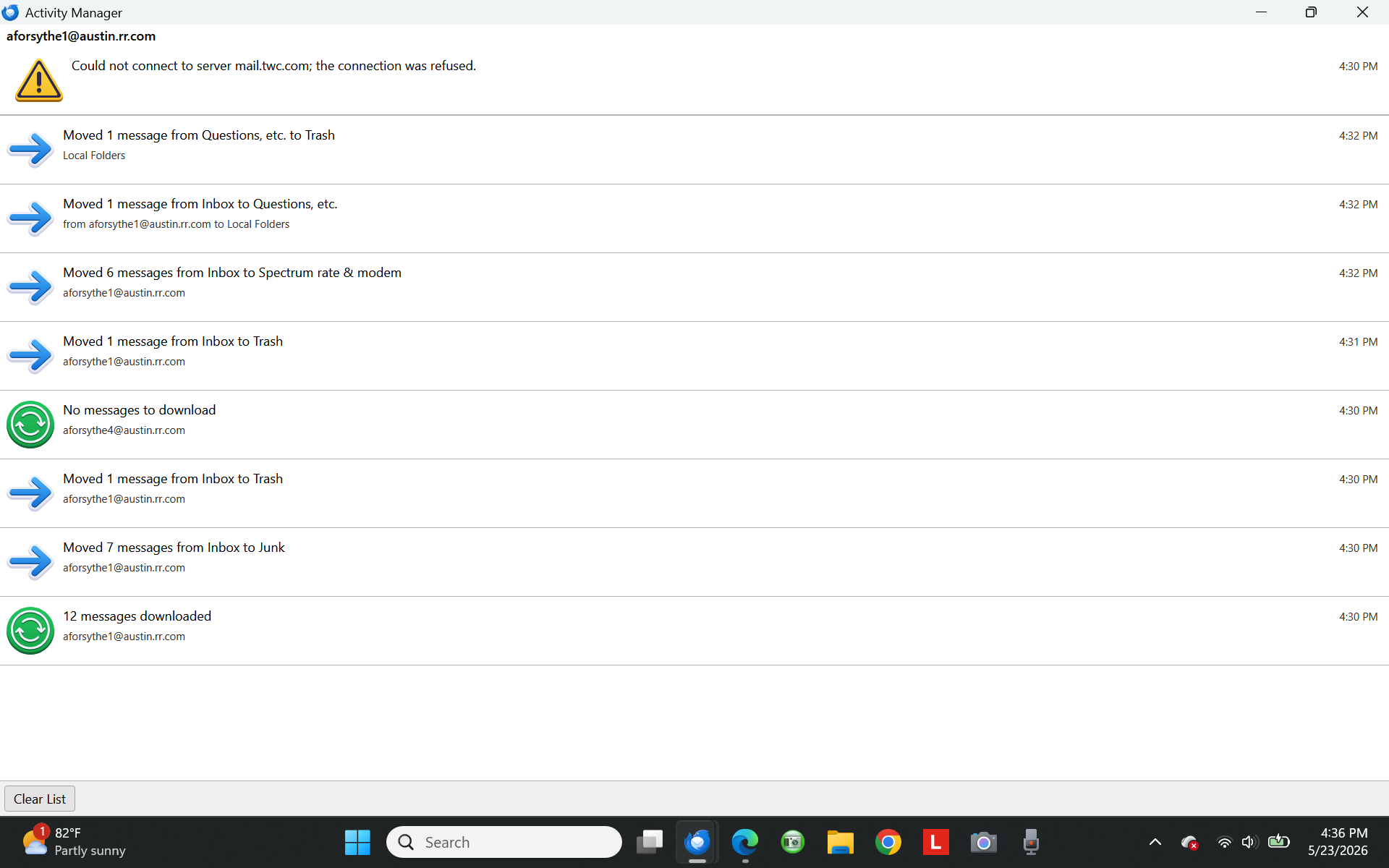
Matt said for me to check the Activity Manager. I've attached a screenshot of what that showed a few minutes ago. But I should note that this was after an error message displayed but my email downloaded anyway.
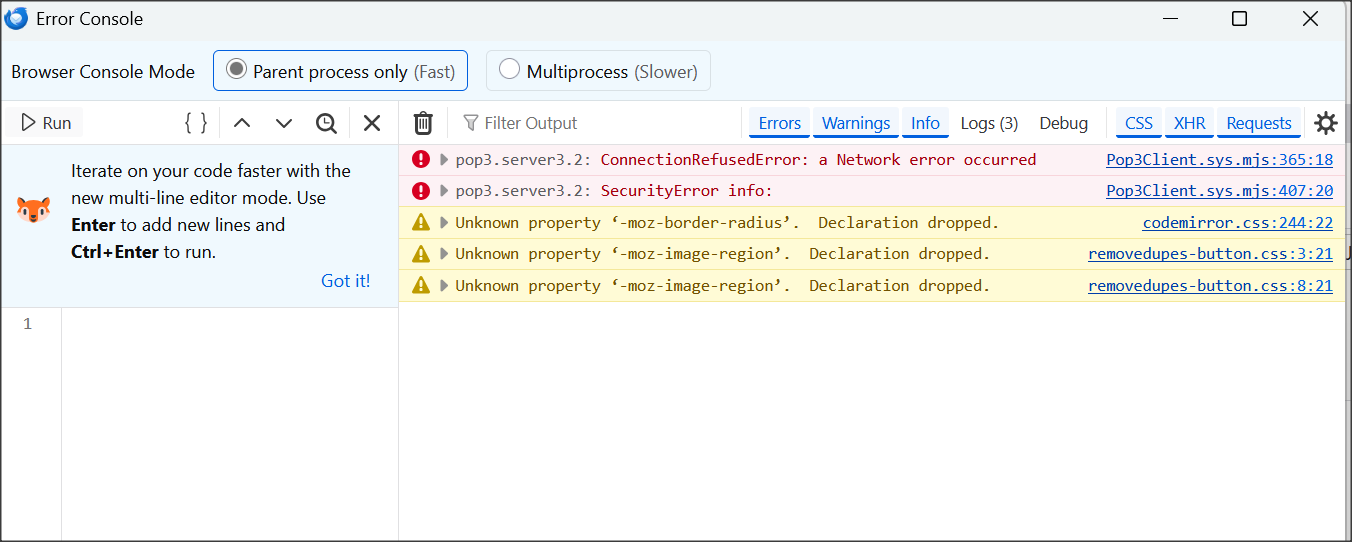
Finally, Matt said I should check the Error Console (Control + Shift +J). I've attached a screenshot of that. He also said I should use the trash can to clear it, so I did. He then said to press Shift + F5 to attempt to get my messages. But on my laptop, F5 just dims the display so no dice on that. But I have a second laptop and F5 is "neutral" on that one so I tried it there. I didn't get any new error message.
However, one of the screwy things is that sometimes I get all my messages as normal, but only after the "Can't connect to the server" message displays. And that's what happened with my second laptop above.
I hope I've provided better info. this time. And I hope you gents can help me with this mess.
Thanks,
Andrew
Alle svar (3)
P.S.: My TB just updated to 140.11.0esr (16 bit).
Ændret af Andrew den
It would have been helpful if you had just posted this as a reply on that topic. https://support.mozilla.org/en-US/questions/1580858
From my perspective is do not need to be reading on two web pages at once to catch up and don't start typing in the weirdest places and make responses that are out of place in the wrong topic. I am crazy enough, without extra complications.
What we are seeing here is clearly a refusal by the comcast server to accept a commection from you. Despite the dribble the Specrum support tech voiced. It is a shame they do not employ humans with brains instead of AI that hallucinates and will regurgitate the corporate line regardless of evidence.
The server mail.twc.com belongs to spectrum, it is refusing your connection attempts. Why is is doing that. Only Spectrum know that answer as of now. We can only speculate, guess and sometimes get information from connection logs.
It is logging that I am going to propose now.
Open the Config Editor and type in mailnews.pop3.loglevel or as much as you need to see it appear below. change the value of this hidden preference to ALL Now try the thing again and check the error console for the log. Hopefully we will get specifics on that network error or refusal.
PS. TWC used to be very picky about connecting to their mail server, you had to be using their connection to the internet. I do not know about Spectrum. Go on holiday and everything fails, or you can only read but not send mail. This does translate forward to anyone using a VPN frequently having such issues as they do not appear to be connected to the internet from their ISP.
SO do you use one of those and it works occasionally when you have it off? Or are you using wifi and sometimes your device connects to Spectrum on your service and sometimes to the neighbors ISP. Wifi is more than capable of just changing sources and if the Wifi connection is not secured you know nothing of it.
Matt, thanks for your reply.
At the moment, TB seems to be working OK (as I mentioned, my problem is very sporadic). After reading the stern warnings on the Config Editor page, I'll hold off on that for now, at least till my issue gets bad again.
One thing about Spectrum is that sometimes the reps can be helpful and at other times they're no help at all. Given that the problem here is that Spectrum's server (sporadically) refuses the TB connection, I may try my luck with Spectrum next time this acts up. Maybe I'll get lucky.
Andrew