


Compact mode setting not working

With the new update, the new tabs take too much space for my liking, so i tried to enable compact mode via `about:config` by setting `browser.compactmode.show` to true.
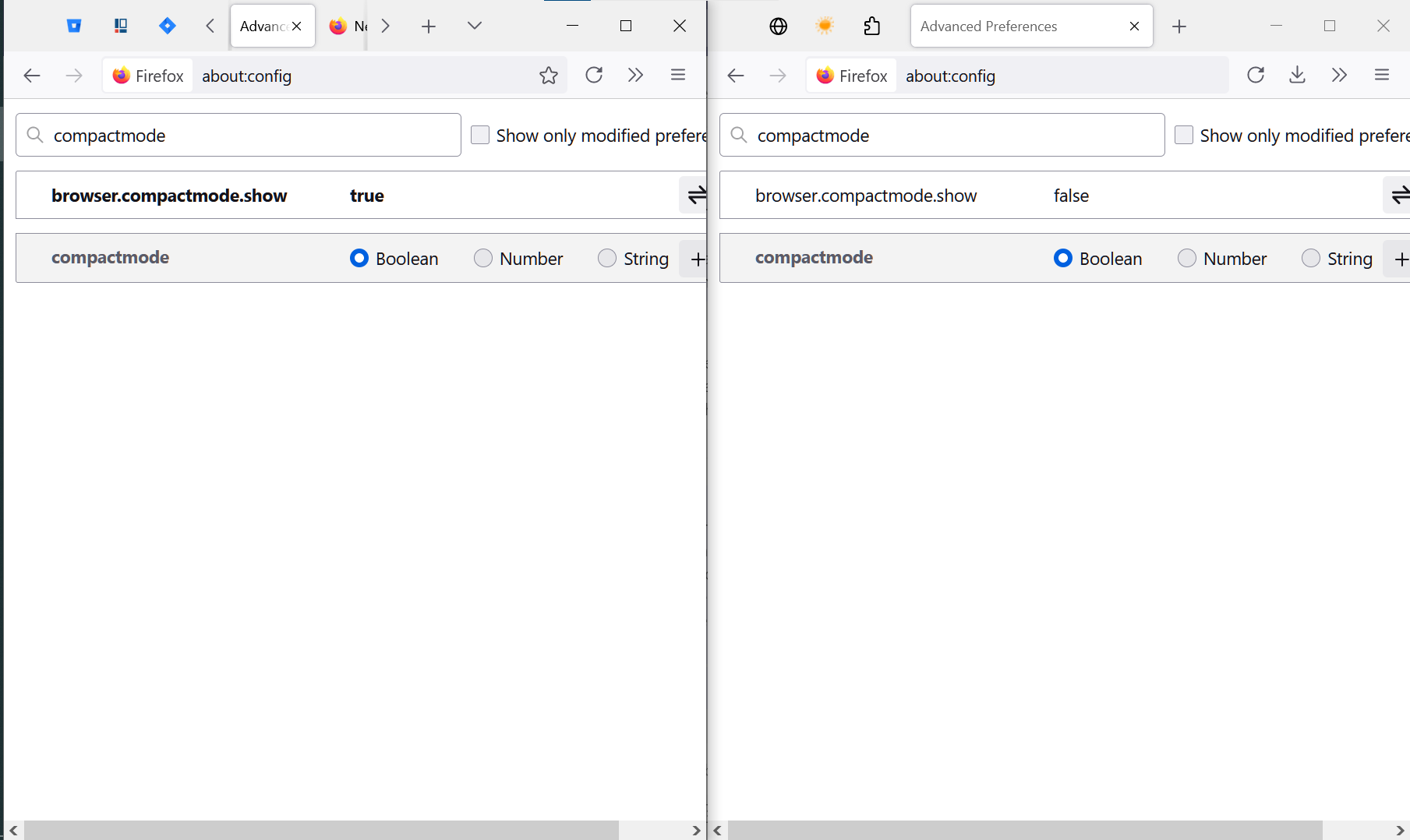
For me, that setting does not do anything as you can see in the screenshot that shows 2 different user profiles as comparison. Is this setting already broken 2 weeks after the redesign or does it still work for others?
Valgt løsning
If you go to the "Customise Toolbar" screen, the "Density" dropdown at the bottom left should now have an additional option "Compact".
The effect of the about:config preference is to un-hide that option, but not to actually apply it.
Læs dette svar i sammenhæng 👍 1Alle svar (1)

Valgt løsning
If you go to the "Customise Toolbar" screen, the "Density" dropdown at the bottom left should now have an additional option "Compact".
The effect of the about:config preference is to un-hide that option, but not to actually apply it.