


Cannot access email accounts

Neither my wife nor I can access email on our respective PCs. This has been the case for four weeks. We can access email by our Android phones, but we really want to use our PCs. I've tried to resolve the problem and failed. Previous to this failure, I had an account with BT but this was transferred to EE. When I attempt to log in to my mail account, I receive the message "Could not connect ... :the connection was refused". I can also add is that in my Account settings, Outgoing Mail server I see a message "Connection to server mail.btinternet.com:465 failed."
All Replies (7)

Are these IMAP accounts or POP3?
Please quote all error messages in full, verbatim. Screen shots would suffice.
I don't know what "EE" is, but the first thing to do would be to confirm that your server settings are correct. If your account was transferred from one provider to another those settings may have changed. You will need to consult their email help web page or their tech support for the correct settings.
IMAP (Incoming): Incoming Server Type (IMAP Mail Server or POP Mail Server) Incoming Server Name User Name: <usually your email address> Connection Security: SSL/TLS, STARTTLS, etc. Authentication method: Normal Password OR OAuth2
SMTP (Outgoing): SMTP Server Name Port Connection Security Authentication method User Name
Some providers now require that you create an "app specific password" on their web site. This would be different than your regular password.
If this account uses OAuth2 authentication, you may have to jump through a couple hoops to force a re-authentication. If this seems to be the case, let me know and I'll guide you through that process.
Thanks for the quick reply.
EE is a major British telecommunications supplier. BT stands for British Telecom, the company that took over when the telephone service was privatised about 30 years ago. A sad day. I've attached a Word document with two screen shots that you sought. the second shows (in brown ink) the response I got when I clicked on "Test the connection".
I am still waiting to speak to a human at EE about this problem.
I suspect that the screenshots show a fairly normal situation and that the solution lies with EE, but I'd be grateful for your opinion. Tony
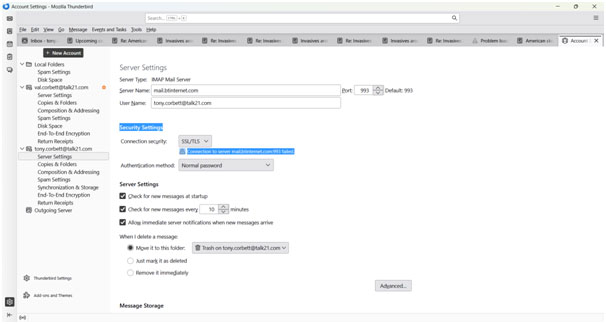
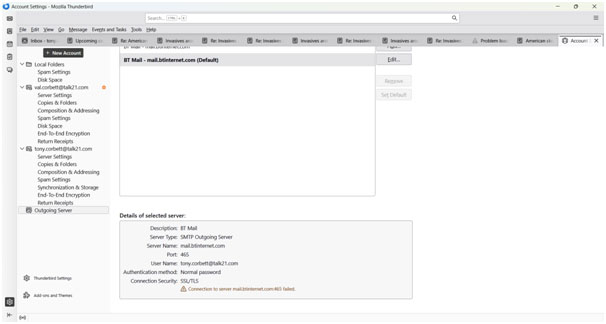
Oops. I originally made a Word doc with the two screenshots in but later found that I could only send image files. Hence the two JPegs.
would you please make bigger screenshots. I cannot read these
There appears to be an error on the SMTP screenshot, but it's too tiny and blurry to be sure.
Larger Jpegs attached. Sorry for the problem. Tony
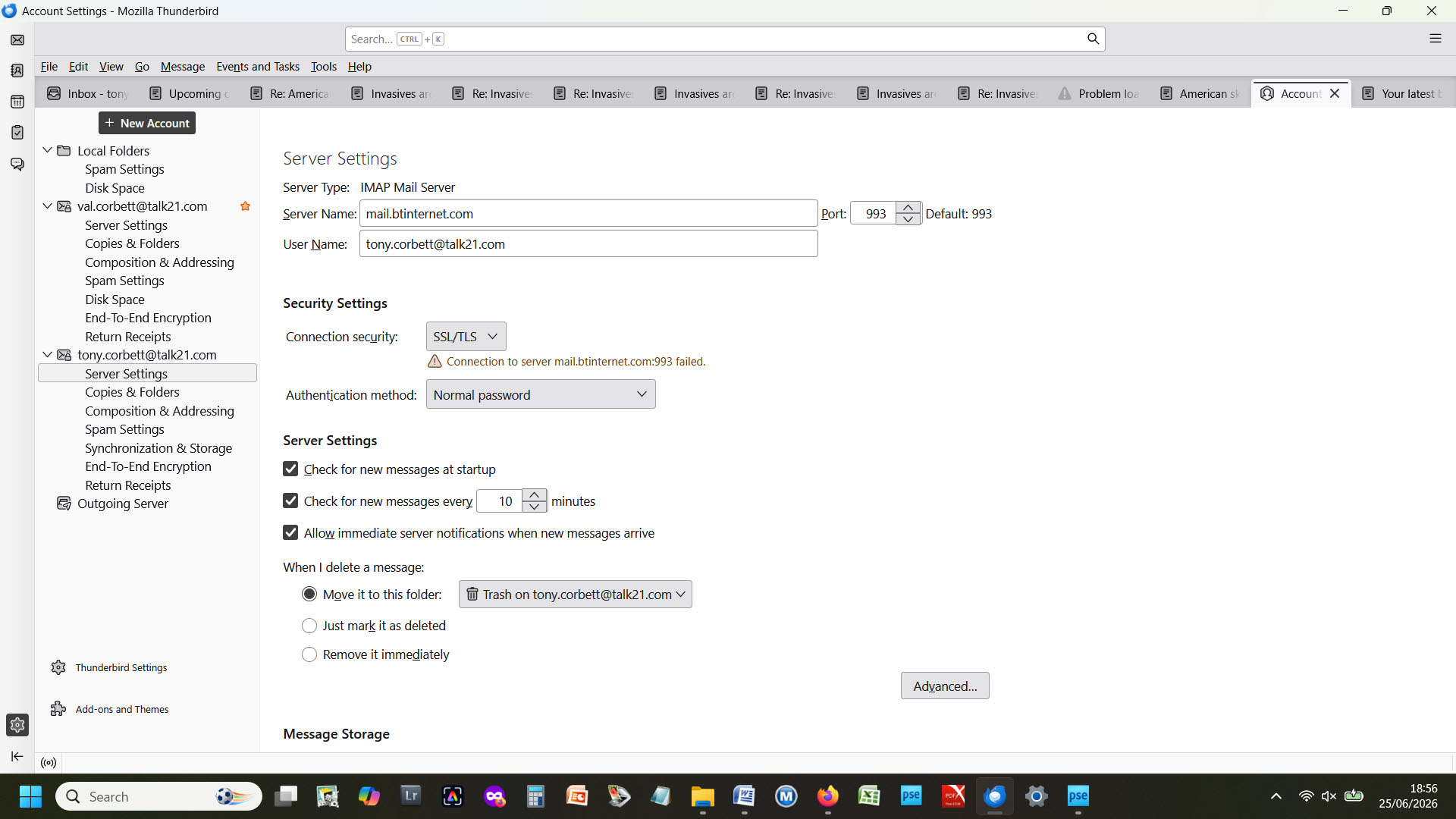
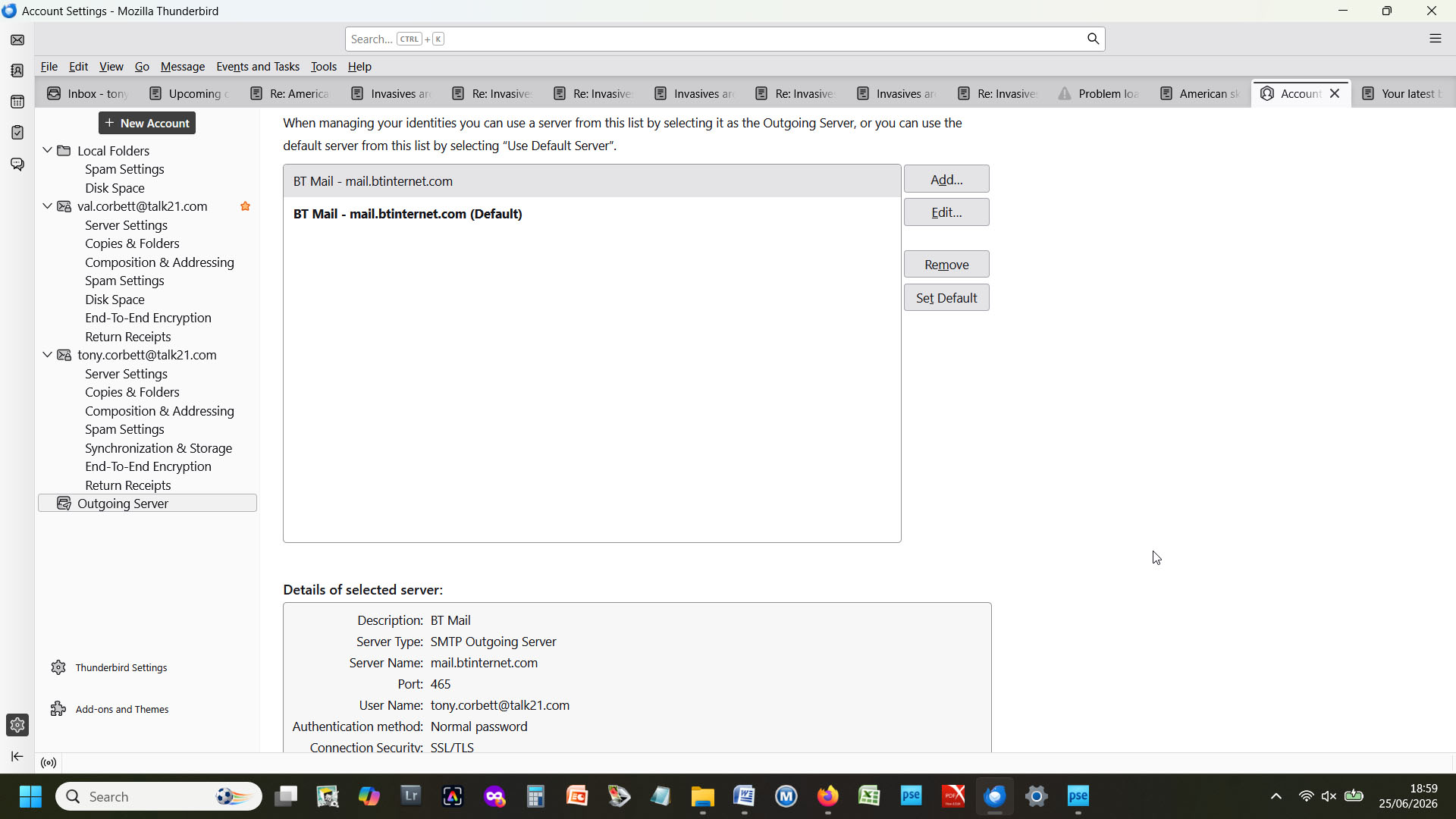
try changing incoming server to imap.btinternet.com and outgoing to smtp.btinternet.com but keep the other settings. it's a possibility from some info I found elsewhere. may not work, but a try.