


Open
no way to send emails

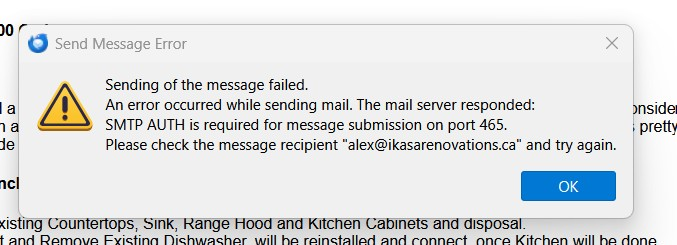
An error occurred while sending mail. The mail server responded: SMTP AUTH is required for message submission on port 465. Please check the message recipient...
An error occurred while sending mail. The mail server responded:
SMTP AUTH is required for message submission on port 465.
Please check the message recipient...
All Replies (1)

The first thing to do is to verify that your SMTP settings are correct. They may be posted on your email provider's help web page, or you may have to contact their tech support.
The error suggests that either the port or the authentication method are wrong, though it could be other settings such as server name or connection security.
It could also indicate problems on the server end that might go away after some time.