


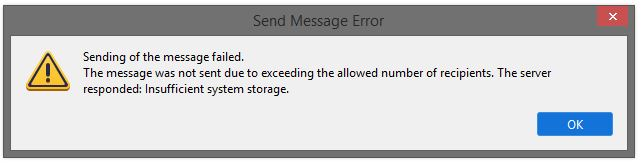
Sending of the message failed. The message was not sent due to exceeding the allowed number of recipients. The server responded: Insufficient system storage.

Outgoing email message states: Sending of the message failed. The message was not sent due to exceeding the allowed number of recipients. The server responded: Insufficient system storage.
All Replies (1)

I know of two possible causes of this error message. Notice that the error message says two non-specific things. One is that there is the mail server has a problem that has resulted in there actually being insufficient system storage. You can't do anything about this except to contact your email host for confirmation. They have to fix it.
The other part of the error message, about "exceeding the allowed number of recipients" is misleading. Another user in this forum was getting the same error message and discovered that the email host had changed the outgoing server address, but neglected to tell their users. Once the new SMTP address was learned and updated within Thunderbird, all was well again. See this conversation for more context:
https://support.mozilla.org/en-US/questions/1560273
So, confirm the server addresses with your email provider, and if you would like help changing them in Thunderbird, let us know.