

This thread was archived.
Please ask a new question if you need help.

Solved
Archived
Minimize, maximize and close buttons are missing

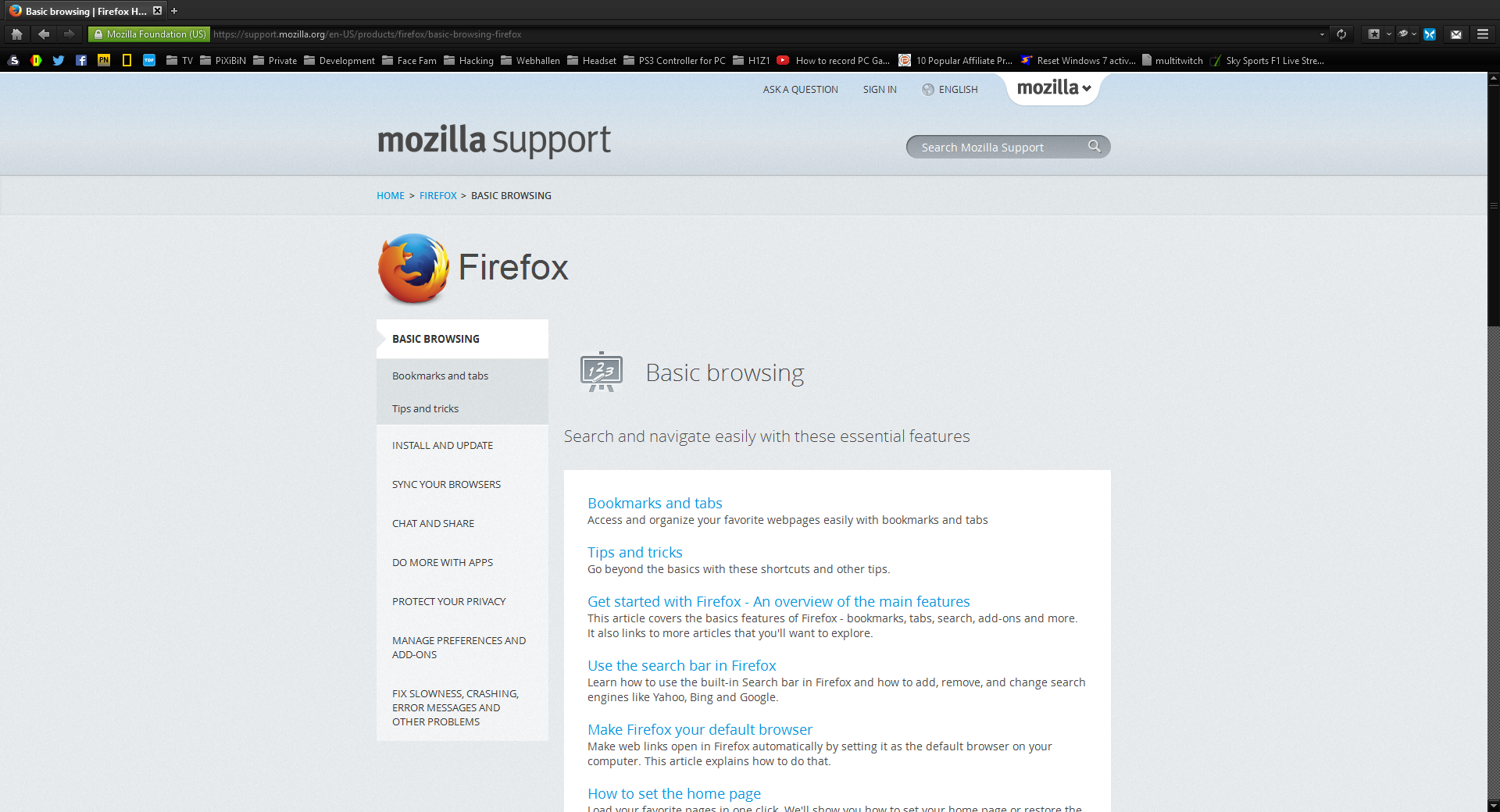
Just upgraded to 40.0 and the minimize, maximize and close buttons are now gone while maximized. When not maximized, I can see the icons but can't click them.
Just upgraded to 40.0 and the minimize, maximize and close buttons are now gone while maximized. When not maximized, I can see the icons but can't click them.
Modified by ScottyG
All Replies (1)
Chosen Solution
If you use a non standard Windows theme or made other appearance changes then try to revert those changes and use a (different) standard theme or Windows wallpaper.
Start Firefox in Safe Mode to check if one of the extensions (Firefox/Tools > Add-ons > Extensions) or if hardware acceleration is causing the problem.
- Switch to the DEFAULT theme: Firefox/Tools > Add-ons > Appearance
- Do NOT click the Reset button on the Safe Mode start window