Bookmarks disappear

After a while bookmarks disappear from the browser tab and the only way to recover is to close the browser and open a new page that requires signing out of opened sites and starting over. Just started with new update release.
All Replies (4)
Hi tpage91177,
It sounds like the bookmarks themselves may not be disappearing, but that the bookmarks toolbar or bookmarks interface is becoming unavailable until Firefox is restarted.
Since you mentioned this started after a recent update, could you let us know which version of Firefox you are using and which operating system you are on?
When the bookmarks disappear, do they return if you open the bookmarks menu with Ctrl + Shift + B, or are they missing from there as well?
If possible, a screenshot of what you see when the bookmarks have disappeared would also be helpful.
Using 157.0.
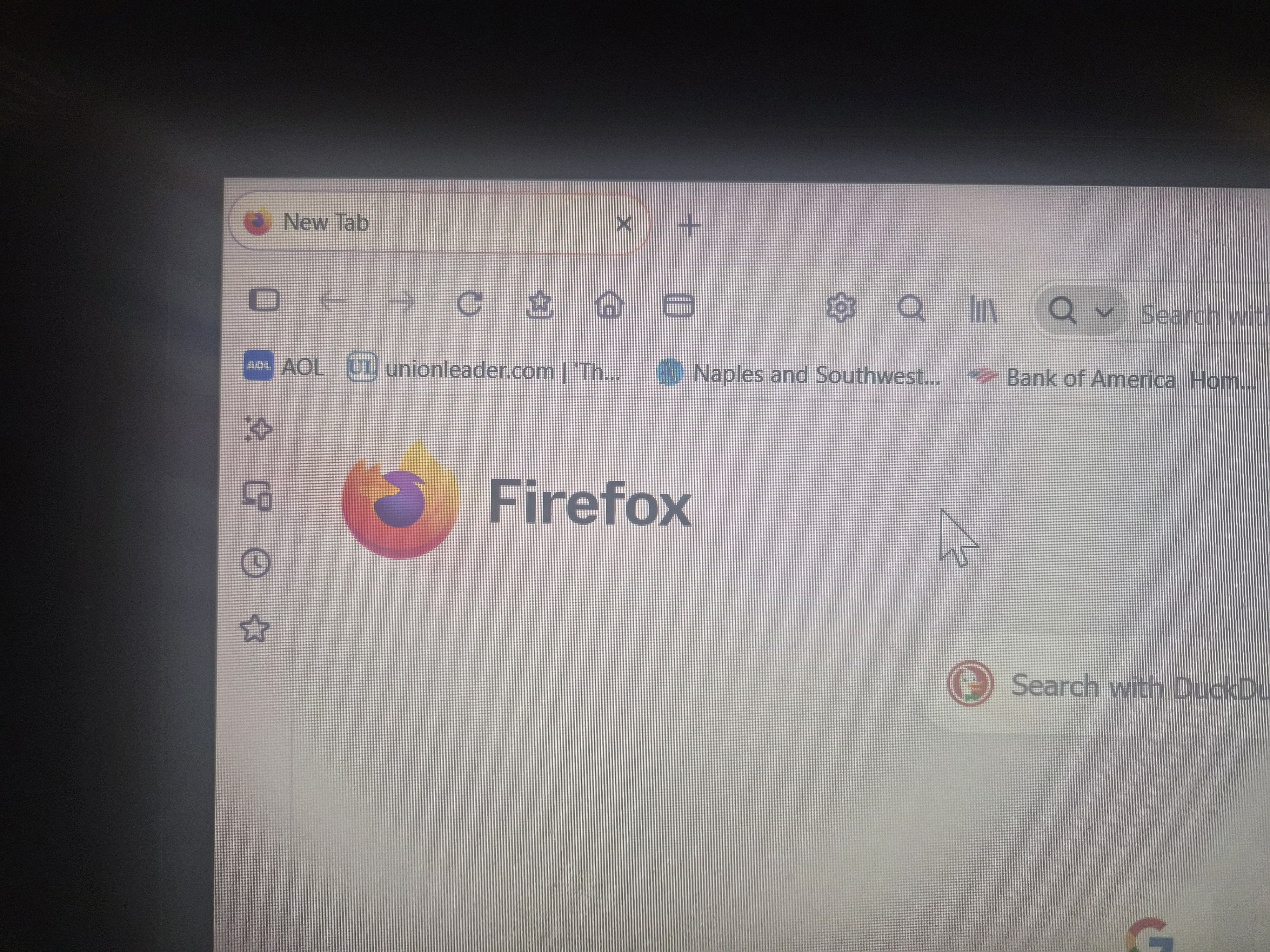
Bookmarks appear across the page under the navigation bar that includes search, home etc. They will disappear unannounced and only fix is to close the browser and they will appear when browser is reopened. Usually after navigating email and various this will happen while browser is open and not in use.
Hi tpage91177,
Thanks for confirming. Since the bookmarks return after restarting Firefox, it sounds like Firefox is temporarily losing the bookmarks toolbar rather than the bookmarks themselves being deleted.
Since you're using Firefox 157.0 and this started after the update, could you try Firefox Troubleshoot Mode and see if the bookmarks still disappear after browsing for a while? This will help determine whether an extension or customization is involved.
If the problem also occurs in Troubleshoot Mode, please let us know which operating system you're using. A screenshot showing the browser when the bookmarks have disappeared would also be useful.
Max,
Using windows 11
Photo of top bars and 2nd bar has the bookmarks.
Thank You for Your help.