

Hierdie gesprek is in die argief.
Vra asseblief 'n nuwe vraag as jy hulp nodig het.

Solved
In die argief
Odd behavior in search dropdown on Firefox 75.0
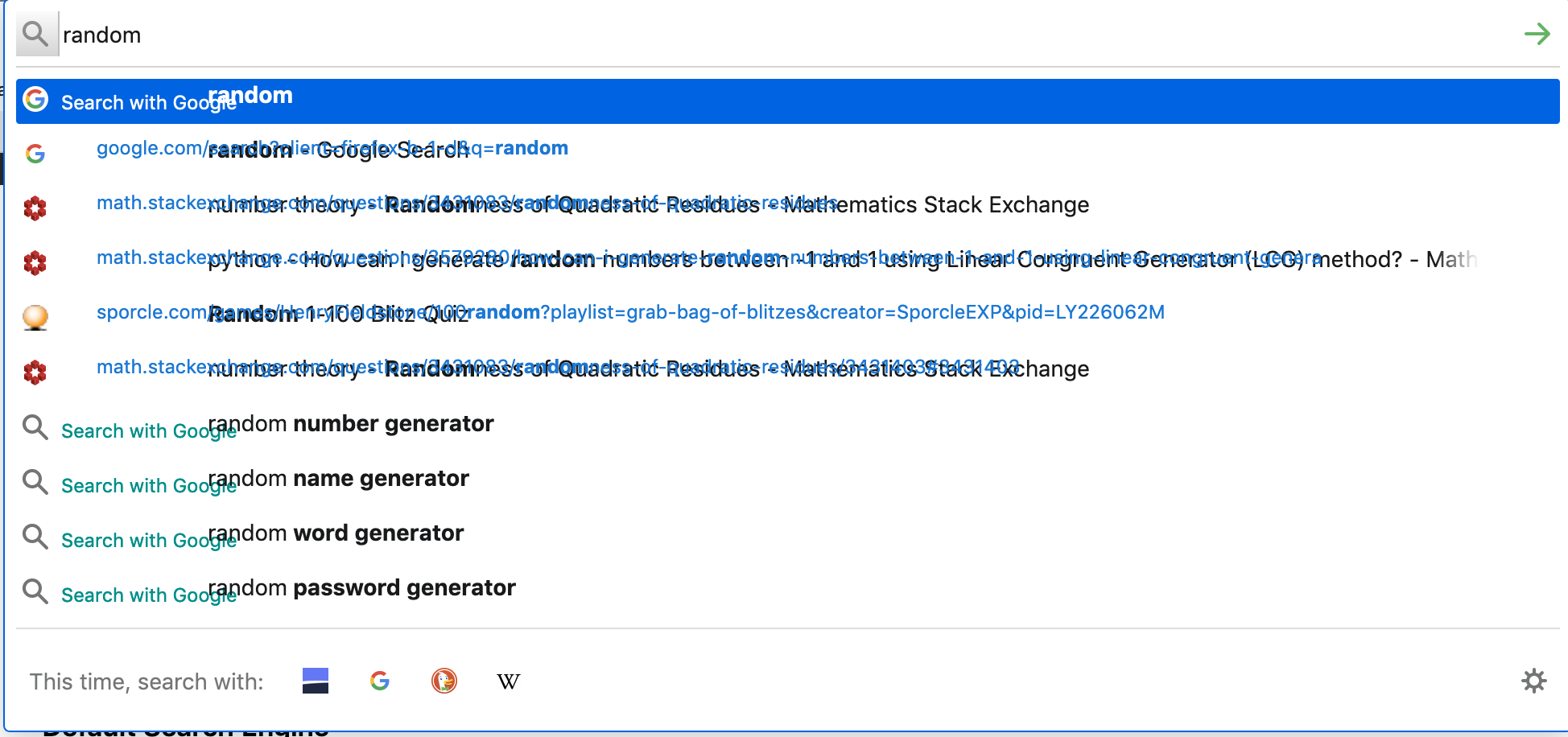
When I installed FF 75.0, both searches and a single click in the address bar/search bar produce overlayed text (see image), where the description of the item (in black) and the URL (in blue) are on top of each other. Mac OS Mojave. Anyone else see this?
When I installed FF 75.0, both searches and a single click in the address bar/search bar produce overlayed text (see image), where the description of the item (in black) and the URL (in blue) are on top of each other. Mac OS Mojave. Anyone else see this?
All Replies (1)
Gekose oplossing
Try setting the toolkit.legacyUserProfileCustomizations.stylesheets preference in the about:config page to false. Then restart Firefox.
If the issue is goes away, you are using a userChrome.css file to customize the look of Firefox and it's breaking the menus. You will either need to remove the userChrome.css customization or troubleshoot and fix the CSS code.
If the issue is still present after changing that setting, you can change that preference back to true.
Hope this helps.