


I keep getting the same error when opening 100s of safe and reliable sites, many that I had bookmarked

I just installed Firefox on my PC haven't had it on this computer since reinstalling windows - I imported my bookmarks and passwords from Edge, thinking it would be a seamless transition, since I used Firefox in the past without much trouble.
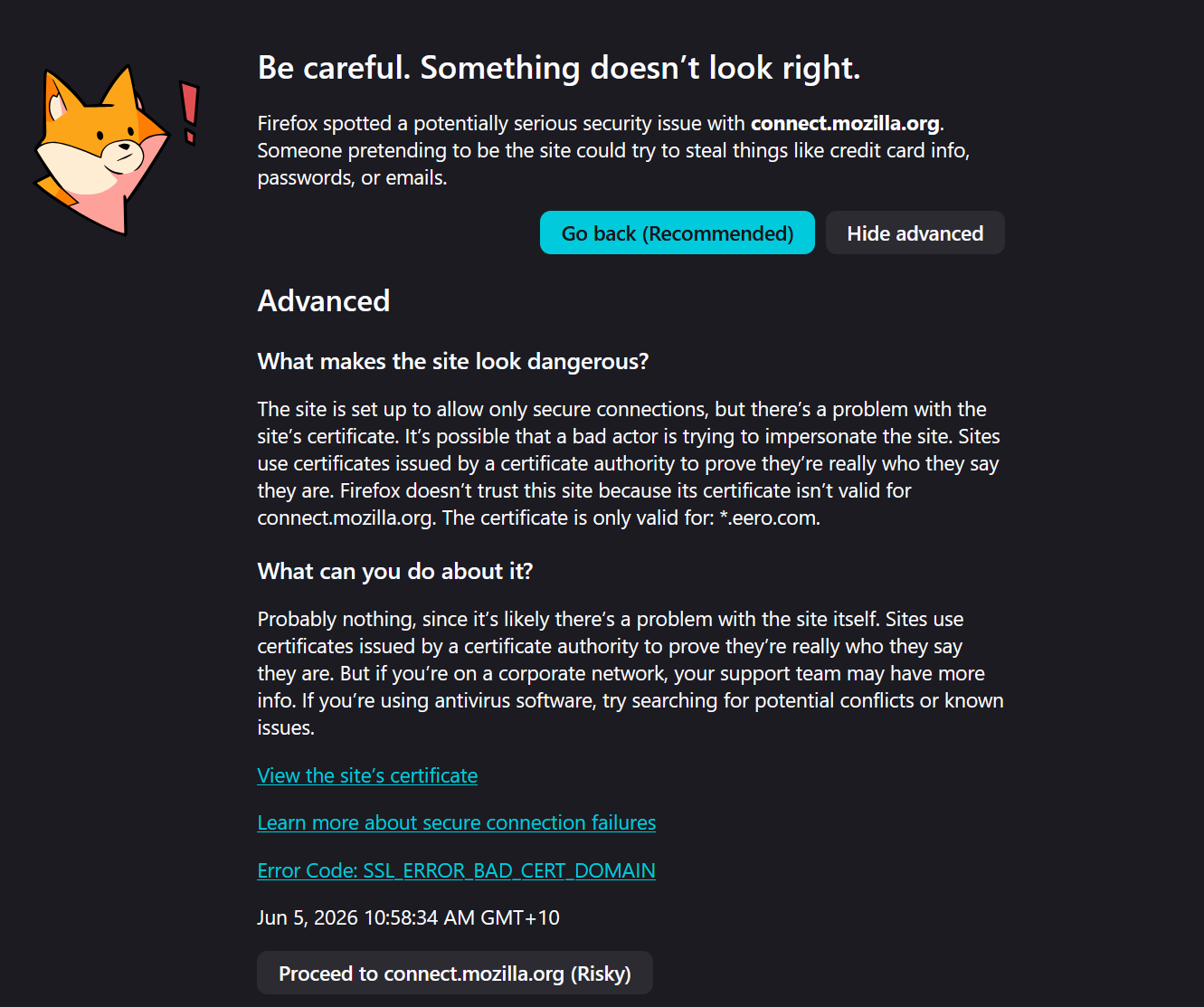
Two weeks on, about 95% of every page I open gives an error similar to the one below, and I have to shift+refresh several times to get it to reload before it goes away, (some sites still don't open).
I wonder how common this issue is, and how people fixed it?
Be careful. Something doesn't look right.
Firefox spotted a potentially serious security issue with connect.mozilla.org. Someone pretending to be the site could try to steal things like credit card info, passwords, or emails.
Go back (Recommended)
Hide advanced
Advanced What makes the site look dangerous? The site is set up to allow only secure connections, but there's a problem with the site's certificate. It's possible that a bad actor is trying to impersonate the site. Sites use certificates issued by a certificate authority to prove they're really who they say they are. Firefox doesn't trust this site because its certificate isn't valid for connect.mozilla.org. The certificate is only valid for: *. eero.com. What can you do about it? Probably nothing, since it's likely there's a problem with the site itself. Sites use certificates issued by a certificate authority to prove they're really who they say they are. But if you're on a corporate network, your support team may have more info. If you're using antivirus software, try searching for potential conflicts or known issues. View the site's certificate Learn more about secure connection failures Error Code: SSL_ERROR_BAD_CERT_DOMAIN Jun 5, 2026 10:58:34 AM GMT+10
Proceed to connect.mozilla.org (Risky)
All Replies (1)
I just installed Firefox on my PC haven't had it on this computer since reinstalling windows - I imported my bookmarks and passwords from Edge, thinking it would be a seamless transition, since I used Firefox in the past without much trouble. Two weeks on, about 95% of every page I open gives an error similar to the one below, and I have to shift+refresh several times to get it to reload before it goes away, (some sites still don't open). I wonder how common this issue is, and how people fixed it? Firefox doesn't trust this site because its certificate isn't valid for connect.mozilla.org. The certificate is only valid for: *. eero.com. View the site's certificate Learn more about secure connection failures Error Code: SSL_ERROR_BAD_CERT_DOMAIN
The mention "The certificate is only valid for: *. eero.com." may be the key to what is causing your issues.
If you have a eero product then it may be inserting its own certicate(s) can cause connection issues like this as a result. Some antivirus or security scanner applications have caused this sort of issue also over the years.