


after update of thunderbird to 148 i have no access to yahoo mail
after update of thunderbird to 148 i have no access to yahoo mail
All Replies (18)
Try the following: • go to Settings > General > scroll to the bottom line and click the "Config Editor...." button • search for the preference mailnews.oauth.usePrivateBrowser and toggle its value from false to true • restart Thunderbird
Dieter did you have good results?
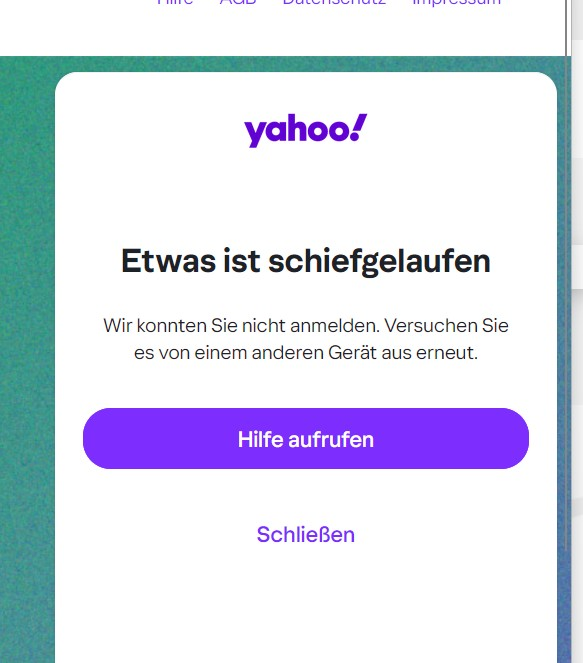
It is always the same problem. I have no access to yahoo about thunderbird. With other email programs, like Microsoft Outlook, i have no problems. Also on my smartphone and tablet i have acces to yahoo. In Thunderbird i became always the answer: Something is going wrong!
The reason you are unable to login to your account, is Thunderbird version 148.0 has a code change to meet new OAuth2 authentication requirements from Yahoo, ATT and AOL, a new protocol called PKCE. This requires you to reauthenticate (login) to your account, even though the authentication method remains OAuth2.
The other programs might not have made this change, or might not have authentication set to oauth2.
Below are a series of steps to narrow down your issue... (we are skipping section A)
B. Please tell us:
B1. With the password that failed with Thunderbird, can you log into the account(s) using the mail provider’s web interface (webmail)? (Note: you must use the account password, not an “app password” that was created by yahoo) B2. What are the full domain name(s) of all the affected account(s) - the part of your email to the right of the "@"? (for example yahoo.co.uk) B3. Are cookies enabled in Thunderbird at Settings > Privacy & Security > “Accept cookies from sites …” ? B4. Are you able to login using Thunderbird after you do the following
- Settings
- Config Editor
- Click 'Accept the risk and continue' if that appears
- Find mailnews.oauth.usePrivateBrowser (screen shot below - you can paste it into the search field)
- Click the two-headed arrow icon to toggle false to true
* Restart Thunderbird (make sure it has fully shut down before starting it up)
- Retry the login
C. If you were not successful after B4…
C1. Can you see the entire oauth dialog panel - no action buttons are missing? C2. No authentication dialogs are hidden behind what you currently see? C3. You don’t have the preference javascript.enabled set to false in Settings > Config editor? C4. Are you in the country in which you normally use the account? (rule out geoip) C5. (related to #4 above) Are you using a VPN? C6. Is the authentication method in Account Settings set to oauth? C7. Are you using MFA/2FA? (enabling multi-factor authentication / two-factor authentication in your mail provider settings might be blocking you) C8. Are you running a webserver on your computer? Or is any program listening on port 80 [1]? (skip to next step if you don't know) C9. If you are using Windows, does it help to start Windows in Safe Mode with networking enabled? See https://support.microsoft.com/en-us/windows/windows-startup-settings-1af6ec8c-4d4a-4b23-adb7-e76eef0b847f. If you feel the instructions are too complicated, printing them often helps.
[1] check for program listening on port 80:
- macOS and Linux, a terminal window - sudo netstat -an | grep LISTEN | grep :80\D
- Windows, in a command/dos window - netstat -an | findstr LISTEN | findstr ":80[^0-9]"
If you are really stuck, sending us screen shots might help. (Attached are some screen shots of what a user of yahoo should see.)
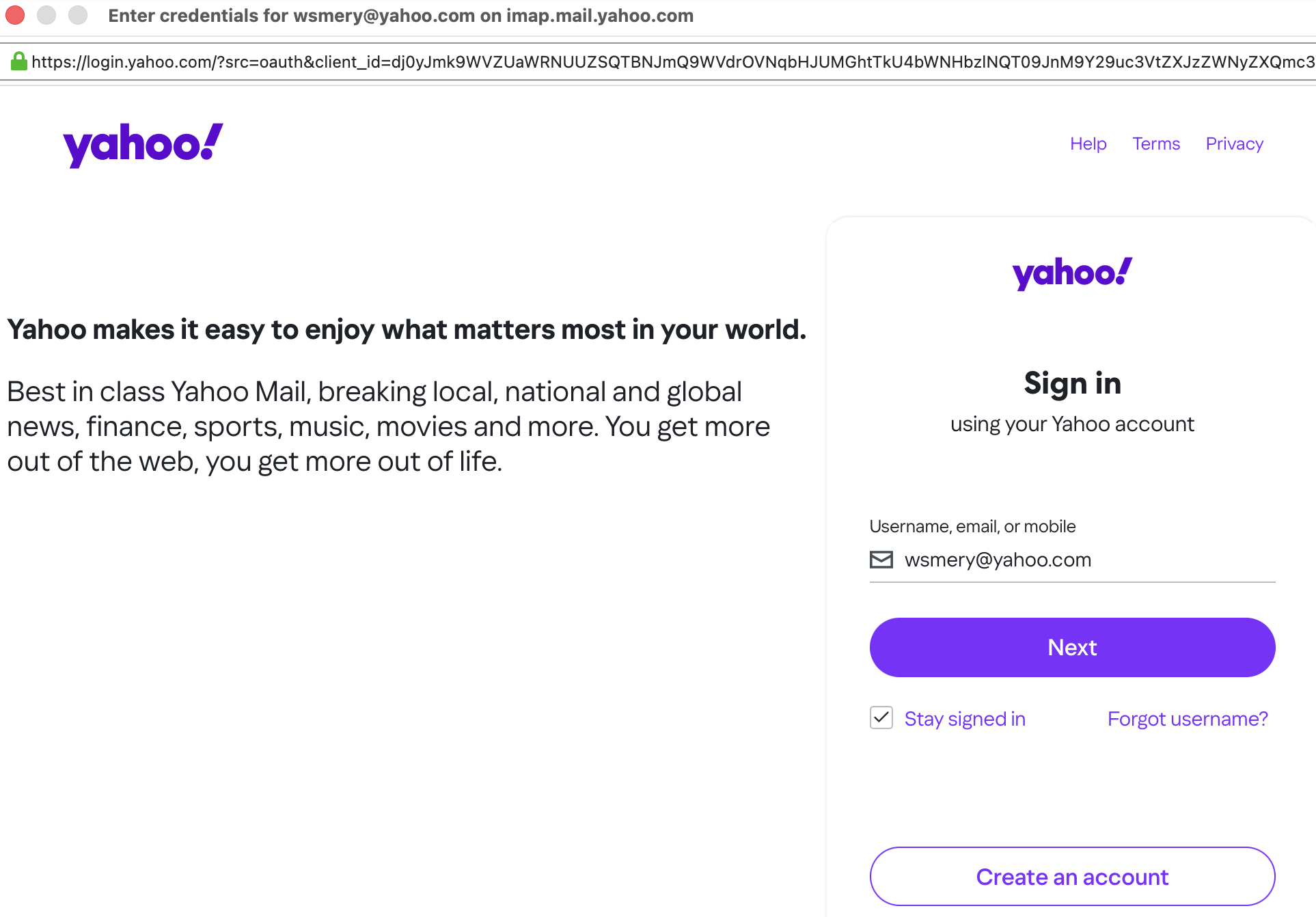
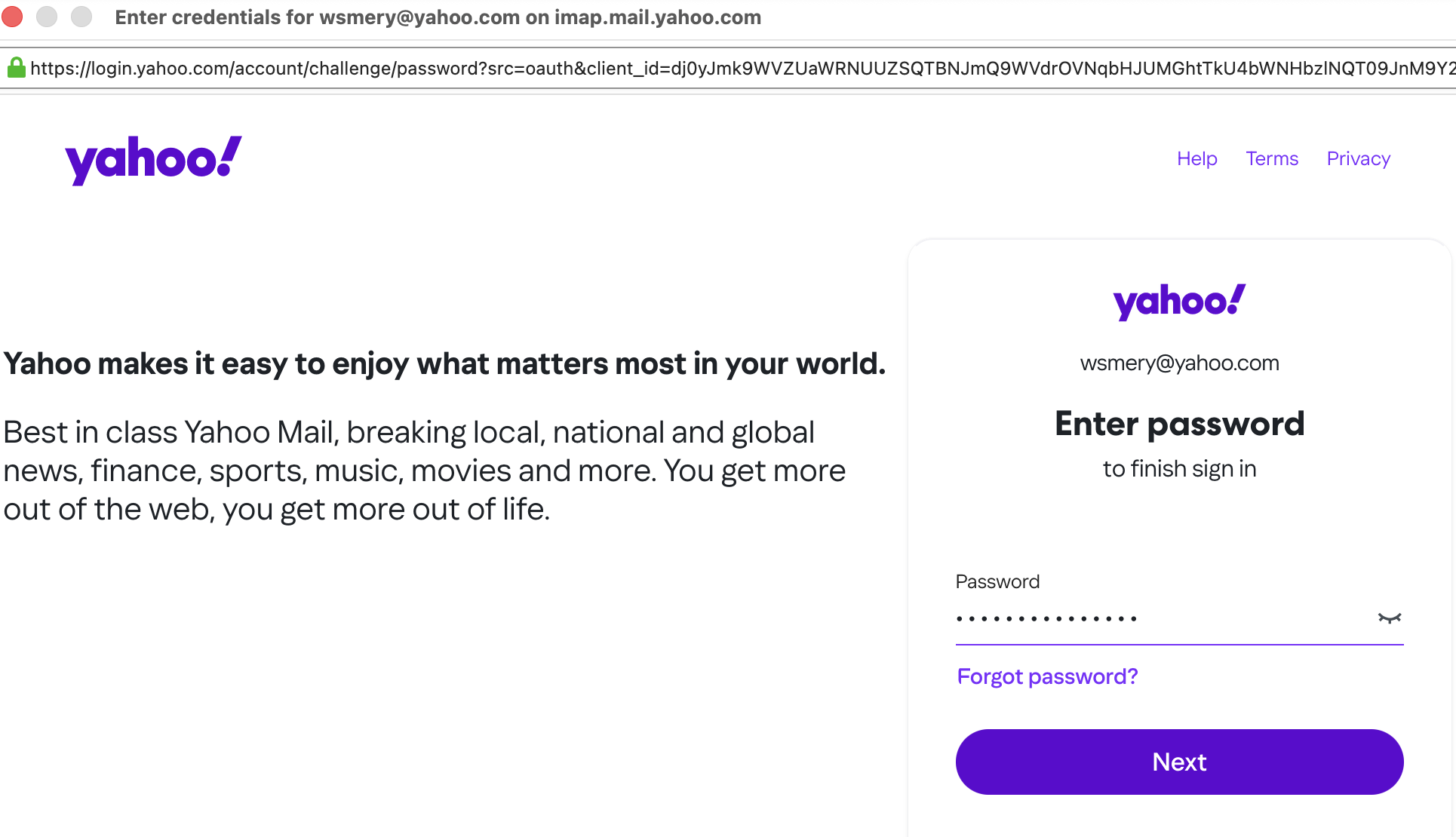
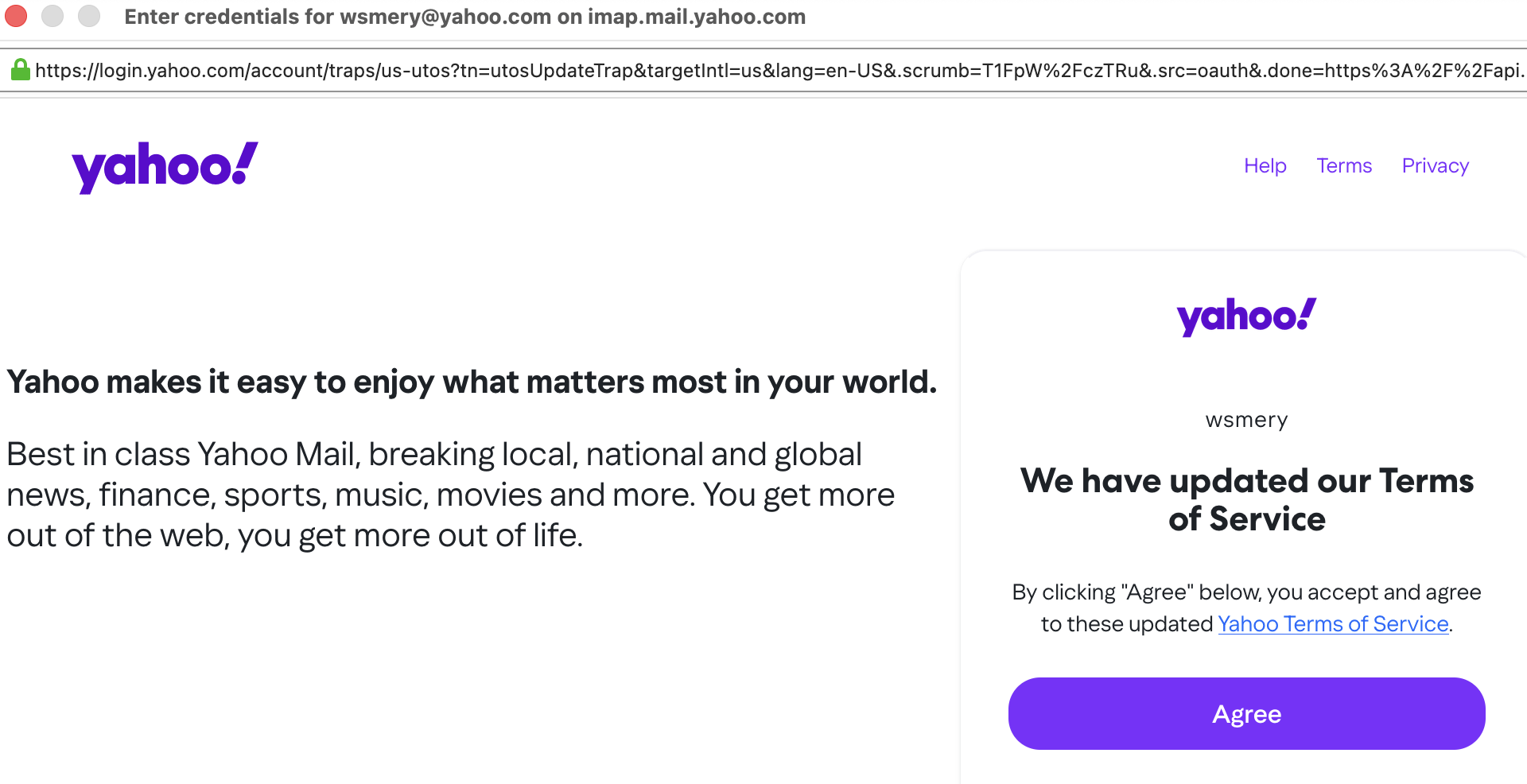
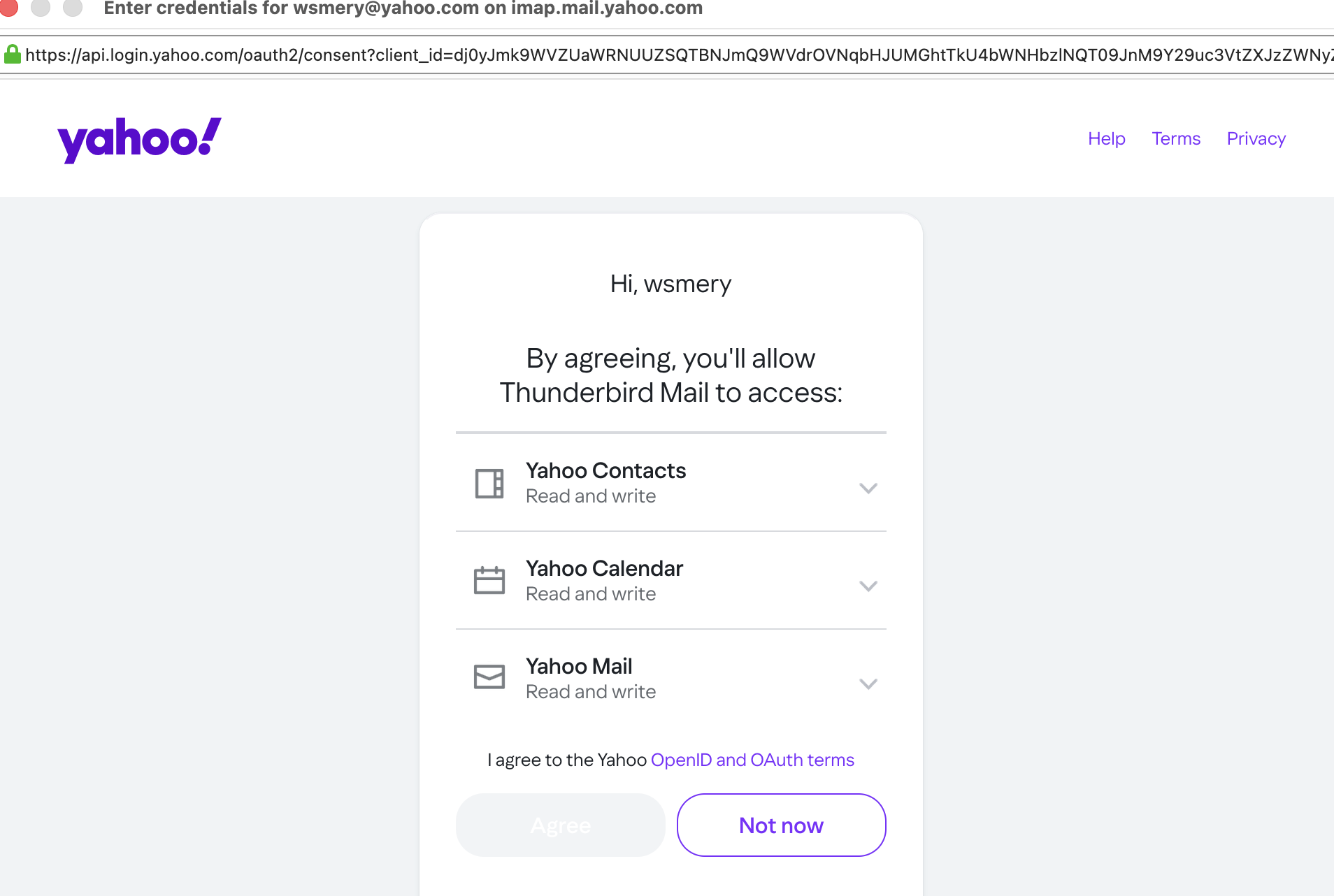
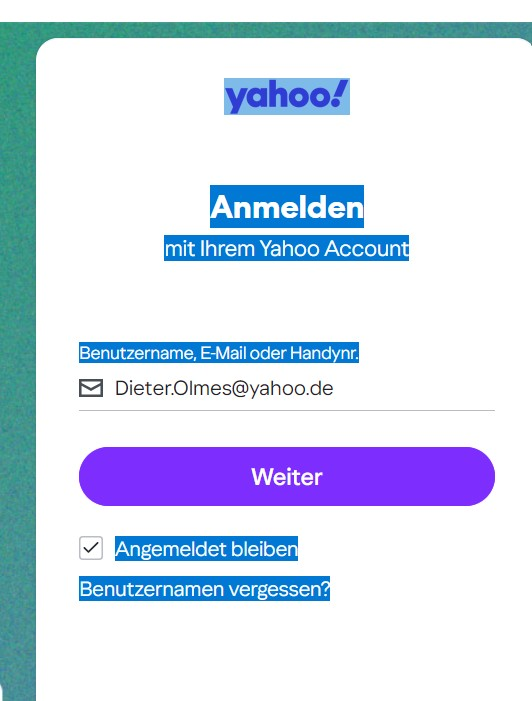
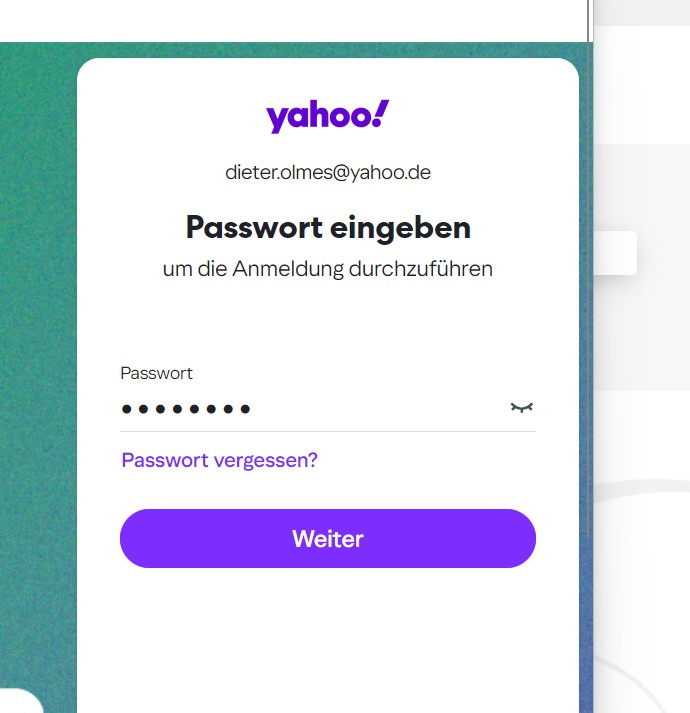
Ich habe alles ausprobiert, aber es funktioniert nicht. Siehe Bilder
In den Einstellungen habe ich alles probiert und geändert, aber es geht nicht.

Dieter.Olmes said
Ich habe alles ausprobiert, aber es funktioniert nicht. Siehe Bilder In den Einstellungen habe ich alles probiert und geändert, aber es geht nicht.
Same as me my friend. I have open another thread some hours ago here in forum... Until Friday with 147 everything works, Saturday update itself with 148 and yahoo mail stop works.... It appears a web pop-up with ask for password,but when i write it says "error, something goes wrong".....! In yahoo option (in webmail) is all configured good,with thunderbird app in accepted devices.... I'm going crazy cause i need those accounts in thunderbird,i can't go in webmail every times.... If they (mozilla) don't fix i will change definitely my client mail with someone better (bluemail or others)
Thank you! I think, i will do the same for looking to an new free mailer!!
megalo9999 said
' It appears a web pop-up with ask for password,but when i write it says "error, something goes wrong".....!
Thanks for that information, and thanks for posting a new support question.
Dieter.Olmes said
Ich habe alles ausprobiert, aber es funktioniert nicht. Siehe Bilder In den Einstellungen habe ich alles probiert und geändert, aber es geht nicht.
Falls Sie Hilfe auf Deutsch benötigen, besuchen Sie bitte http://www.thunderbird-mail.de/wiki/Hauptseite. Teilen Sie uns bitte die URL (den Weblink) Ihrer dort gestellten Frage mit. Vielen Dank.

I too have the problem getting yahoo mail after the 148 update.
I try to down load new messages and get a yahoo sign in (something new) with my email address and an option to hit "next". When I do the message is Edge: too many requests.
And it has done that from the first try!!
I cannot get any further along!
It's strange, since updating Thunderbird to version 148, I can no longer access my Yahoo account. But when I set up the Yahoo account in Microsoft Outlook, everything works as usual. I can send and receive emails. I'll stick with Outlook for now.
Dieter.Olmes said
It's strange, since updating Thunderbird to version 148, I can no longer access my Yahoo account. But when I set up the Yahoo account in Microsoft Outlook, everything works as usual. I can send and receive emails. I'll stick with Outlook for now.
The bad things is that we are a lot with this problem,and nobody help us.... At least if not possible a patch soon , help us to roll back version in a easily way..... I've 20 years yahoo mail stored in my profile,i can't cancel ......

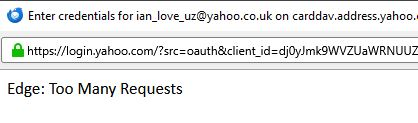
Hi - exact same problem as Jane Hoyt 3/2/26, 8:05 PM: I removed my account yahoo.co.uk from my Thunderbird as it wasn't updating and have tried repeatedly to put it back as a new account, and failed. The popup to approve access to yahoo mail comes up and says Edge: Too Many Requests and I cannot proceed further.
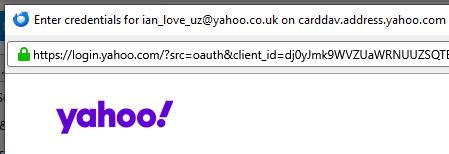
I've followed the instructions over cookies etc in https://support.mozilla.org/en-US/kb/thunderbird-and-yahoo and it worked so that I could get my Yahoo mail account operating on Thunderbird. So that was progress. Unfortunately I still have the problem that when an email is read or sent it automatically disappears from Thunderbird, although it is still there on mail.yahoo.com. My settings tell T'bird to never delete an email and to retain all starred ones anyway, but that does not stop the disappearing emails. Any ideas on solving that?
Okulungisiwe ngu NoahSUMO
IanLove said
Hi - exact same problem as Jane Hoyt 3/2/26, 8:05 PM: I removed my account yahoo.co.uk from my Thunderbird as it wasn't updating and have tried repeatedly to put it back as a new account, and failed. The popup to approve access to yahoo mail comes up and says Edge: Too Many Requests and I cannot proceed further.
Thanks for the feedback. "Edge: Too Many Requests" is your provider indicating it cannot handle the amount of network requests.
Hello, I managed to get my Thunderbird email program working with Yahoo again. Here’s what I did: I logged into my Yahoo account using the Firefox browser. There, I generated an app password for third-party providers (a 16-character alphanumeric code). Then I closed Yahoo and Firefox. Then I launched Thunderbird. I closed the pop-up Yahoo login window. Next, I clicked on my Yahoo email account in Thunderbird. Then I clicked on “Tools” and “Account Settings.” Next, I opened “Server Settings” and changed the “Authentication Method” from ‘OAuth2’ to “Regular Password.” Then I closed Thunderbird. Now I opened Thunderbird again. The Yahoo login page no longer appears; instead, a small window for entering the password appears. Here I entered the 16-character app password (without spaces). And lo and behold, everything works again just as it did before the update to version 148.
Translated with DeepL.com (free version)

I have issues with the new update, not just the awful appearance, but I am struggling to get any emails
dantree said
I have issues with the new update, not just the awful appearance, but I am struggling to get any emails
dantree, for best assistance please file a new question in support https://support.mozilla.org/en-US/questions/new/thunderbird