


Firefox screen size too large
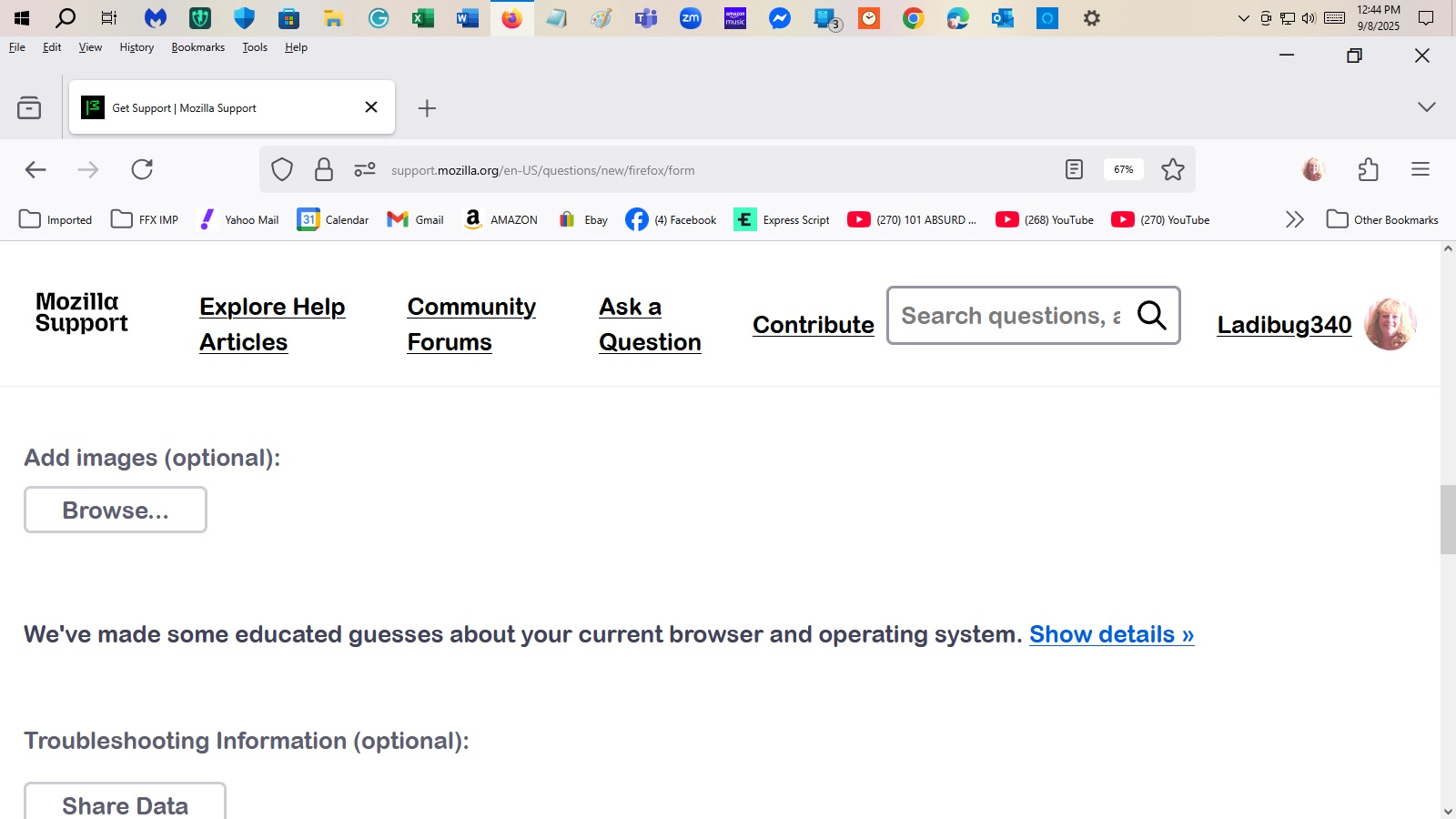
The main browser is too large but the font size on the tabs and search box are very tiny, too small to see.
The main browser is too large but the font size on the tabs and search box are very tiny, too small to see.
All Replies (1)

Hi Ladibug340,
I'm not an expert but this would seem to solve your text size problem, Read all the text before attempting. The post by jscher2000 has the instructions.
https://support.mozilla.org/en-US/questions/1260063
If you mean the browser window is too wide that is a very simple fix, I just hover the mouse over the side of the window until I get the double ended arrow showing, hold the left click and slowly move the mouse to make the window wider or thinner. Works the same for the height of the window.
Hope that helps.