


Tab groups STILL not working ???
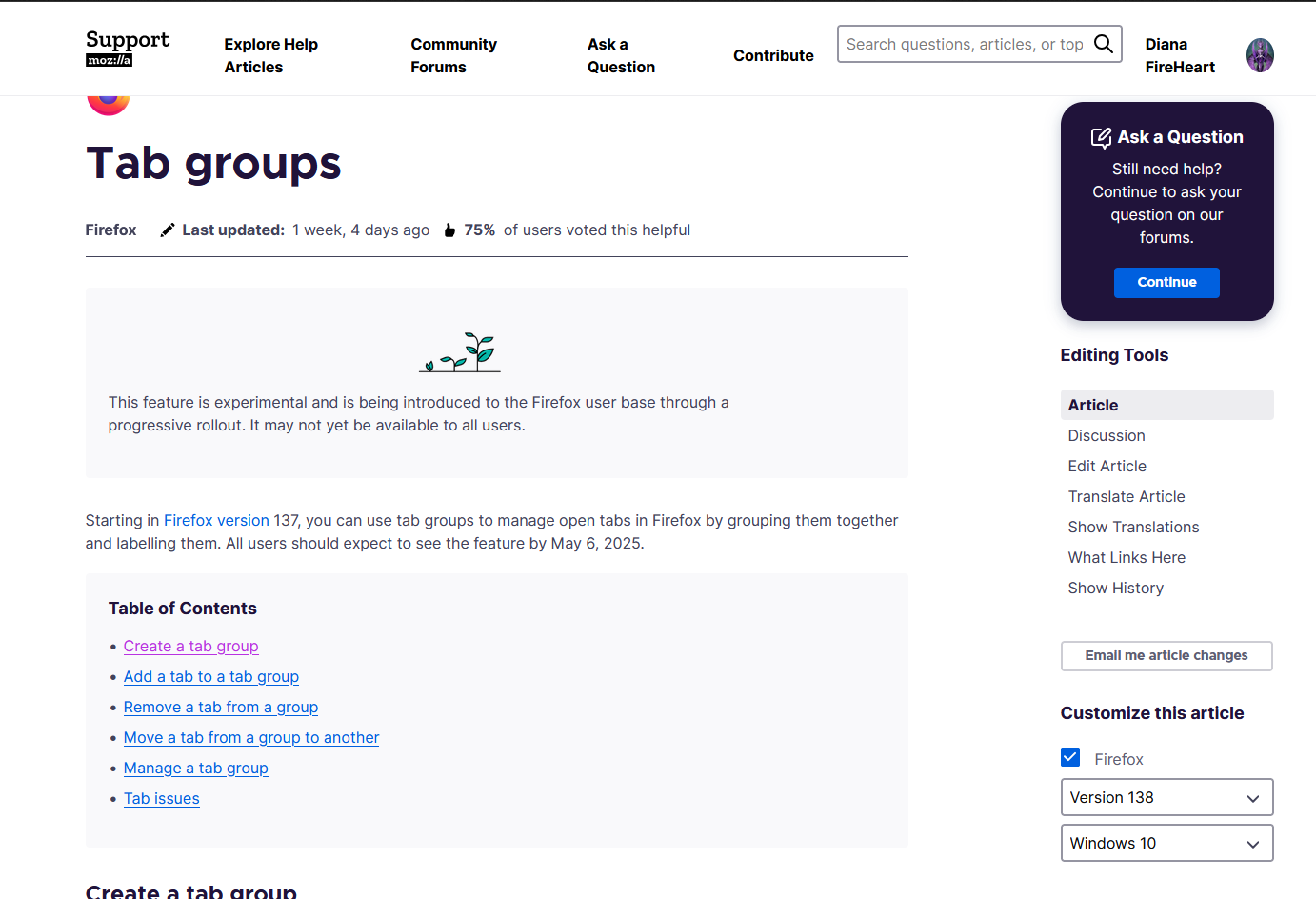
According to the most recent update page, this function should be working for all users by now. (see attached screenshot).
It is still not working for me. Has the timeline been postponed? Is anyone else still unable to use this function?
Thank you!
Isisombululo esikhethiwe
You might double check that it's enabled by going to about:config and see if browser.tabs.groups.enabled is set to true. If not, change the value.
You can also right-click on a tab and choose "Add Tab to New Group" or if a group is already open, to add it to that one. If that's also not there then I suspect it's not enabled. In the previous version it was not enabled in mine and I needed to change that value.
Funda le mpendulo ngokuhambisana nalesi sihloko 👍 2All Replies (2)
Isisombululo Esikhethiwe
You might double check that it's enabled by going to about:config and see if browser.tabs.groups.enabled is set to true. If not, change the value.
You can also right-click on a tab and choose "Add Tab to New Group" or if a group is already open, to add it to that one. If that's also not there then I suspect it's not enabled. In the previous version it was not enabled in mine and I needed to change that value.
Thank you SO MUCH! I did not know about the "about:config" options. I watched a brief video on YouTube to understand what you were talking about, and then followed your advice. IT WORKED! Awesome! Thank you MarkRH!