


Problem Loading Page
Hey Im trying to open a link but the browser is not able to do it while other browsers like edge do it easily

Isisombululo esikhethiwe
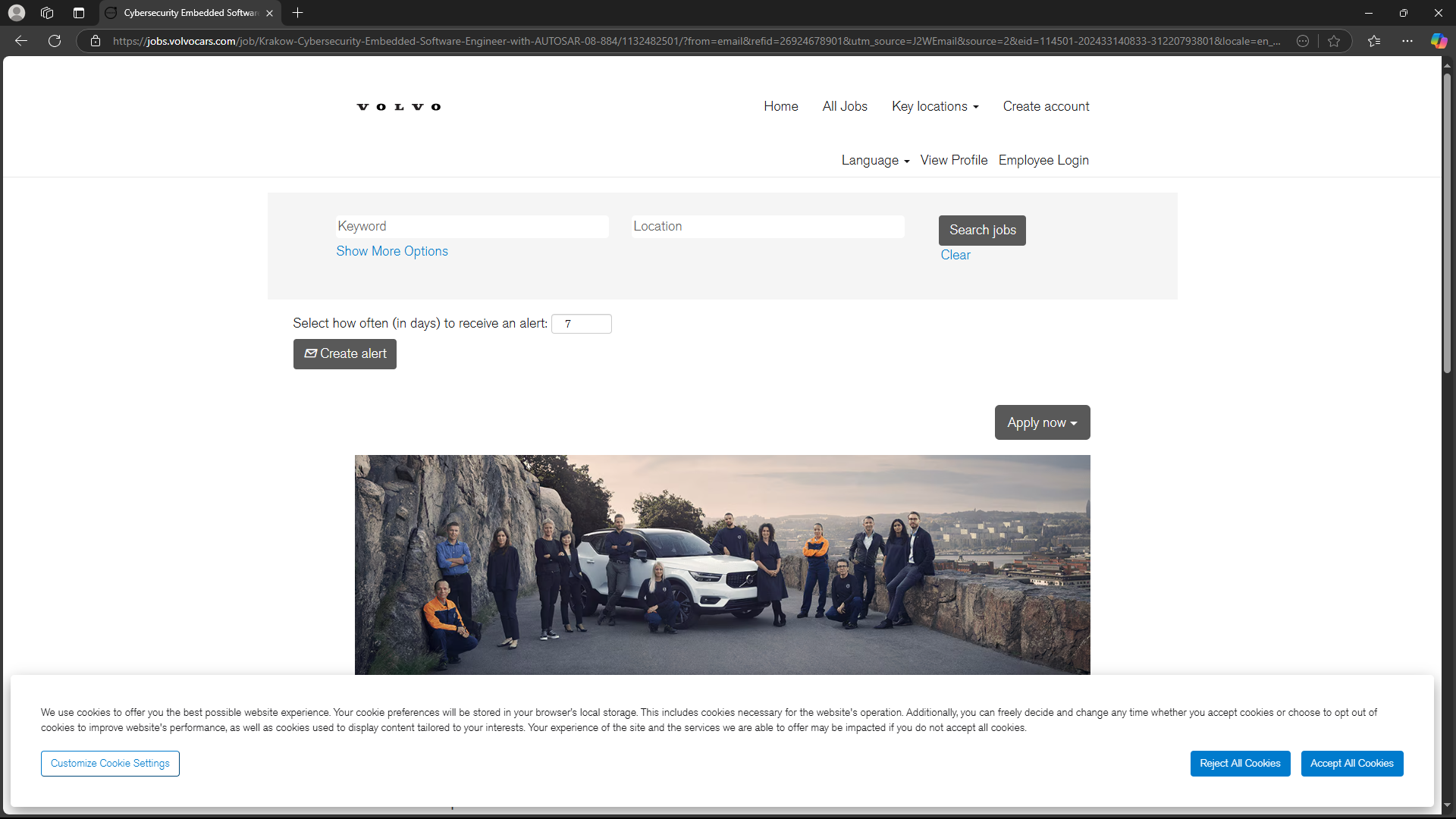
Never mind, I found it. see screenshot https://jobs.volvocars.com/job/Krakow-Cybersecurity-Embedded-Software-Engineer-with-AUTOSAR-08-884/1132482501/
What OS? What version of Firefox? What security software are you running? Did you try clearing the browser cache? https://support.mozilla.org/en-US/kb/how-clear-firefox-cache#
Funda le mpendulo ngokuhambisana nalesi sihloko 👍 1All Replies (5)

Your second screenshot tells what it is missing from the first screenshot. If your blocking cookies then your not going to get to the sites.
Okulungisiwe ngu markwarner22
markwarner22 said
Your second screenshot tells what it is missing from the first screenshot. If your blocking cookies then your not going to get to the sites.
I'm not blocking cookies in this site
How about a link.
Isisombululo Esikhethiwe
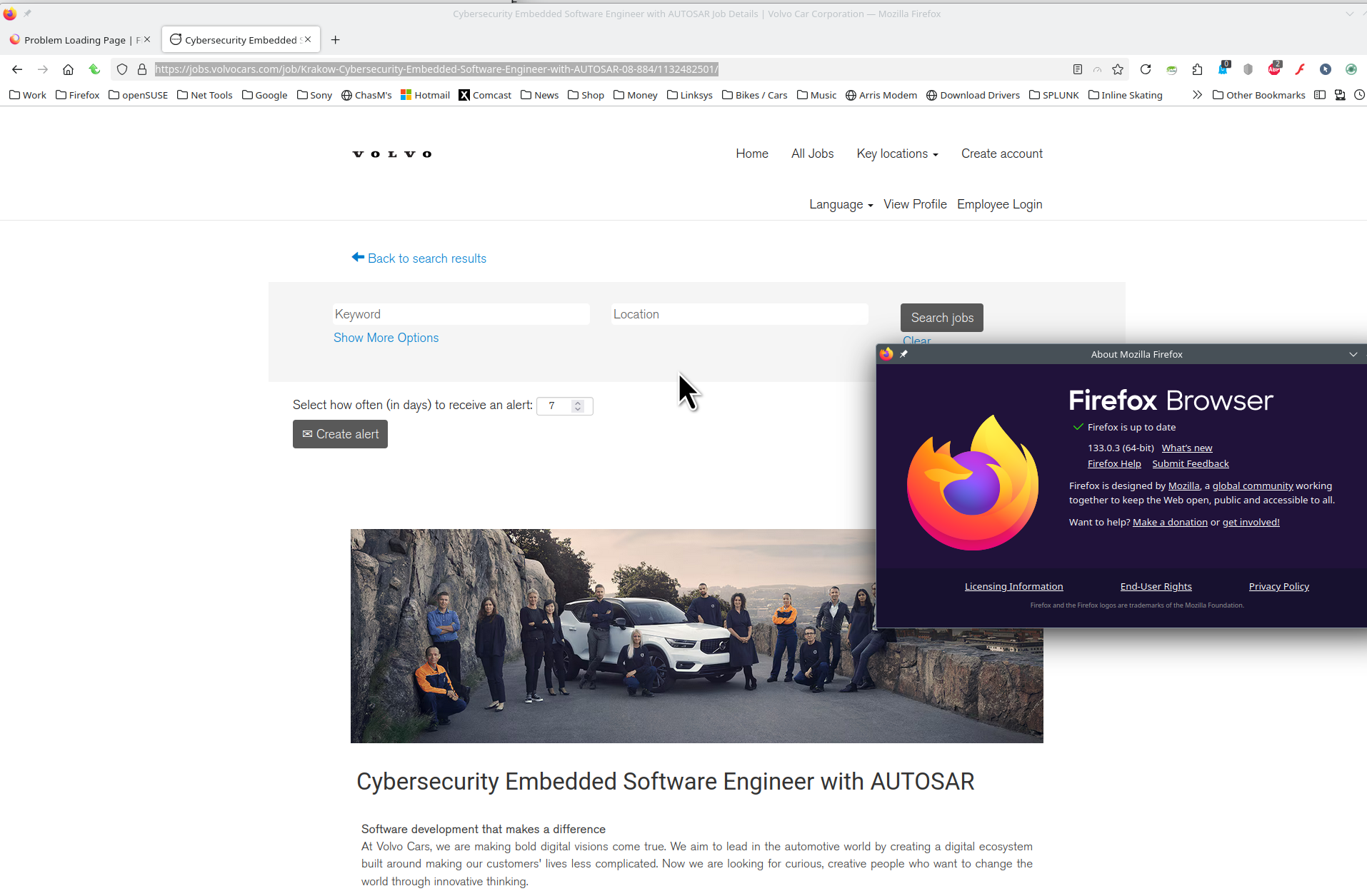
Never mind, I found it. see screenshot https://jobs.volvocars.com/job/Krakow-Cybersecurity-Embedded-Software-Engineer-with-AUTOSAR-08-884/1132482501/
What OS? What version of Firefox? What security software are you running? Did you try clearing the browser cache? https://support.mozilla.org/en-US/kb/how-clear-firefox-cache#
Okulungisiwe ngu jonzn4SUSE
jonzn4SUSE said
Never mind, I found it. see screenshot https://jobs.volvocars.com/job/Krakow-Cybersecurity-Embedded-Software-Engineer-with-AUTOSAR-08-884/1132482501/ What OS? What version of Firefox? What security software are you running? Did you try clearing the browser cache? https://support.mozilla.org/en-US/kb/how-clear-firefox-cache#
I cleared the cache, but initially, there was no change. However, after some time, the issue resolved itself, and I believe it was related to the cache.