


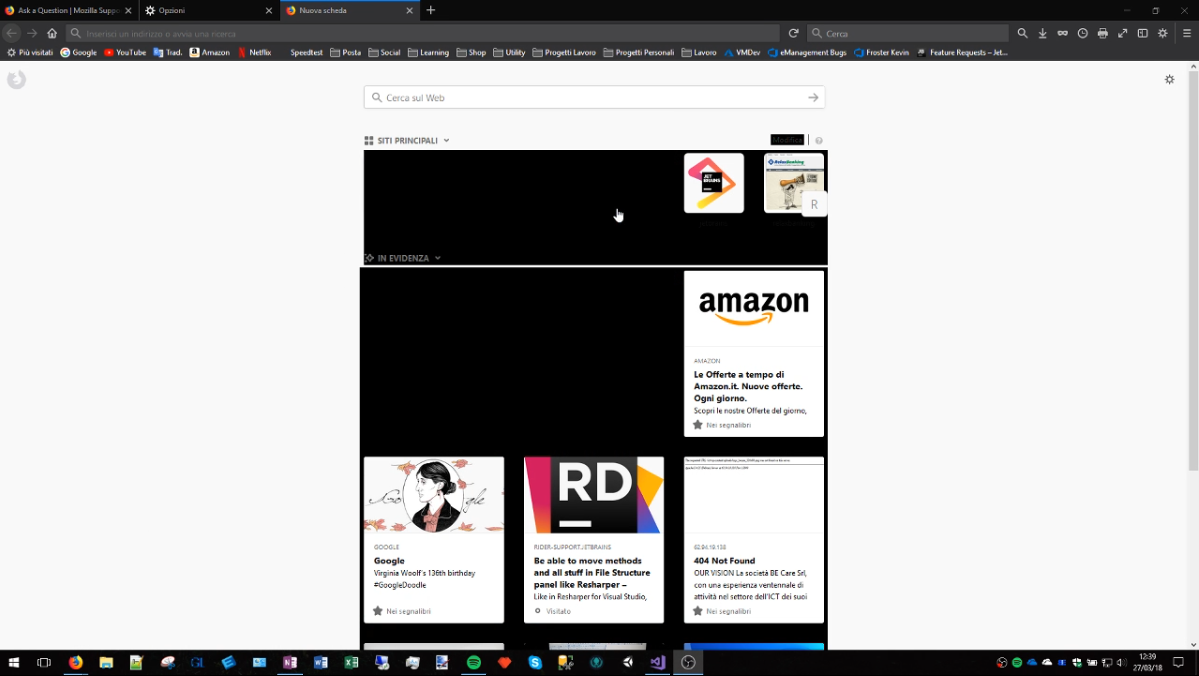
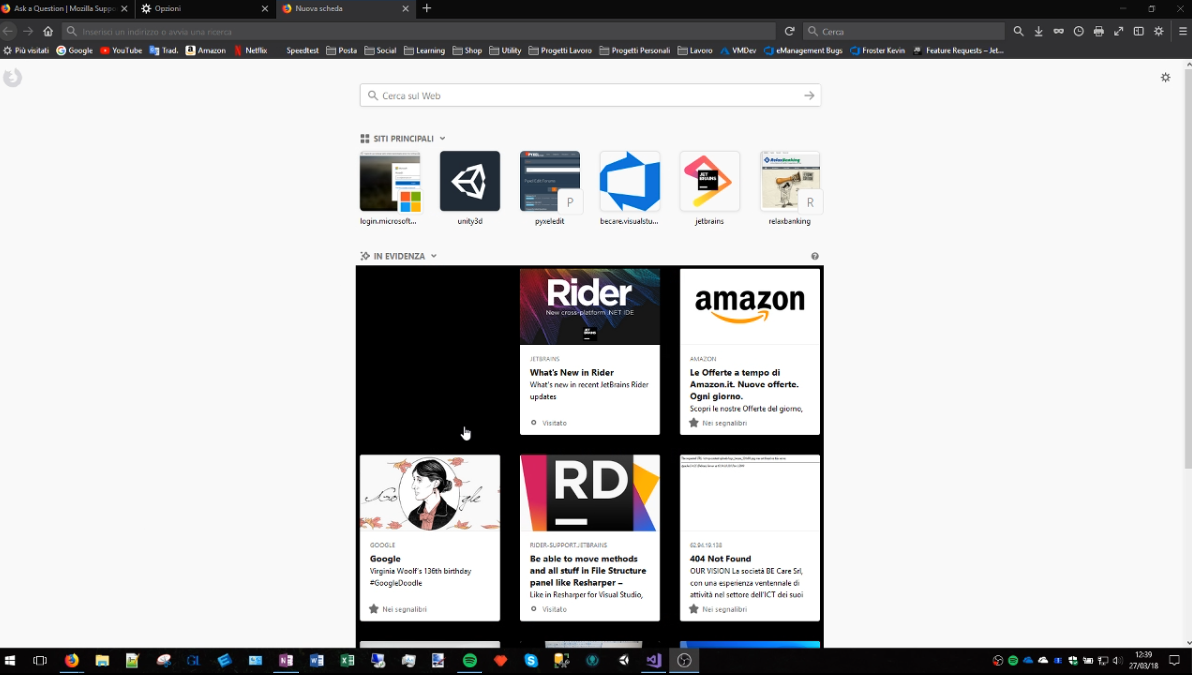
Appears black squares on pages on mouse hover

When i move mouse on link appears black square, it's really annoing... I've already update Firefox to 59.0.2 (64 bit)

選擇的解決方法
It could be the work of one of your add-ons, or it could be Hardware Acceleration. How to disable Hardware Acceleration {web link}
Type about:addons<enter> in the address bar to open your Add-ons Manager. Hot key; <Control> (Mac=<Command>) <Shift> A)
In the Add-ons Manager, on the left, select Extensions. Disable a few add-ons, then Restart Firefox.
Some added toolbar and anti-virus add-ons are known to cause Firefox issues. Disable All Of them.
If the problem continues, disable some more (restarting FF). Continue until the problem is gone. After, you know what group is causing the issue. Re-enable the last group ONE AT A TIME (restarting FF) until the problem returns.
Once you think you found the problem, disable that and re-enable all the others, then restart again. Let us know who the suspect is, detective.
所有回覆 (10)
Images
Check your zoom controls.
<Control> (Mac=<Command>) + (plus) enlarge - (minus) reduce 0 (zero) restore
If this fixes the issue; It appears to be an issue that only affects users who have turned off ClearType font rendering within their windows settings. So a workaround for the moment would either be to turn ClearType back on or disabling hardware acceleration in Firefox: Firefox's performance settings How to Tweak ClearType in Windows for Better Screen {web link}
Bug 658763 Missing text when ClearType is forced via DirectWrite rendering-mode prefs but disabled in Windows
It'isnt a problem of zoom, i tried but the problem still there, It happens on every pages of firefox (home, and on tabs)
RisingDragoon said
It'isnt a problem of zoom, i tried but the problem still there, It happens on every pages of firefox (home, and on tabs)
If not then the link? So others can see what it does.
Make sure you are not blocking content.
Start Firefox in Safe Mode {web link} by holding down the <Shift> (Mac=Options) key, and then starting Firefox.
A small dialog should appear. Click Start In Safe Mode (not Refresh). Is the problem still there?
FredMcD said
Make sure you are not blocking content. Start Firefox in Safe Mode {web link} by holding down the <Shift> (Mac=Options) key, and then starting Firefox. A small dialog should appear. Click Start In Safe Mode (not Refresh). Is the problem still there?
Thank you for support
Well, in Safe mode the problem disappearing, but this not resolving the problem in "normal" mode
What should I do now?
選擇的解決方法
It could be the work of one of your add-ons, or it could be Hardware Acceleration. How to disable Hardware Acceleration {web link}
Type about:addons<enter> in the address bar to open your Add-ons Manager. Hot key; <Control> (Mac=<Command>) <Shift> A)
In the Add-ons Manager, on the left, select Extensions. Disable a few add-ons, then Restart Firefox.
Some added toolbar and anti-virus add-ons are known to cause Firefox issues. Disable All Of them.
If the problem continues, disable some more (restarting FF). Continue until the problem is gone. After, you know what group is causing the issue. Re-enable the last group ONE AT A TIME (restarting FF) until the problem returns.
Once you think you found the problem, disable that and re-enable all the others, then restart again. Let us know who the suspect is, detective.
This issue was fixed in 59.0.2 please update. https://support.mozilla.org/en/kb/update-firefox-latest-version Alternatively the issue is to turn Cleartype font From Search in Settings.
Please let us know if this solved your issue or if need further assistance.
Try to update to 59.0.2 .
- Help -> About Firefox
Note that such issues are usually a problem with hardware acceleration.
It was the hardware acceleration, I said that I had already updated firefox to 59.0.2 :)