


How do I sop Thunderbird trying to download messages from an account that is now dead

I have an account - david.woodcock@skynet .be that is no longer active. But Thunderbird is still trying to connect to it and download messages. How do I stop Thunderbird from trying to access this account?
Isisombululo esiKhethiweyo
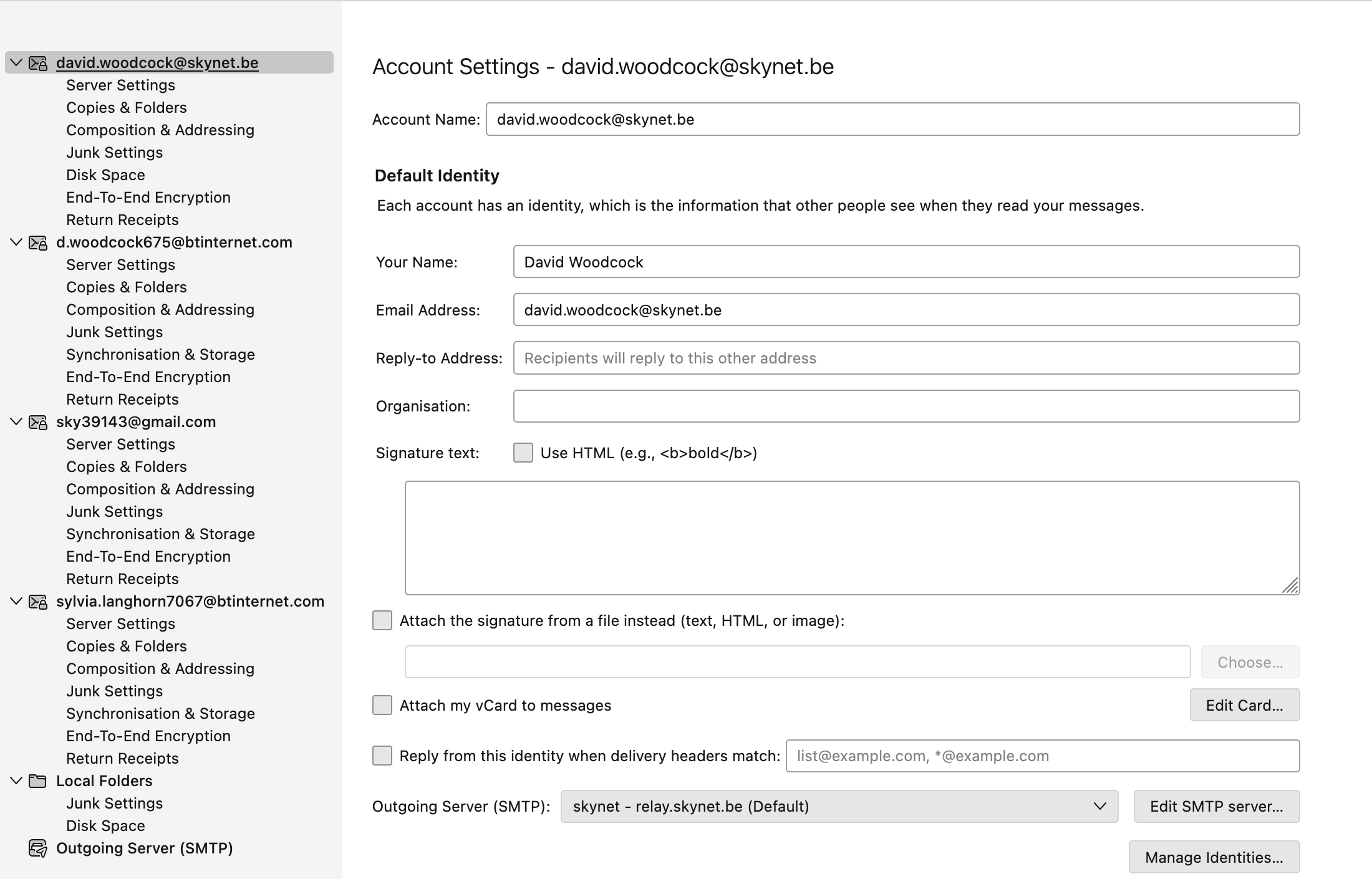
Scroll to the bottom of the list of accounts on the left of your screen shot. Click on the action choices at the bottom, which include deleting accounts.
All Replies (5)
My suggestion is to create folders in Local Folders, then copy the desired messages from the old account there, and then delete the account.
I need to know how I can delete the account so that Thunderbird stops trying to download from it. BTW, My previous messages are stored in a large multidimensional folder named 'Local Folders' David
If there is nothing of the account to keep, and if your version of thunderbird is recent, click to 'account settings', highlight that account, and in the upper right is a red button to delete.
Hi David, on my version there was no red button to click. However at the bottom of the left hand Settings list there is another link that says Account Settings, on clicking that there is the option, amongst others, to delete the account. Many thanks for your suggestion and you may want to consider my eventual solution for similar requests. PS I have an Apple just upgraded to Golden Gate 27.0.I have uploaded my screen FYI
David
Isisombululo esiKhethiweyo
Scroll to the bottom of the list of accounts on the left of your screen shot. Click on the action choices at the bottom, which include deleting accounts.