

Le thread ibilondoloziwe.
Nceda ubuze umbuzo omtsha ukuba ufuna uncedo.

Ezilondoloziweyo
How to remove firefox disk image from desktop

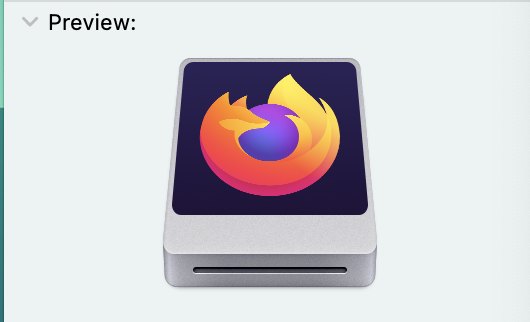
This firefox icon is on my desktop (can be ejected but says it could be harmful) and I want it gone. How do I move it elsewhere on my computer so that it doesn't appear on my desktop?
This firefox icon is on my desktop (can be ejected but says it could be harmful) and I want it gone. How do I move it elsewhere on my computer so that it doesn't appear on my desktop?
All Replies (1)
Make sure you install Firefox properly and that you do not run Firefox from within the DMG (Disk Image) file.
Open the Firefox Disk Image file and drag the Firefox application to the Applications folder on your hard drive. You shouldn't double-click the Firefox application to run it from the Disk Image, but instead drag it out of the DMG folder. You can possibly eject the DMG file and and trash the installer.