


XML processing error

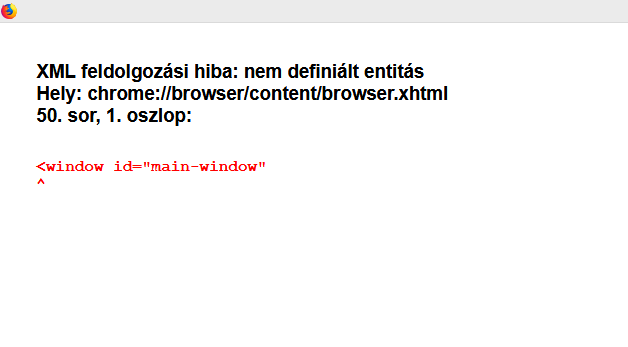
Hello! I cannot open Firefox because of an XML error. I reinstalled it, unfortunately did not help, I can see the same failure message only. Cannot open Safe mode, as there is no menu above. The "clean install procedure" also does not help... I attach the screenshot, the failure message is in Hungarian, tried to translate it: XML Processing Error: Undefined entity Location: chrome: //browser/content/browser.xhtml Row 50, Column 1: <window id = "main-window" </p>
Hello! I cannot open Firefox because of an XML error. I reinstalled it, unfortunately did not help, I can see the same failure message only. Cannot open Safe mode, as there is no menu above.
The "clean install procedure" also does not help...
I attach the screenshot, the failure message is in Hungarian, tried to translate it: XML Processing Error: Undefined entity
Location: chrome: //browser/content/browser.xhtml
Row 50, Column 1:
<window id = "main-window"
All Replies (1)
Resolved. To my dismay, I downloaded an older version of Firefox (68.0.2), although they don't recommend it. I managed to open it and updated it to the latest one. It works and keeps all saved passwords and favorites as well. I only signaled if someone had the same problem.