


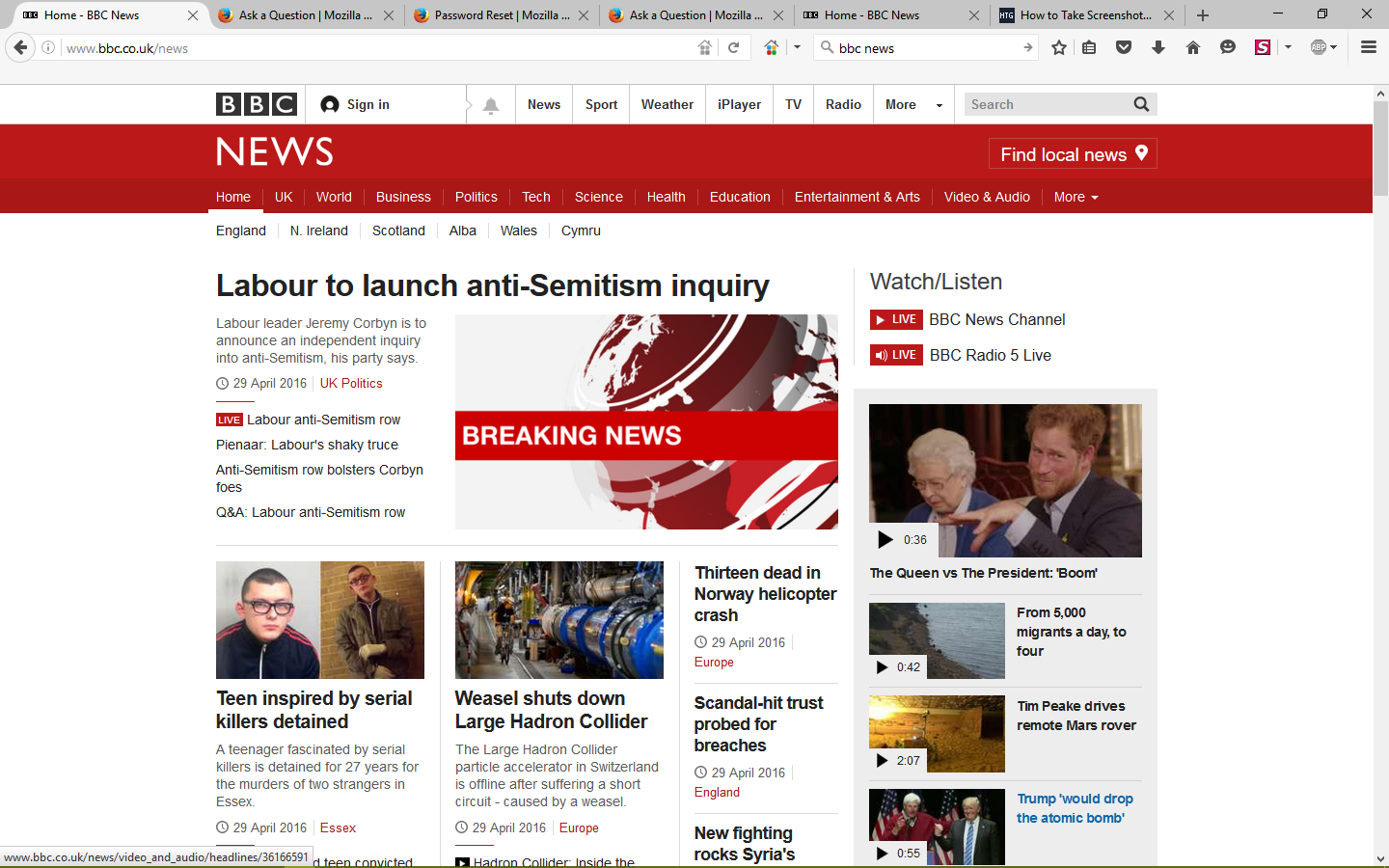
Old version of BBC news home webpage loads

Weidest thing. When I open http://www.bbc.co.uk/news in Firefox it takes me to a page from 29 April 2016. All the links and tabs take me to the current page, but the home page takes me back to the April page. If I do a 'I feel lucky' search in Google for BBC news it takes me to the April page. I've deleted browsing history, cache and cookies - it still does it. I've tried switching prefetch on/off, disabling Adblock , still no joy. The website works fine in other browsers and I'm using Firefox 46.01, Windows 10. Any ideas - is this some weird malware thing?
Thanks
All Replies (2)

Isisombululo esiKhethiweyo
Load the web page. After, hold down the <Shift> key and reload the page.
If you use a bookmark then try to navigate to that page starting with the main page or the sign in page in case there is a problem with this bookmark.
You can reload web page(s) and bypass the cache to refresh possibly outdated or corrupted files.
- Hold down the Shift key and left-click the Reload button
- Press "Ctrl + F5" or press "Ctrl + Shift + R" (Windows,Linux)
- Press "Command + Shift + R" (Mac)