


Why can't I see the Mozilla themes?

I have used Mozilla's themes for years without problems, but earlier this week my chosen theme had disappeared. I can't get anything to show anymore, neitjer when searching for new ones and trying to see what they look like before installing, nor after installing. Everything is just blank. Anyy good suggestions?
Giải pháp được chọn
hello, other users have reported the same issue when firefox is set to start in private browsing mode - you might want to change that in firefox > options > privacy.
Đọc câu trả lời này trong ngữ cảnh 👍 1Tất cả các câu trả lời (5)
Hello there, Fafnesbane.
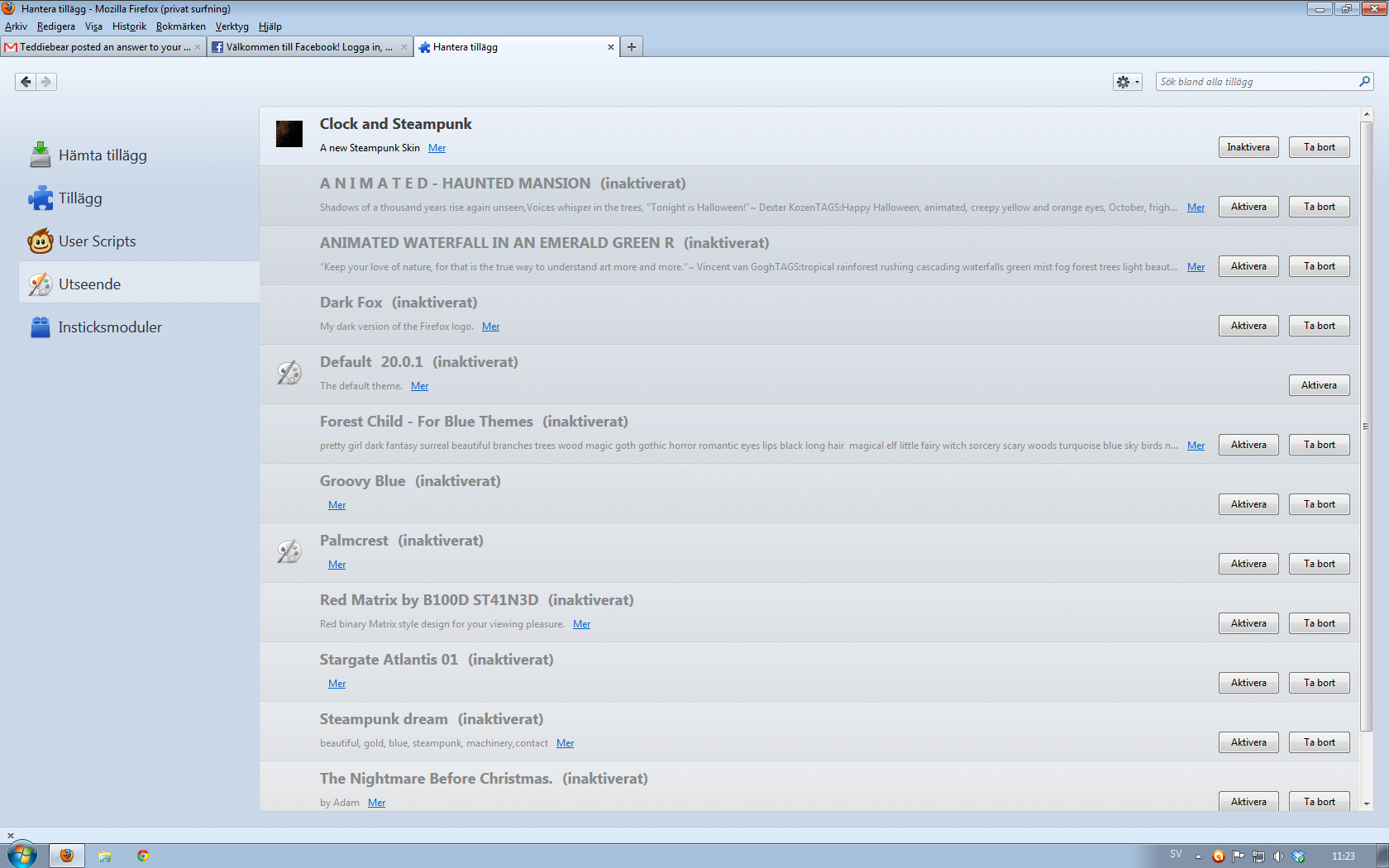
Could you attach a screenshot of what it says in the Appearance menu? You can access this through Tools -> Addons -> Appearance.
It looks like this. But perhaps the problem is to do with the insecure Java plug-in that's currently disabled by Firefox?
Giải pháp được chọn
hello, other users have reported the same issue when firefox is set to start in private browsing mode - you might want to change that in firefox > options > privacy.
Thanks for the help, guys. I never would've thought the privacy setting caused this.
this will be addressed in the upcoming firefox 21 - there it should be possible to use both these features at the same time again...