


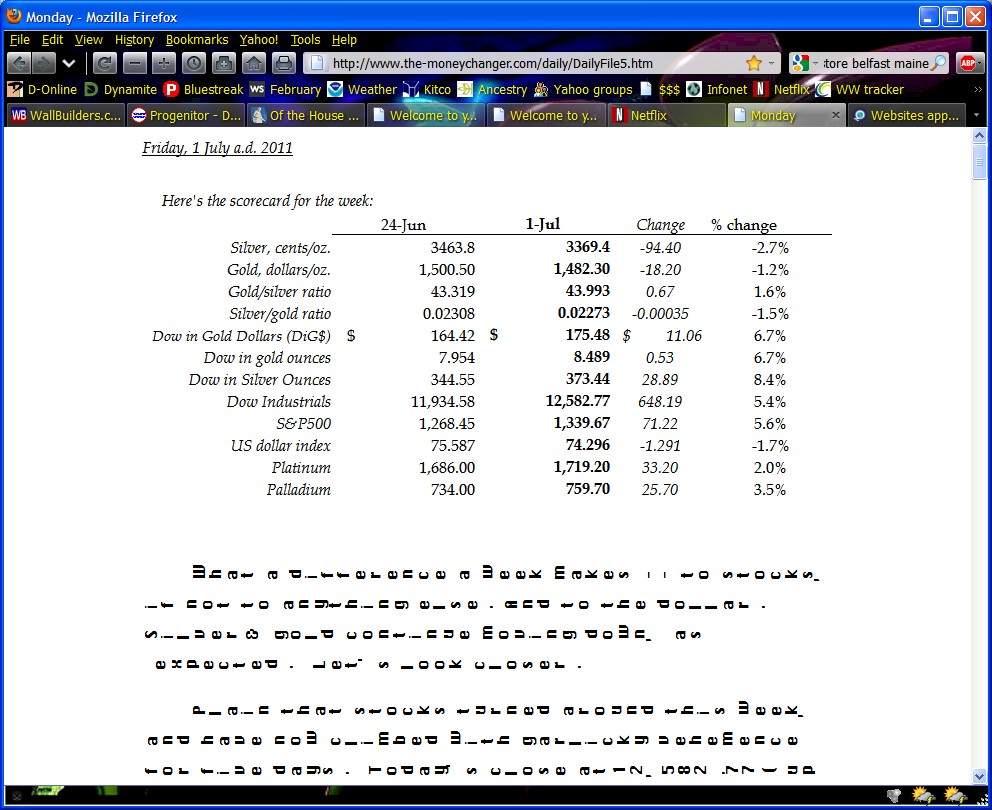
Websites appear with typing sideways instead of normal with 5.0.

The fonts appear sideways, so to read the site, you'd have to turn your head sideways and read the words from top to bottom. I recall this happening in another version of Firefox but can't remember the fix.
Tất cả các câu trả lời (4)
Try to rotate the screen with Ctrl+Alt+Up back to the correct position.
Graphics appear normally. The fonts actually appear to be lying on their sides. Screen shot attached.
I assume that you have a font installed that displays text sideways and that Firefox is using that font for some reason. So you may need to check your fonts to identify that problem.
- http://browserspy.dk/fonts-flash.php?detail=1 Fonts Information - Detected via Flash
I have a couple of Microsoft programs (Word, Publisher) that do that, but when I look through the font cache I don't find anything. I had this problem before, when I updated to 4.0. At that time I posted on this forum and got a solution, but I can't find it now. I believe it had something to do with changing a Firefox file. One thing is for sure, I will keep the solution in a folder for the next update.
Được chỉnh sửa bởi rosawood vào