


My account just erased itself. All my bookmarks, passwords, everything gone and I didnt do it. Suddenly I am a new user??

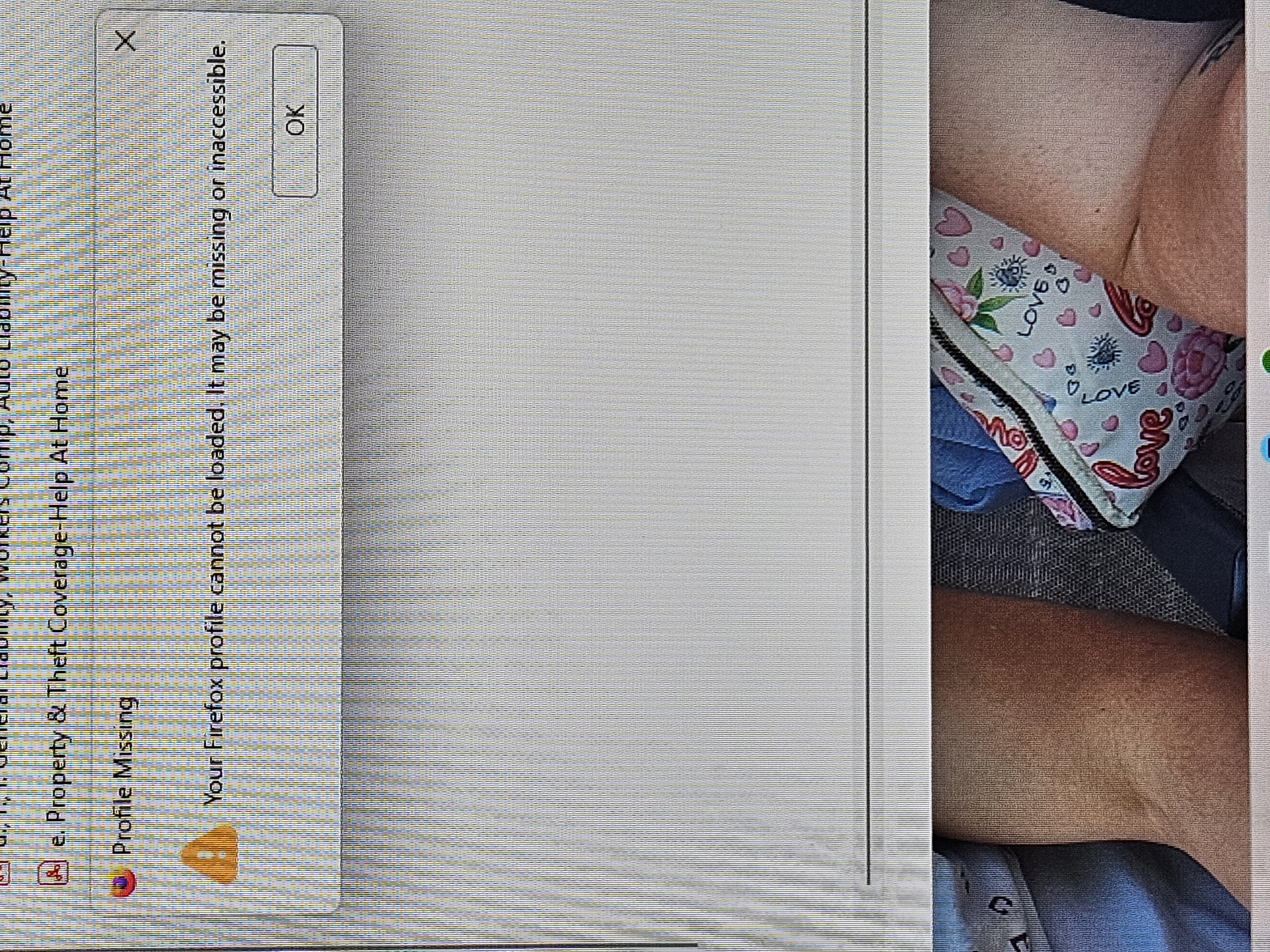
All of my bookmarks, passwords, settings, etc just disappeared from my Mozilla account. Everything for my job is gone. I was just working and suddenly got notifications that im a new user and to make Firefox my default (already was). Now everything is gone from before. Did you just roll out an update? It destroyed my account. Now it says my account is missing and wont even let me open it on a 2nd try while im writing this....so its just getting worse.
Tất cả các câu trả lời (1)
If Firefox starts up after an update without your bookmarks and other settings, check whether your data is available in a different profile:
Inside Firefox, type or paste about:profiles in the address bar and press Enter/Return to load it. The About Profiles page will open. This page should list at least one profile and could list many.
The profile that Firefox is currently using will show:
This is the profile in use and it cannot be deleted.
Please do not delete anything here; don't use any Remove buttons.
Do you have another profile named default or default-longnumber listed on this page? If so, you can check whether it is the one you were using recently by clicking its Launch profile in new browser button.
If it isn't what you want, simply close that new window.
If it IS what you want, click the Set as default profile button for that profile on the about:profiles page. Firefox will use it automatically at the next startup.
For more information see Recover user data missing after Firefox update or reinstall.
Note: If your bookmarks are not available in another Firefox profile, see Recover lost or missing Bookmarks for other solutions.