


localhost can't connect

Hei!
I have used firefox.localhost to test my html page containing some JavaScript.
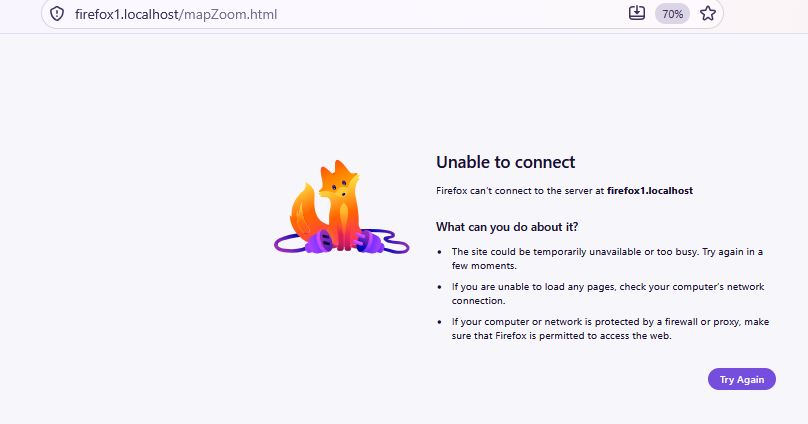
Now suddenly (it has worked nicely many times) it claims that there is not connection:
I also tried the "BlueFox" (developer version) and the response was exactly the same.
Firefox was just yesterday updated. OS is Windows 11.
W.b.r:
Jarmo Alander
Here the response text:
" Unable to connect
Firefox can’t connect to the server at firefox1.localhost What can you do about it?
   The site could be temporarily unavailable or too busy. Try again in a few moments.
   If you are unable to load any pages, check your computer’s network connection.
   If your computer or network is protected by a firewall or proxy, make sure that Firefox is permitted to access the web
Giải pháp được chọn
You can use node ofc, but still firefox.localhost should work (only) with Dev Tools opened. Do you have it?
Được chỉnh sửa bởi TyDraniu vào
Tất cả các câu trả lời (8)
That is something that you have to run on your machine (the browser doesn't provide any server of its own). Are you sure it is running?
Thank you for your fast reply!
So, what do you mean by 'running':
   - my html file containing some JavaScript,
   - or something else (within the browser)
   - or generally on my PC
   - or what?
First I tried to use file:: (just clicking the filename on file list). It does not work: browser gave this localhost trick (I just clicked something...) and it worked nicely until the failure.
W.b.r.
Jarmo Alander
The address points to a server. That server is most likely running on your device. Firefox doesn't run the server. The error hints at the service not running. (The service is not provided by Mozilla.)
This is an example of the options that are to be run by the user/developer:
This is our new feature. Open your html page, then open Developer tools -> Debugger. It should suggest to map your folder with https://firefox.localhost.
And you have firefox1.localhost in the address bar, not firefox.localhost.
Thank you for your suggestions!
Yes, I have used both firefox.localhost and firefox1.localhost both suggested by the browser and both worked before the failure. I only attached the other one. So what to do next? E.g. is it better to abandon this new feature and use Node as local server instead?
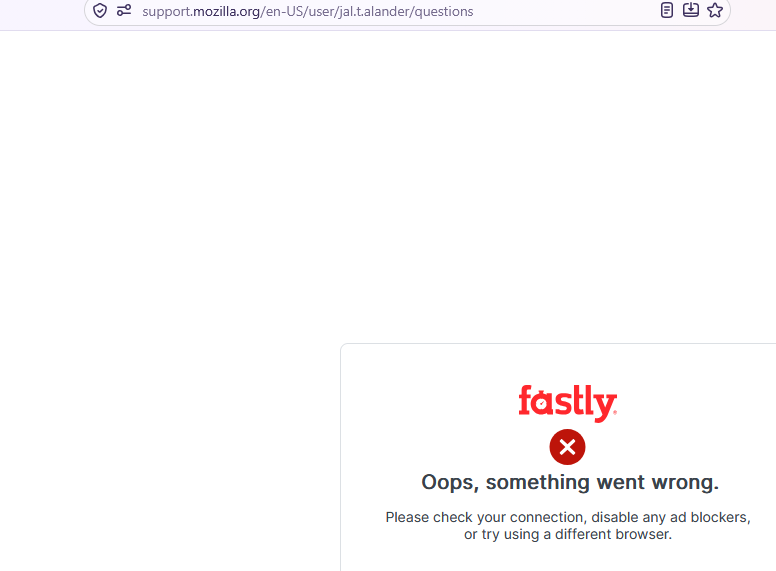
BTW, this channel also has some problem (see attached screen image).
W.b.r. Jarmo Alander
Giải pháp được chọn
You can use node ofc, but still firefox.localhost should work (only) with Dev Tools opened. Do you have it?
Được chỉnh sửa bởi TyDraniu vào