


Android device won't sync.
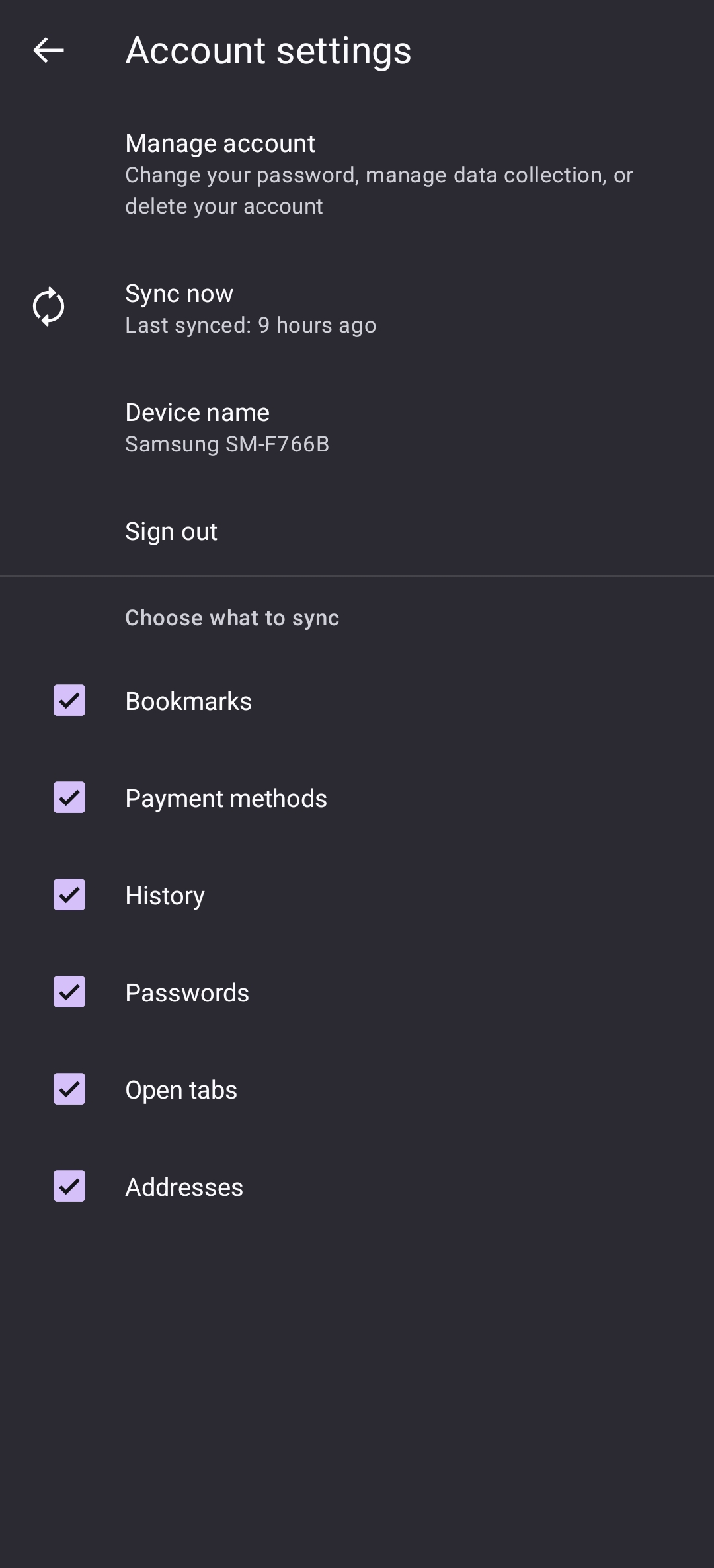
No matter what I do, sometimes, Firefox on my phone won't sync and it's driving me crazy to be honest. I don't know why it happens, it has no fixed schedule and it seems to go away on it's own in a seemingly random amount of time. In this instance, as I'm writing this I've been trying to sync with my PC for over an hour and it simply refuses to sync. I've tried restarting, force stoping , clearing cache.. Nothing. In the past I even tried reinstalling and for it to sync it took a while. I'm lost with this bug and it's been happening for a while now, I was hoping for a fix but so far it seems it hasn't come.
Please let me know if additional information is needed.
Giải pháp được chọn
Hi Teo,
You may want to check out my reply in this other thread.
Tất cả các câu trả lời (5)
Hi
The best way to use Firefox Sync is to just set it up and leave it run into rh background. It will regularly sync to pick up changes in bookmarks and passwords without you having to sync manually.
Paul said
Hi The best way to use Firefox Sync is to just set it up and leave it run into rh background. It will regularly sync to pick up changes in bookmarks and passwords without you having to sync manually.
Hey, thanks for the reply. That's how I have it set up, but sometimes it just refuses to sync automatically. And even when I try to start it with a manual comand it still won't do it. The problem disappears by itself randomly after some time..
Giải pháp được chọn
Hi Teo,
You may want to check out my reply in this other thread.
Kiki said
Hi Teo, You may want to check out my reply in this other thread.
Oh, awesome, thank you for the information!