


"Clear cookies and site data" option disabled on container tabs

It seems that after a recent Firefox version update (perhaps to 151.0.3), the "Clear cookies and site data" option is disabled for any container tab. This is really annoying as I like to use this feature often.
Tất cả các câu trả lời (6)
Hi,
I can't reproduce... To clarify, if you open the same tab without a container, does the option become available? And if you open it in a new container tab after that, does the option become grayed out again?
Strangely, I'm not seeing the issue today. I'm not 100% sure issue is specific to container tabs or related to the specific website or the browser just gets in some kind of odd state. Why would this menu item ever get disabled? I use this feature pretty often so will continue to monitor in coming day or two and will try to update findings.
This menu item is disabled when there's nothing to clear. While there may be a related bug, it's useful to keep in mind that there are at least some legitimate scenarios.
I'll mark your reply as a solution for now. If you encounter the issue again (and it will reproduce with a container tab but not with a regular one), please reply here. You'll also be able to unmark the reply as a solution by clicking Undo solution (or I'll do that for you).
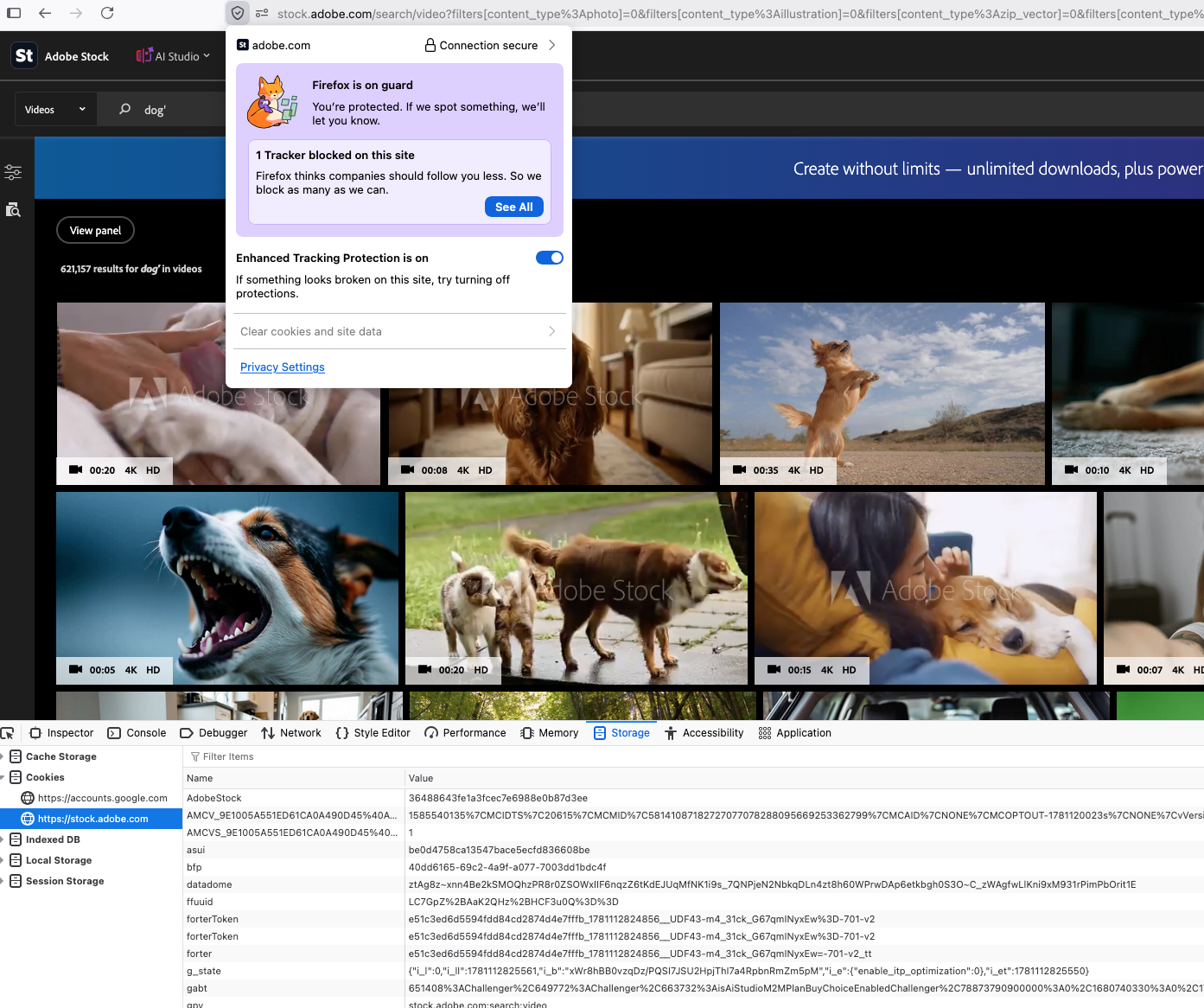
The issue is happening again. It's only with container tabs. per attached screenshot, there are cookies set so there should be something to clear.
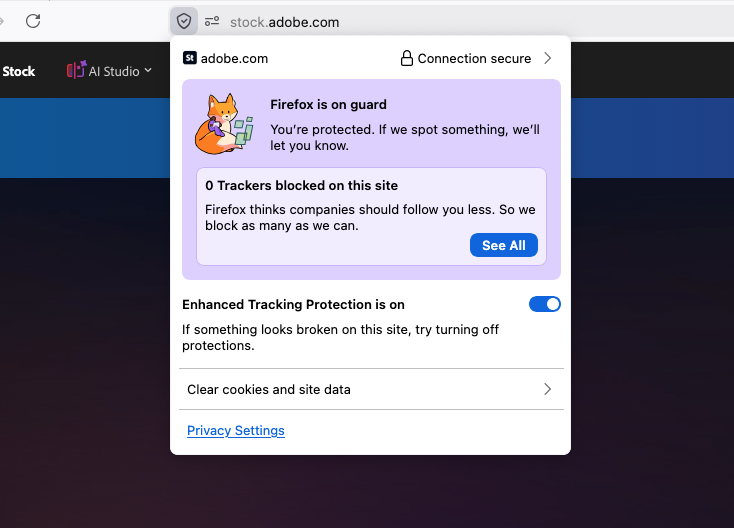
Thanks for posting this here!
there are cookies set
Are you sure the cookies in your non-container tab haven't been set earlier (and the same just hasn't happened yet in the container tab)? Could you please try clearing cookies in the regular tab, reload the page and see if the option to clear them becomes active again?
That seemed to work to get the clear option to enable again in the container tab. Still seems like something changes with recent build as I wasn't encountering this issue until just recently. For the particular site I'm accessing I almost always use container tabs so I can have separate login sessions on separate container tabs (for testing purposes) and the clear option had always been enabled.