


My Firefox version is 115 and I can not access some platforms and need to upgrade . Firefox is now 153 but I can not upgrade to 153 or window 11.. setting indicate upgrade complete but is not.

Upgrade version I can not ?? Can you upgrade to current version?? Thanks Ron
Tất cả các câu trả lời (6)
Hello
These similar discussions https://support.mozilla.org/en-US/questions/1585562
Firefox support for Windows 7, 8 and 8.1 https://support.mozilla.org/en-US/kb/firefox-users-windows-7-8-and-81-moving-extended-support
If you wish to try User Agent Switcher https://addons.mozilla.org/firefox/addon/uaswitcher
About Firefox 153 https://www.firefox.com/en-US/firefox/153.0a1/system-requirements
That depends on your OS installed. You need at least Windows 10 for latest release version.
In case you're actually not on Windows 8 as seems to be reported for your system, it might be due to running Firefox in compatibility mode: https://support.mozilla.org/questions/1573824
A question https://support.mozilla.org/en-US/questions/1576403
As for me, i installed Linux, in dual-boot with Windows7
My Firefox version is 115 and I can not access some platforms and need to upgrade . Firefox is now 153 but I can not upgrade to 153 or window 11.. setting indicate upgrade complete but is not. Upgrade version I can not ?? Can you upgrade to current version?? Thanks Ron
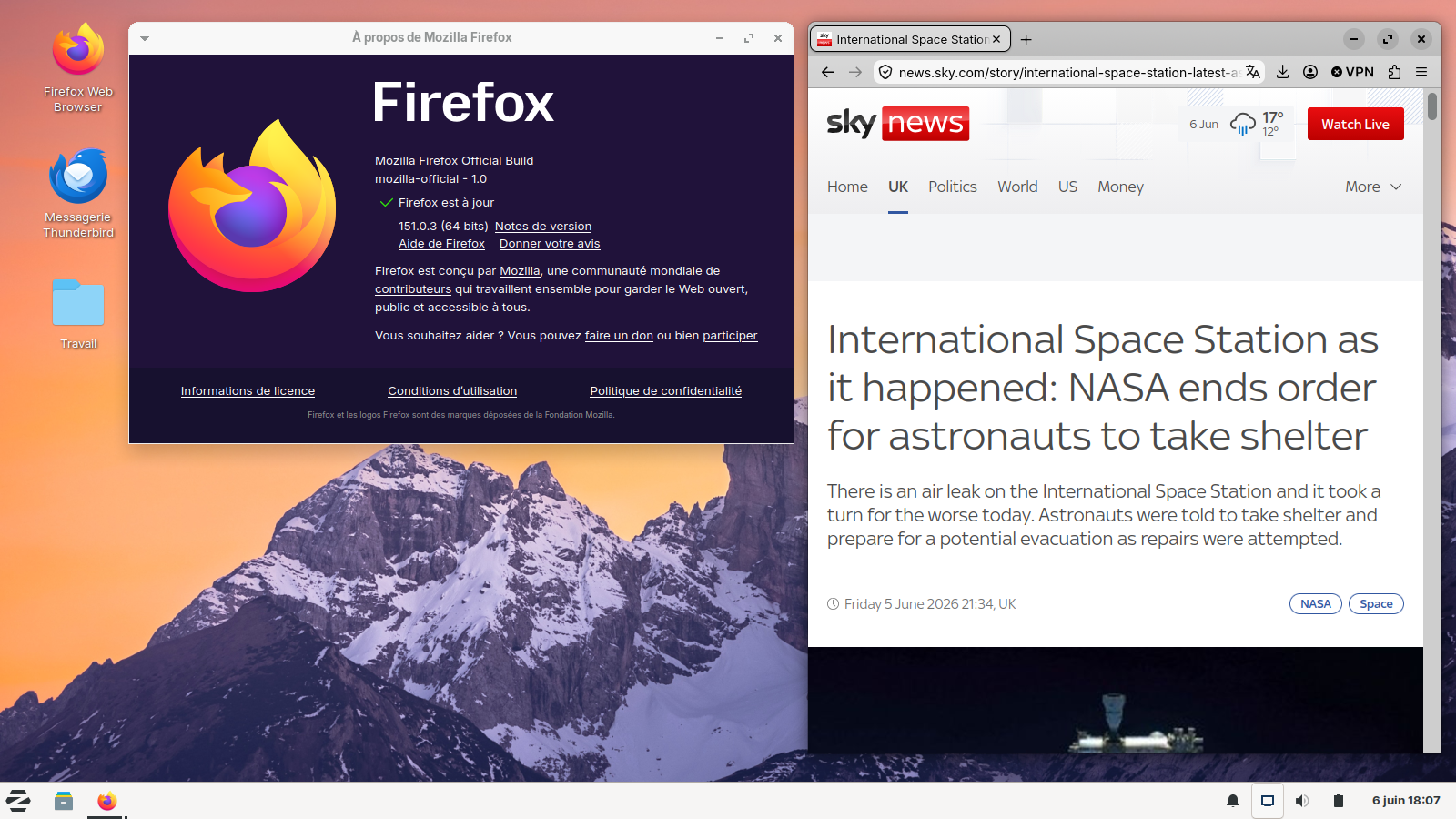
The current version is Firefox 151.0.3 which was released June 2, 2026 https://www.firefox.com/firefox/151.0.3/releasenotes/
The Firefox 153.0 is currently on the more unstable Nightly development channel meant more for testers and devs in mind. The Firefox 153.0 is not scheduled for release until July 21. Perhaps you are misreading 151.0.3 as 153.0
The Firefox UserAgent you used to post this thread appears to be Mozilla/5.0 (Windows NT 6.2; Win64; x64; rv:109.0) Gecko/20100101 Firefox/115.0 as NT 6.2 is Windows 8.
When I see posters appearing to have Firefox on Windows 8 and not Windows 7 or 8.1 it is usually because they are running Firefox in Windows 8 compatibility mode for some reason on Windows 10 or 11.
If you are using Windows 10 or 11 then see https://www.minitool.com/news/how-to-run-a-program-in-compatibility-mode.html on how to disable running Firefox in Windows 8 compatibility mode.