


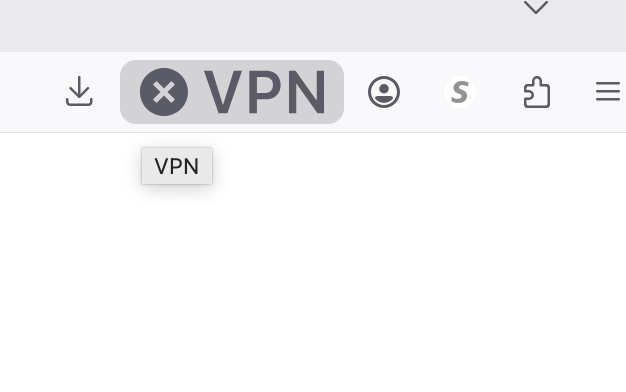
I would like to remove the large x VPN dropdown from my start up bar

I want to remove this link to your ad for VPN from my screen. Please let me know how to remove this as I am not interested at this time and it is distracting.
Giải pháp được chọn
Hi, the size issue will be fixed in 151.0.3.
PS. It's not an ad. This is a VPN. If you don't use it, you can still right-click it and select Remove from toolbar.
Đọc câu trả lời này trong ngữ cảnh 👍 1Tất cả các câu trả lời (4)
Giải pháp được chọn
Hi, the size issue will be fixed in 151.0.3.
PS. It's not an ad. This is a VPN. If you don't use it, you can still right-click it and select Remove from toolbar.
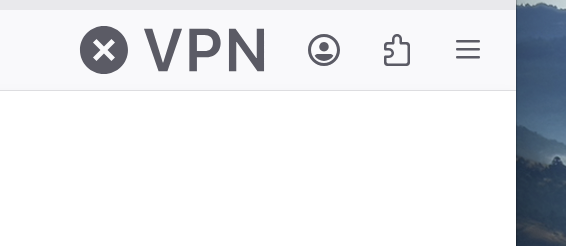
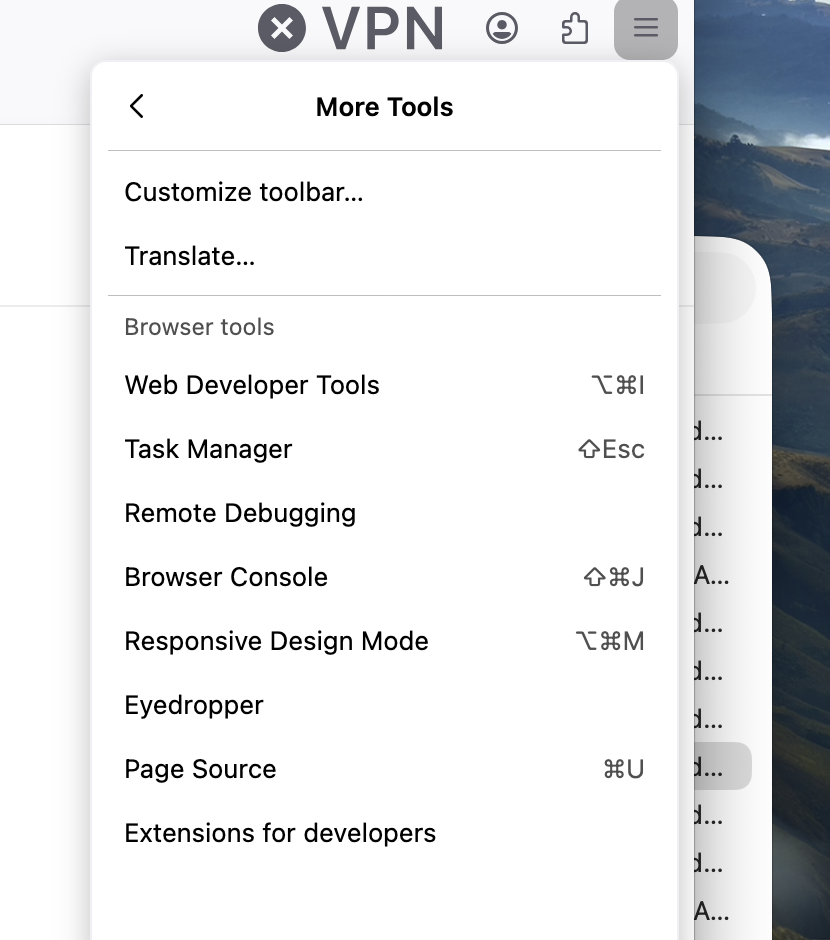
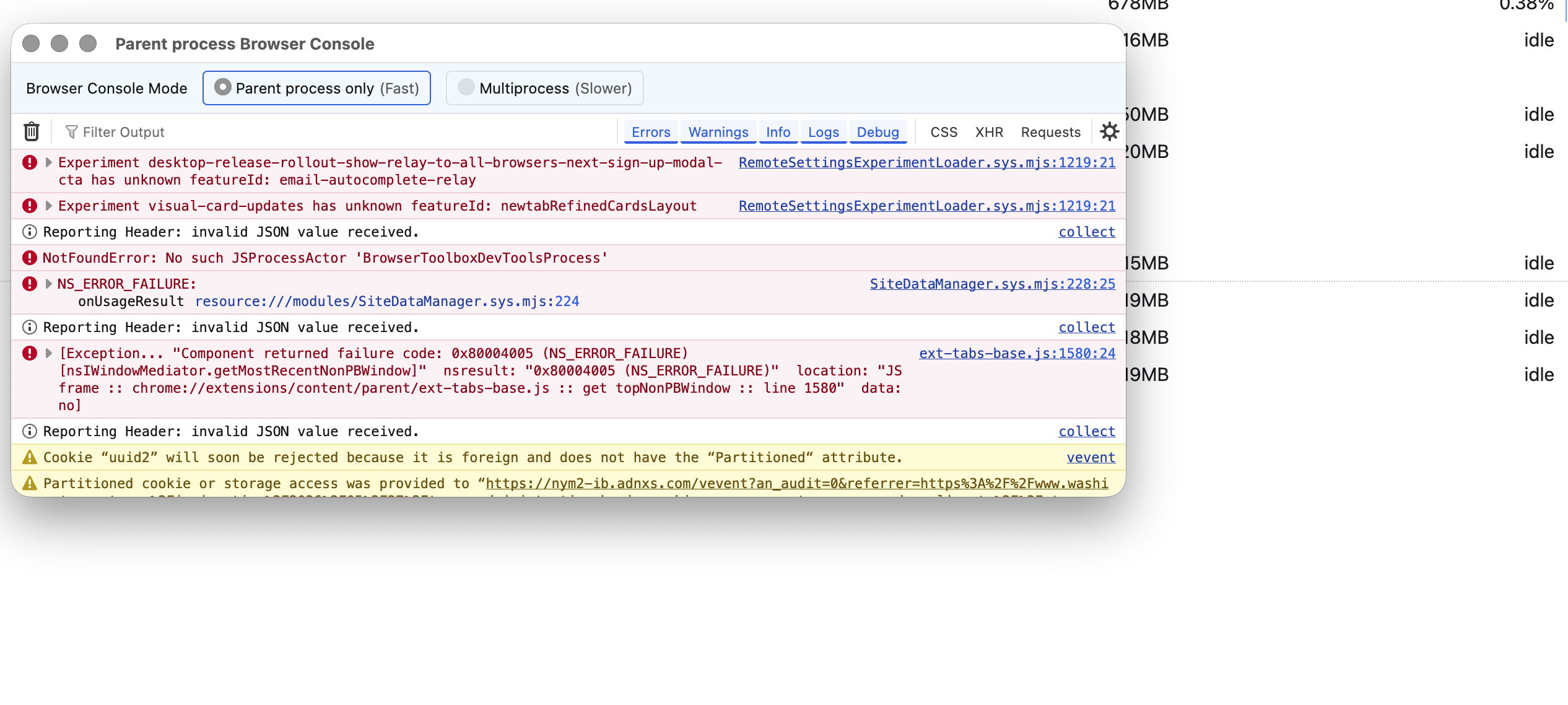
Hi Unfortunately I don't have a mouse with right-click I'm on a MAC. Another person gave me a solution that worked on my home laptop - now I'm on my work computer and would like to remove it here as well. His answer is no longer showing up unfortuantely when I log in. He sent me over to the three lines top left and said to drop down to "More Tools" which I did sucessfully and removed it from the home laptop. Now if I go there shows up in code - I was somehow able to locate the box with all the icons and simply remove it. Any ideas? Sorry I don't know why I find it so distracting. And if I click on it does request I subscribe.
Hello
You can use, Customize Firefox controls, buttons and toolbars https://support.mozilla.org/en-US/kb/customize-firefox-controls-buttons-and-toolbars
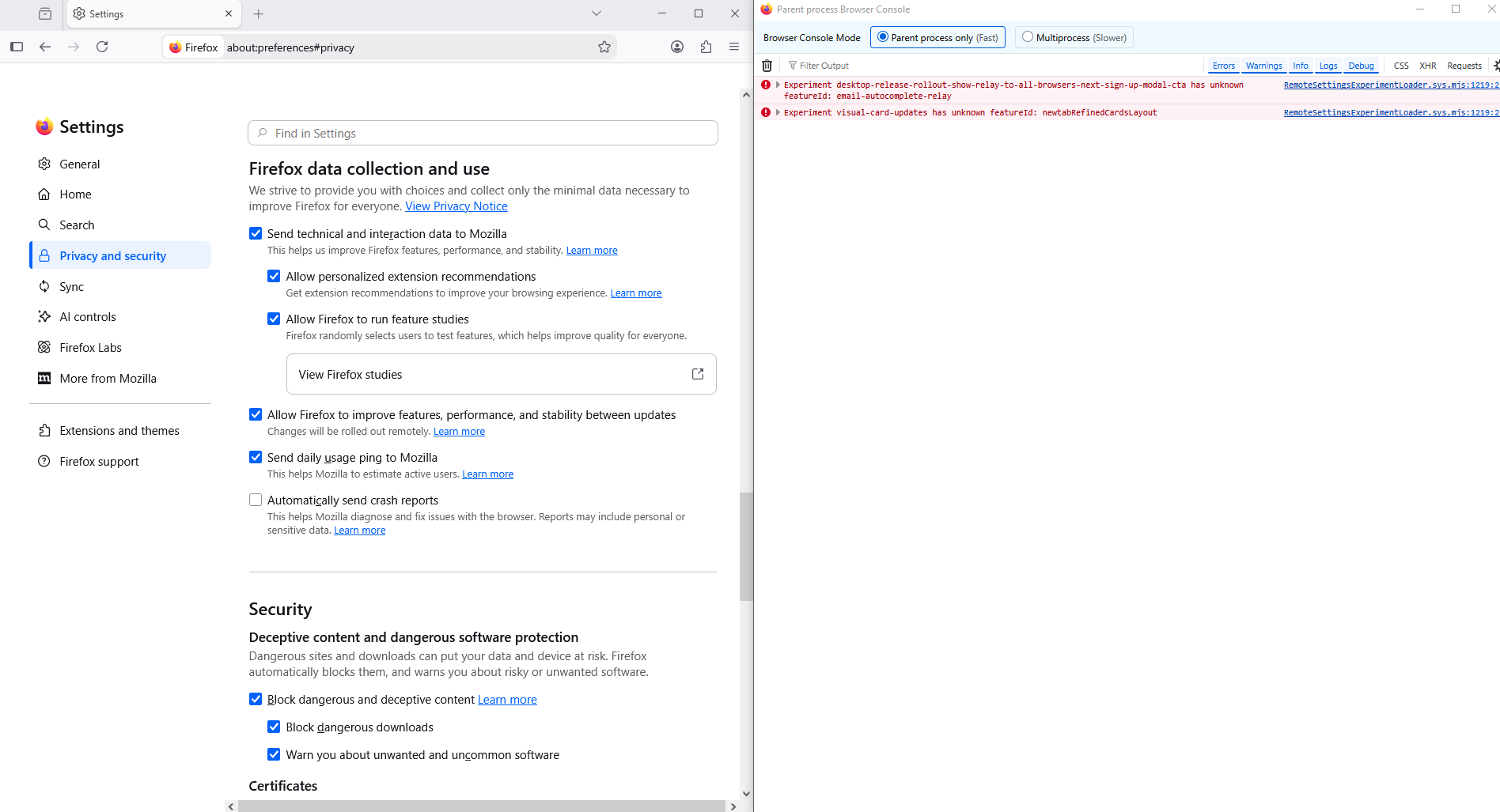
For information, https://support.mozilla.org/en-US/questions/1582761#answer-1819759 About, Manage remote improvements settings in Firefox https://support.mozilla.org/en-US/kb/remote-improvements Allow Firefox to improve features, performance, and stability between updates
Maybe, screenshot, apparently, that's normal.
Được chỉnh sửa bởi Agent virtuel vào