


Firefox (Android) still suggesting websites from my history after clearing full history.
Hello.
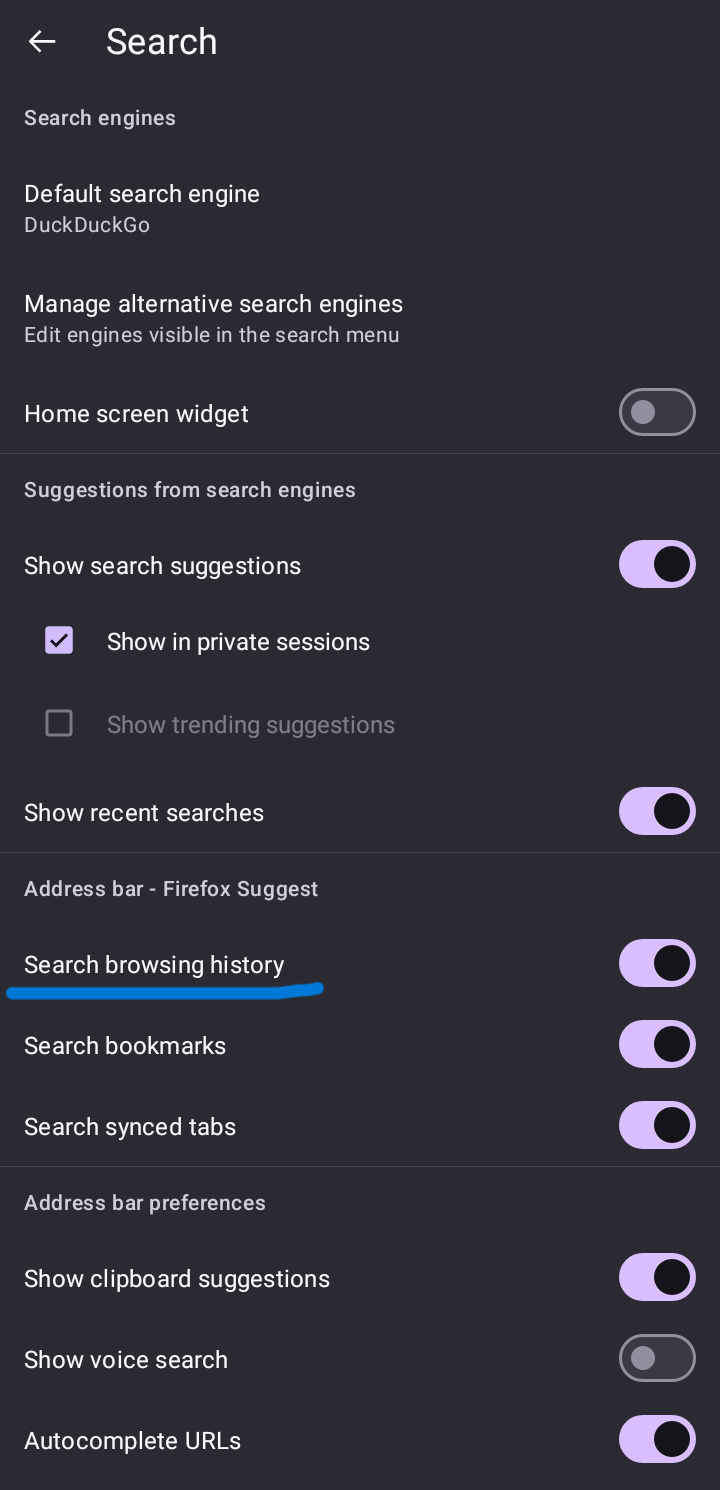
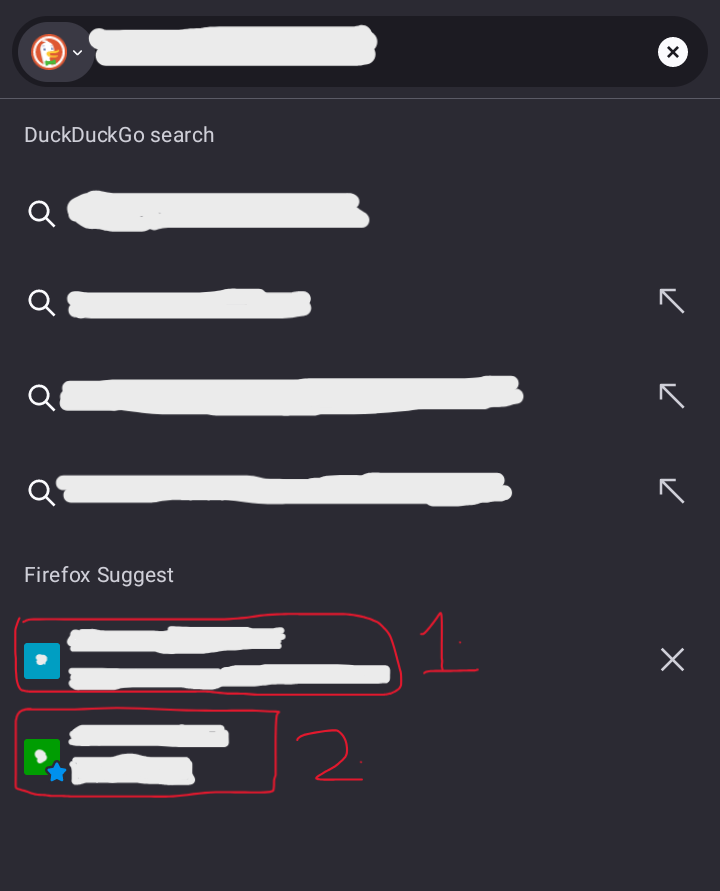
My problem is exactly what the title says. After I clear my history, Firefox still suggests me websites (not in my bookmarks). In the settings, when "search browsing history" is enabled, I get suggested some websites I used in the past even after clearing all time history. If I disable "search browsing history", then only the websites are not suggested. I already cleared everything like site data and cookies, all time browsing history etc.
I've attached 2 Screenshots: First screenshot is of the "search browsing history" setting. Second screenshot is of the search suggestion. There are 2 markings which mean: 1. (Main Problem) The suggested website by Firefox, which shouldn't appear after history cleanup. (It doesn't appear when the setting is off.) 2. This suggested website is different and in my bookmarks and is not a problem. (I am only mentioning it because I know the concerning website is not in my bookmarks.)
I use same sync account for Windows and Android and I don't have this problem on Windows. What should I do? Thank you for your time.
Giải pháp được chọn
[FIXED]
So the problem is fixed, thanks to "No-Star4283" on Reddit.
I reinstalled Firefox and it worked. Maybe the issue was local persistent storage which was not being cleared normally. Signed in my account again and synced too and still no issues now.
Đọc câu trả lời này trong ngữ cảnh 👍 1Tất cả các câu trả lời (1)
Giải pháp được chọn
[FIXED]
So the problem is fixed, thanks to "No-Star4283" on Reddit.
I reinstalled Firefox and it worked. Maybe the issue was local persistent storage which was not being cleared normally. Signed in my account again and synced too and still no issues now.