


Linkage to an outlook account

I have had to replace my laptop and am trying to set up my new one with an existing outlook account on the new device.
It is a Windows 11 device.
I have used the exact server settings etc from my old lap top for the outlook account but get a variety of error messages.
I have explored the use of the Account Hub and also switched that off/on. Same situation.
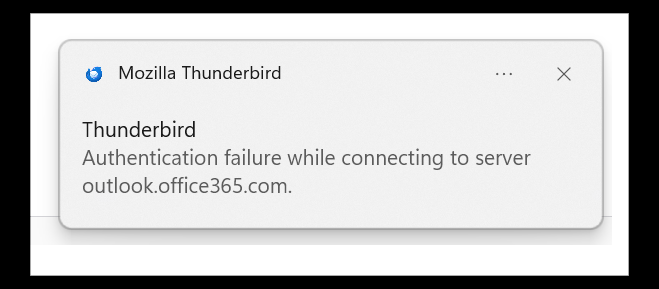
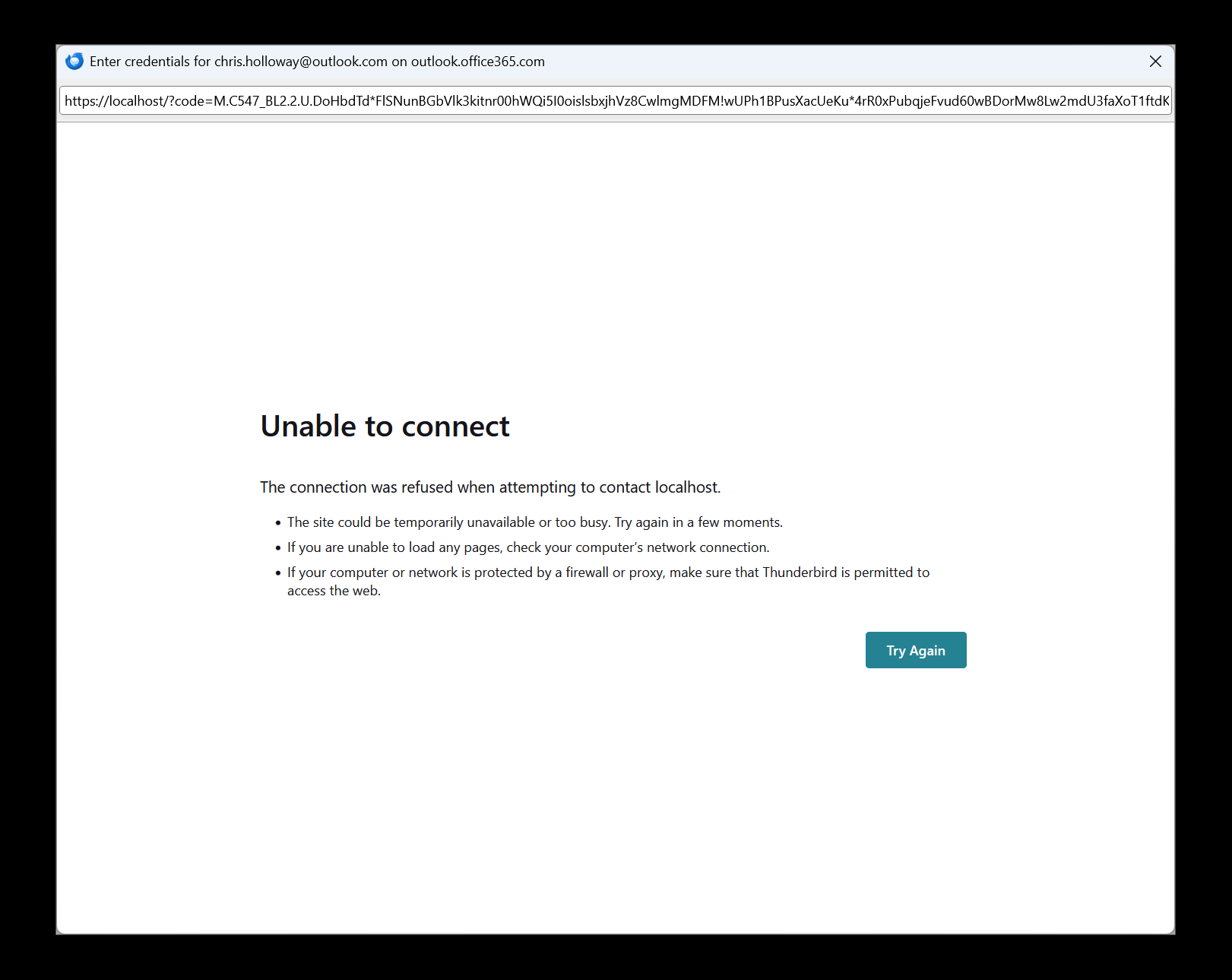
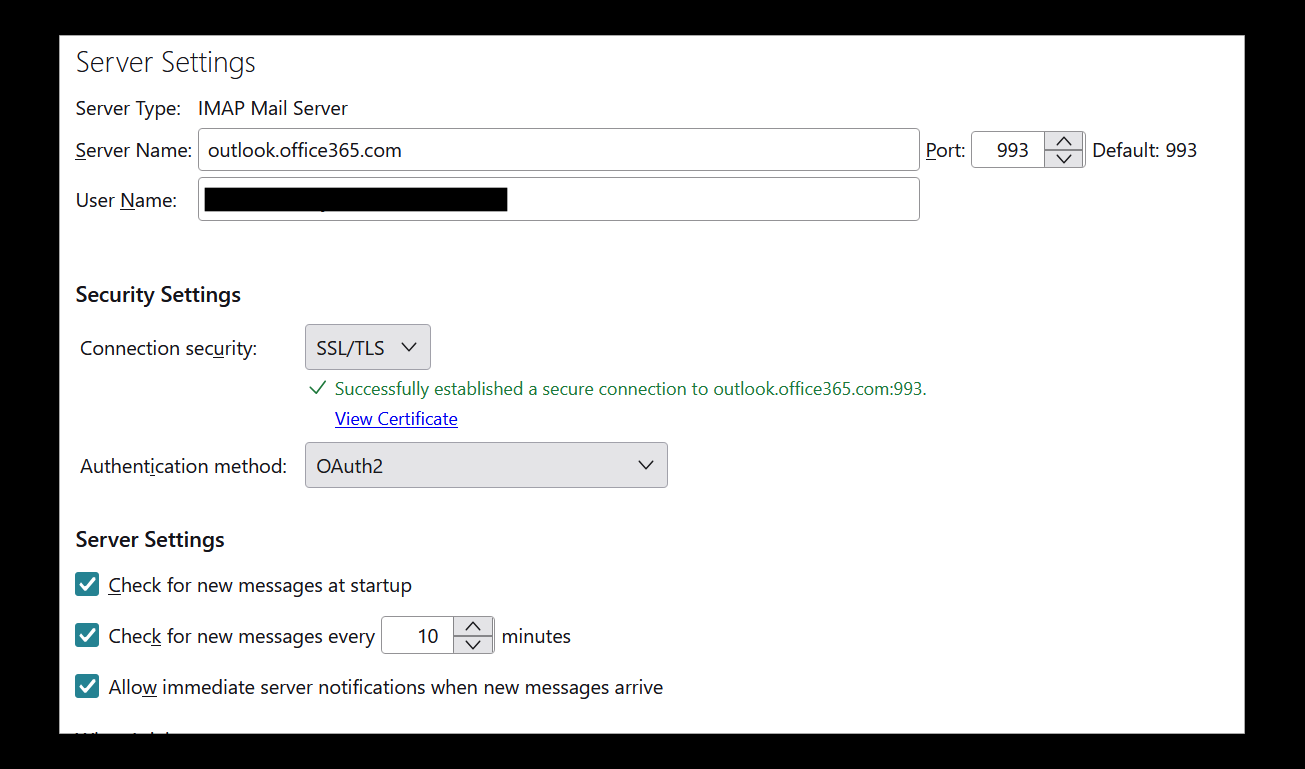
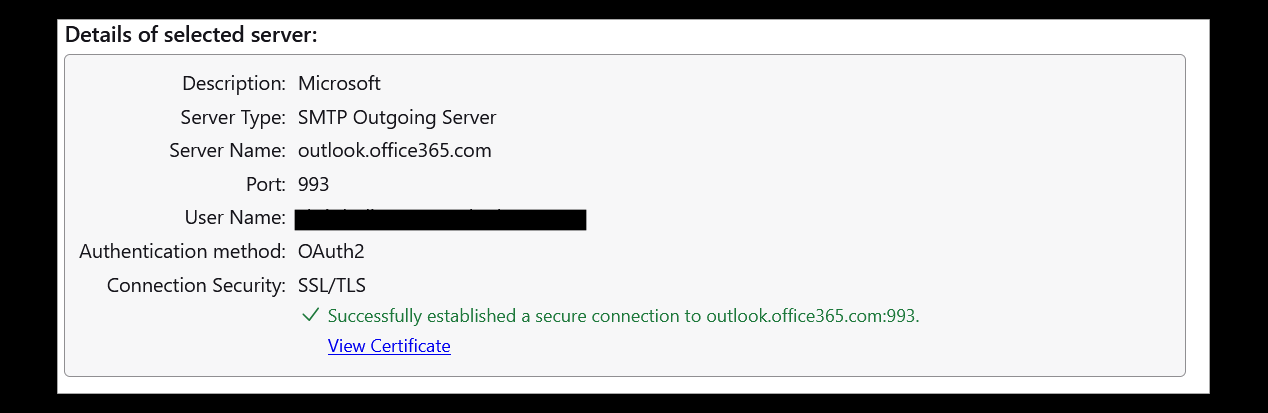
I attach five screen captured images so far. The first is the version of TB. The second is the window that appears when the account tries to connect and thirdly the small pop up that appears bottom right hand corner of laptop. The remaining two show the server settings and that they passed the connection test.
Other email accounts (gmail & yahoo) have both been set up on the new device and work well.
The account worked on the old laptop and continues to do so. I have set up the outlook account with, to the best of my knowledge, the same settings. The old lap top was a windows 10 device. The new laptop does not have a third party antivirus on it.
I am baffled as to what is happening and what I should do next. Any advice would be great.
Tất cả các câu trả lời (15)
the SMTP server should be smtp.office365.com, STARTTLS, port 587
David Thank but sadly that has not changed anything. I still get the "Unable to connect" screen plus others as before.
Since the SMTP settings were wrong, my inference is that you entered all settings manually. My suggestion is to remove the account completely and start over, entering just your name and full email address and nothing else. Do not enter password until prompted.
I have deleted both the account and the outbound server details for the outlook account. I have exited the software and started again.
I get the same response and errors. I have a couple more screen captures that may help a diagnosis and point me in the right direction.
I do appreciate your suggestions.
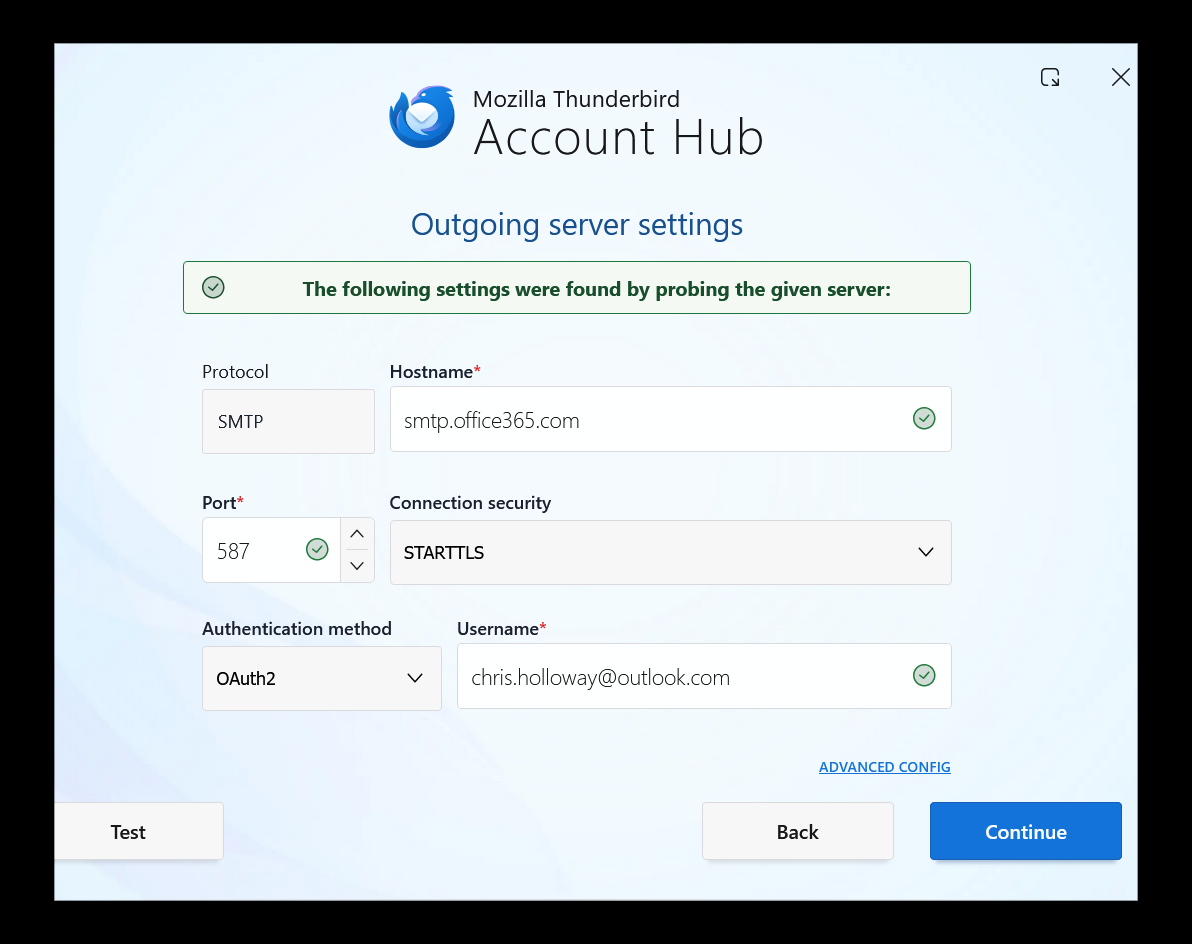
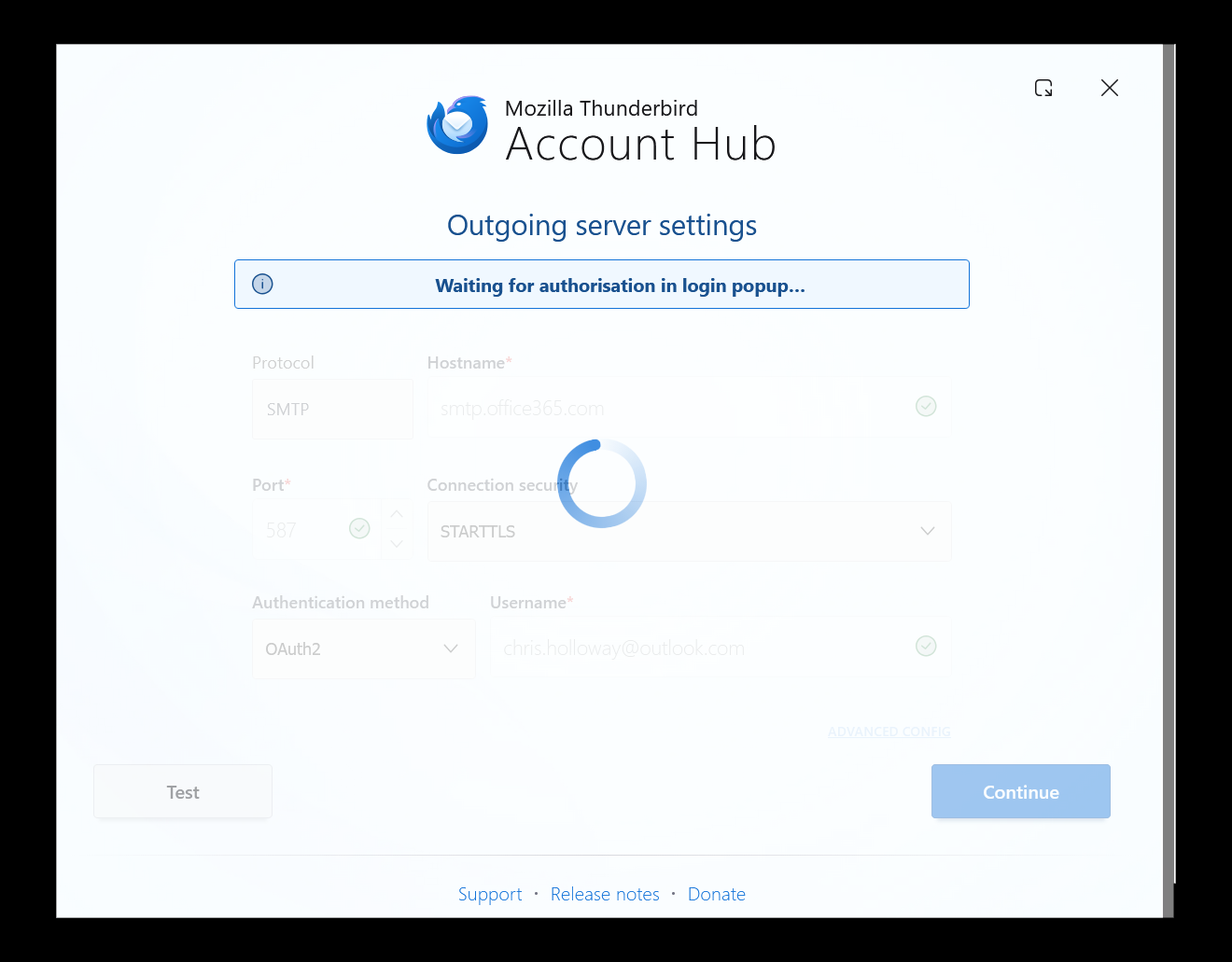
Is the account hub turned off? are you prompted for password?
Được chỉnh sửa bởi david vào
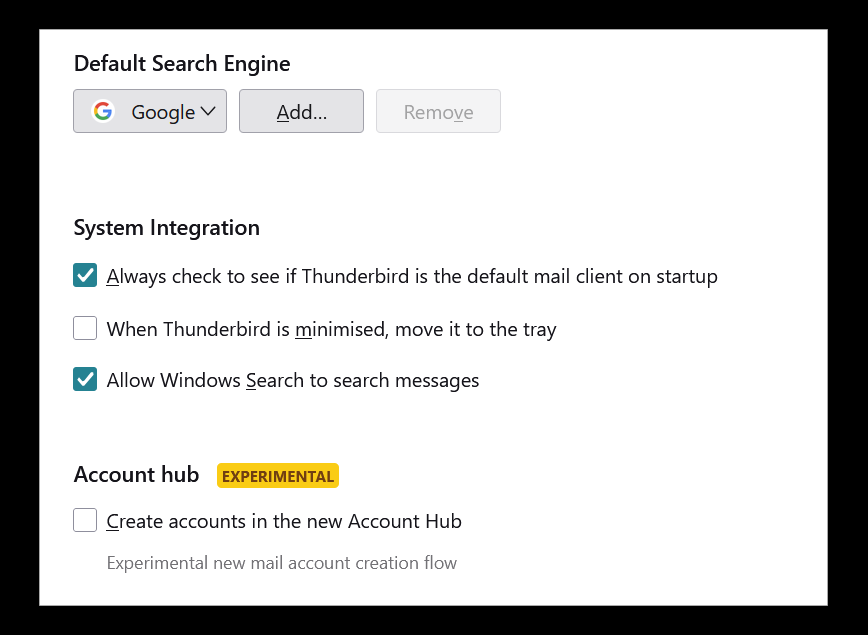
David Yes. See screen capture but why does it appear to force this through the account hub?
I should have added I do not get prompted for the password with the server settings shown
when i enter your info and press enter, i get what is in my screenshot. pressing the DONE key should then prompt for password
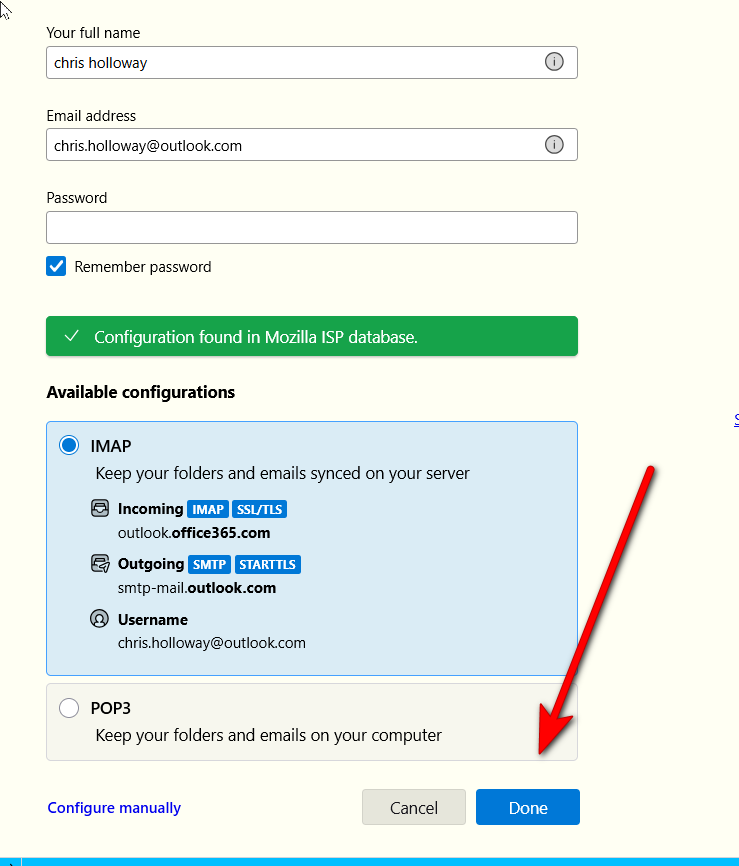
I have never seen a screen like that so far. I note you have a "-" in the server name is that something I have missed?
Even though the account hub is NOT selected it seems to be using that interface. Is there an alternative way of adding a new account ?
I attach a screen dump from the error console if that helps?
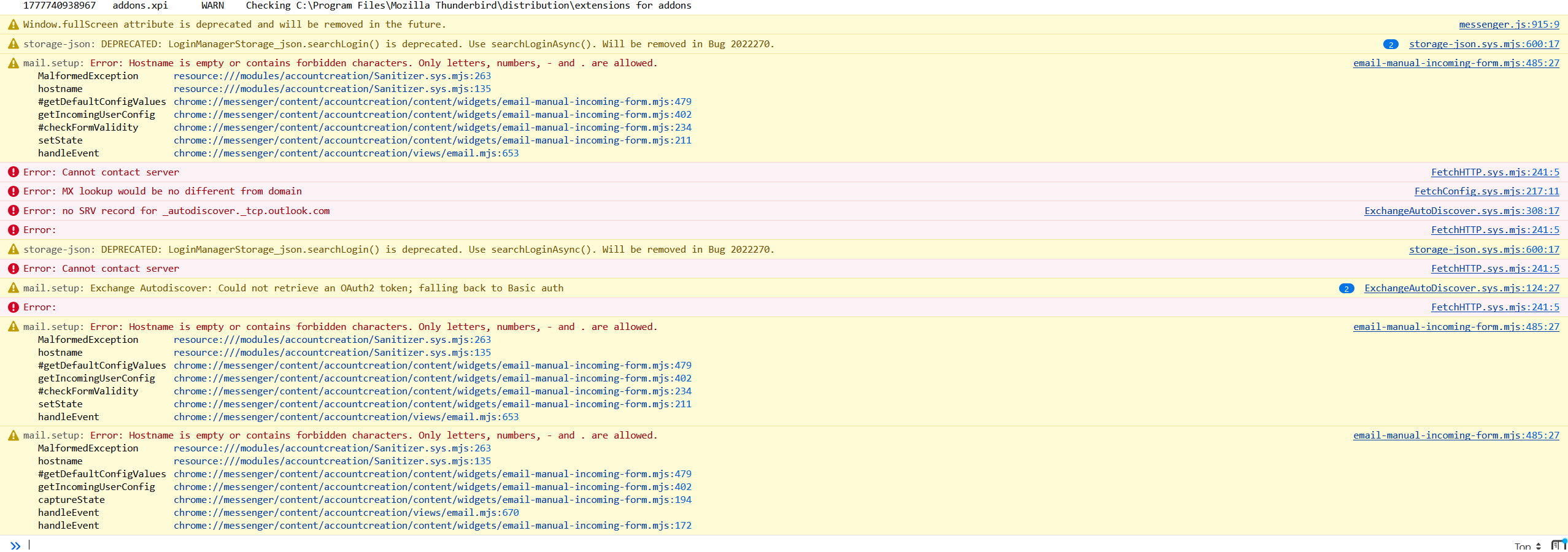
Outlook seems to use both smtp-mail.outlook.com and smtp.outlook.com. My eys blur on attempting to read error console, although there are some here who easily understand it. I am puzzled why your attempt at setup focuses on the SMTP setting. I am assuming you enter name, email address, press enter key and then STOP, waiting for thunderbird to respond. If you're clicking more, then I am lost. Good luck.
Thank you for your efforts. I hope someone else may be able to shed some light on this to get me back up and active on this outlook account.
Despite some patience on my part and repeated attempts I have still not managed to crack this. Can anyone else perhaps give me some pointers? The errors are as already listed and/or screens replies.
My thought, although it may prove useless, is to fully remove thunderbird, including the appdata\roaaming\thunderbird folder and start over with the ESR release, not the monthly release. Then, - check that account hub is not set - enter ONLY name and email address and press enter on the email setup screen - enter password only when asked to do so.
This may not be necessary, but you've been trying for some time now. ESR is proving quite stable.