


How to make Firefox remember my last file upload location?
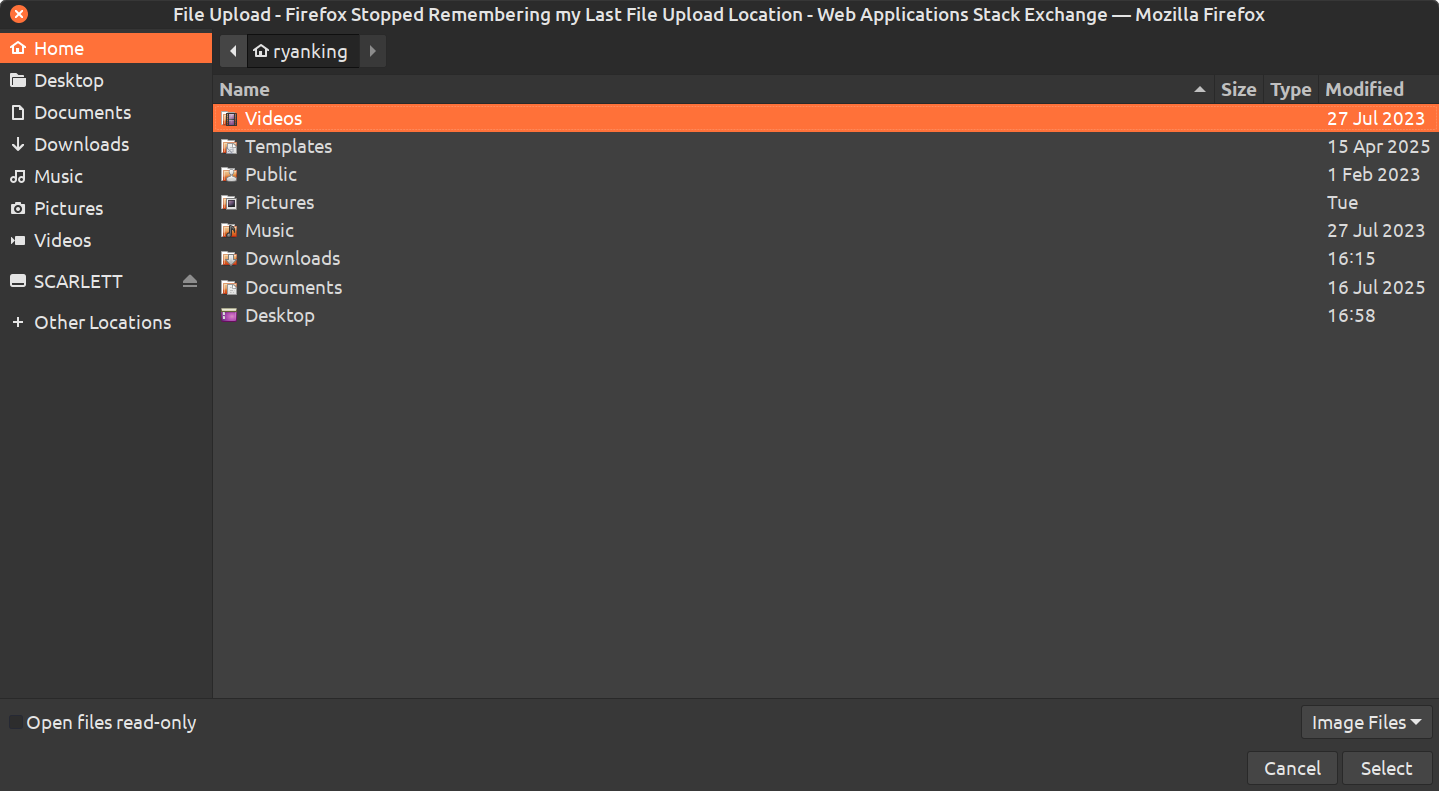
When uploading files with Firefox, I click the upload button, and the file browser window appears to upload files.
For as long as I can remember, it always defaulted to the last folder location that I uploaded a file, but just a few days ago, it stopped working, and always defaults to my home folder.
How can I make the upload window pop up, default to the last uploaded location? My OS is Linux Mint Cinnamon.

Giải pháp được chọn
I have this same problem, and I downgraded to 148, and the problem went away. So something changed in 149 or 150.
Tất cả các câu trả lời (9)
@thomaskarker460 Thanks for your comment. I believe it happened after the most recent Firefox update. I will try making a new profile and see what happens. However, even if making a new profile fixes it, I don't want to switch profiles, because I already have tons of addons, bookmarks, and custom settings with my current profile.
Được chỉnh sửa bởi Ryan King Art vào
@thomaskarker460 I just tried making a new profile, and it didn't fix the problem. Firefox still always defaults to my home folder.
Something else that is strange, is that my laptop works totally fine, and remembers my default upload location, even though I'm using the same Firefox account on my laptop with my settings synced with Firefox Sync. My laptop is also using the new firefox update, and its also using Linux Mint.
There are browser.download pref like these in about:config that store folder names.
- browser.download.dir
- browser.download.lastDir
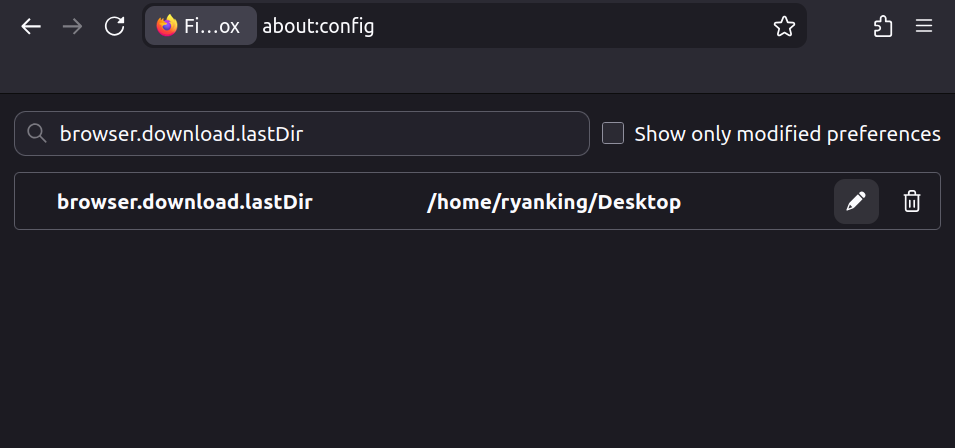
@cor-el I went to the about:config and searched for both of those, and it shows that both of them are set to my desktop. Attached is a screenshot. Is there an option to make it remember my last location?
See also the notes in the Firefox Source Code.
@cor-el thanks for your reply. I don't know anything about coding, so I'm not sure what I'm supposed to do with that Firefox Source Code. Can you give me some steps on what to do? Thanks.
Giải pháp được chọn
I have this same problem, and I downgraded to 148, and the problem went away. So something changed in 149 or 150.
@walker.travail Thank you so much for letting me know! Maybe I will try that and see if it works for me too. The issue with that though, is that older versions don't get security updates. I reported it as a Bug, so hopefully it will be fixed in a future version.
I found a solution to the problem, thanks to the user Antimony on superuser.com.
Go to: about:config Search for: widget.use-xdg-desktop-portal.file-picker Change the value to: 0
Here is the post on Superuser: https://superuser.com/questions/1936386/how-to-make-firefox-remember-my-last-file-upload-location