


Who asked for Firefox Browser VPN?

Seriously Mozilla.
First with ramming AI everywhere in Firefox, now a browser VPN, why?
I do not want a VPN the web browser that I didn't ask for or other features you think people need without asking.
Corporate and business users would not have a bar of this either.
Enough!
Remove this from Firefox please in the next release.
In the meantime, tell users how to disable this VPN via the Settings and "about:config" so this never gets turned on.
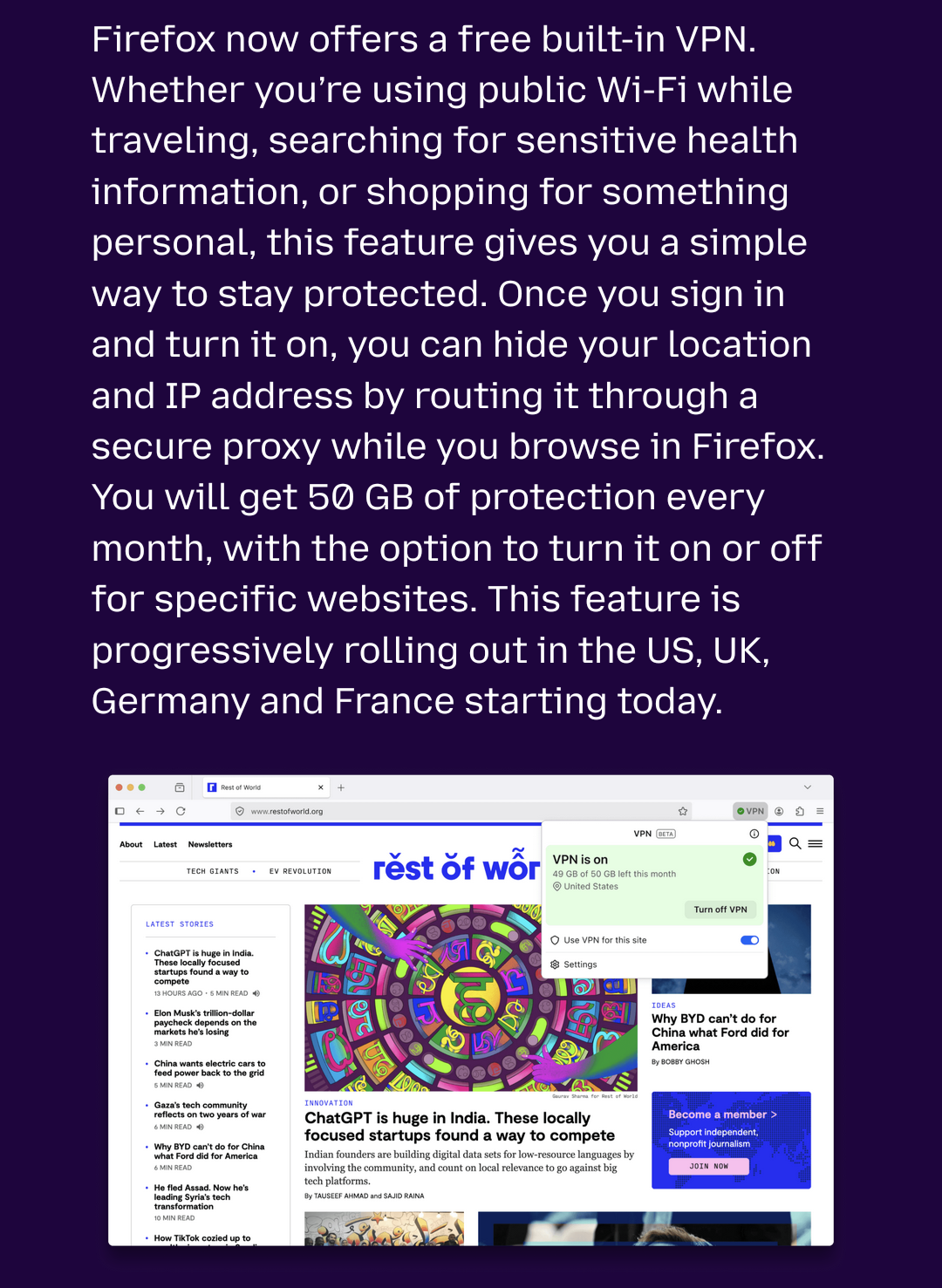
Được chỉnh sửa bởi jmgangemi vào
Tất cả các câu trả lời (3)
Hi there. Thanks for your feedback. We understand that this feature may not be valuable for everyone, so we tried to make it easy to remove if you don't want to use it. Editing about:config can cause issues down the line and may not be as accessible to everyone. Instead, check out: Use built-in VPN in Firefox as it has the steps to remove the VPN. It's as easy as editing your toolbar. Hope this helps!
jmgangemi said
Remove this from Firefox please in the next release. In the meantime, tell users how to disable this VPN via the Settings and "about:config" so this never gets turned on.
This thread is the first one I have seen asking for the built-in VPN to be completely removed. Everybody else is happily asking questions on how to use it.
You need to go through a few steps to even turn on the VPN in Firefox 149+ so it is not enabled by default.

I found a solution....
How do I turn off or remove VPN from my toolbar?
Right-click the VPN icon in the toolbar and choose Remove from Toolbar. You can re-enable it later from the Customize Toolbar menu.