


why when i open a new tab are the shortcuts I added not there and it won't let me add any?
On new tab, all my added short cuts are gone and it doesn't let me add any. For example I want to have a shortcut to say... Amazon, but when I type or paste in the url, it still doesn't add it and the add button goes blue, not white. I have the shortcut feature turned on
Giải pháp được chọn
Yeah, like beml said, you may have to do a refresh.
Đọc câu trả lời này trong ngữ cảnh 👍 0Tất cả các câu trả lời (3)
Hey Brenda,
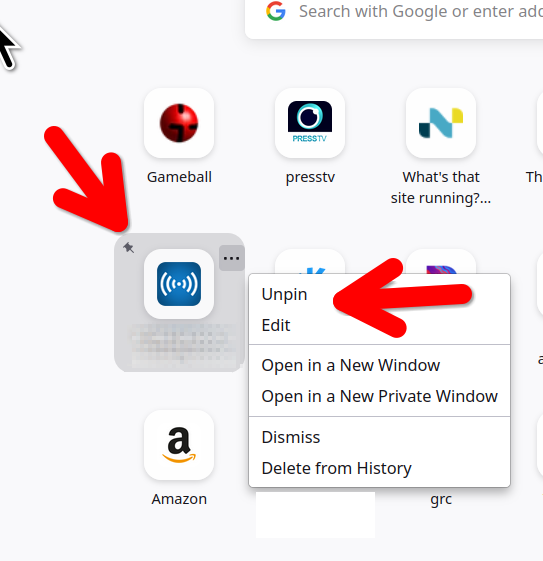
Did you pin them? see screenshot
Được chỉnh sửa bởi jonzn4SUSE vào

If shortcuts cannot be added then they cannot be pinned as there is nothng to pin. So the questions are - what is preventing users from adding shortcuts? What can users do to make sure that they can add shortcuts.
For some reason all shortcuts disappeared from my Firefox pages/tabs and I have the same problem. My shortcuts were originally pinned but nonetheless they have gone. Not only that I have tried to add shortcuts and this does not work.
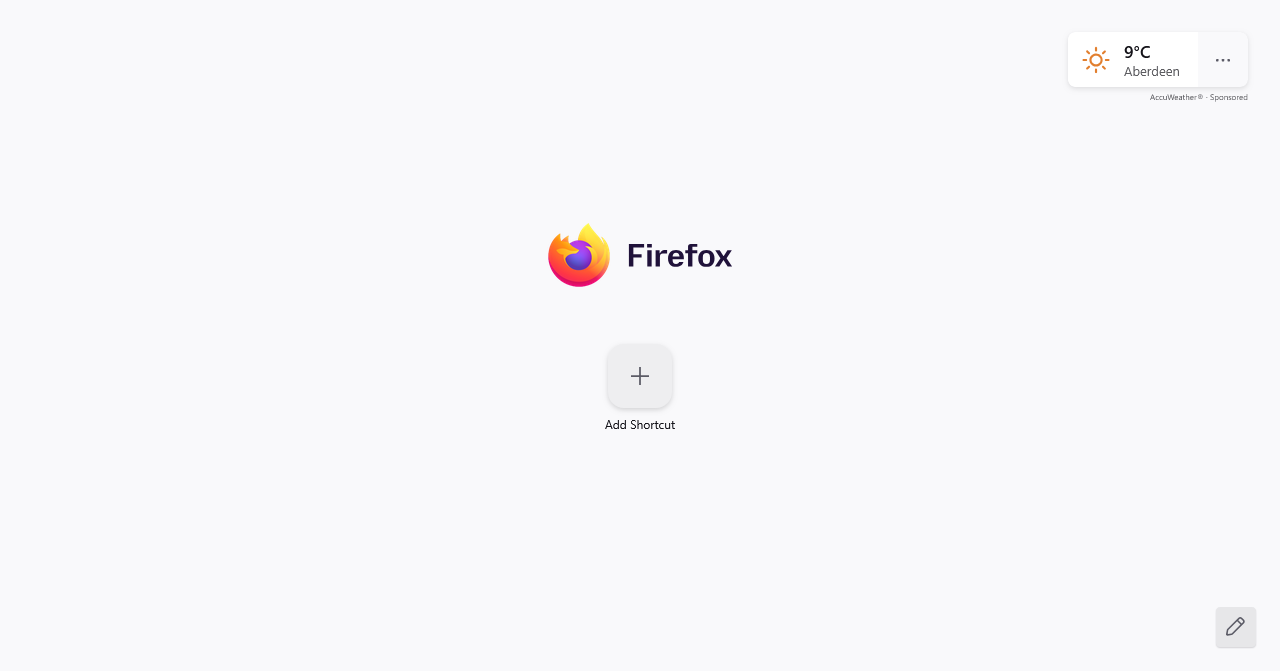
I had to refresh Firefox to get the big add sign back onto the new pages/tabs and I have tried disabling Norton Safe Web in case it was the culprit. Still no joy.
Can you provide clear instructions so that I can get the shortcuts back otherwise I am going to end up reapeatedly typing URLs into the search bar. Thank you.
Regards Ben Mellor
Giải pháp được chọn
Yeah, like beml said, you may have to do a refresh.