


all bookmarks are missing after mozilla firefox update

After Firefox requested to be updated, I lost all of my bookmarks. I tried to go in and "restore" them but there are no backups to restore from. How do I get my bookmarks back?
Tất cả các câu trả lời (6)

Seems to be a huge trend. Post a screenshot of the about:profiles page and see if Firefox created a second profile.
Được chỉnh sửa bởi jonzn4SUSE vào
I am not sure how to tell if there was another profile made, but posted the screenshot as suggested. This has never happened before. It's frustrating since I pay my bills online (which is when I realized they were missing). Thank you for your assistance.
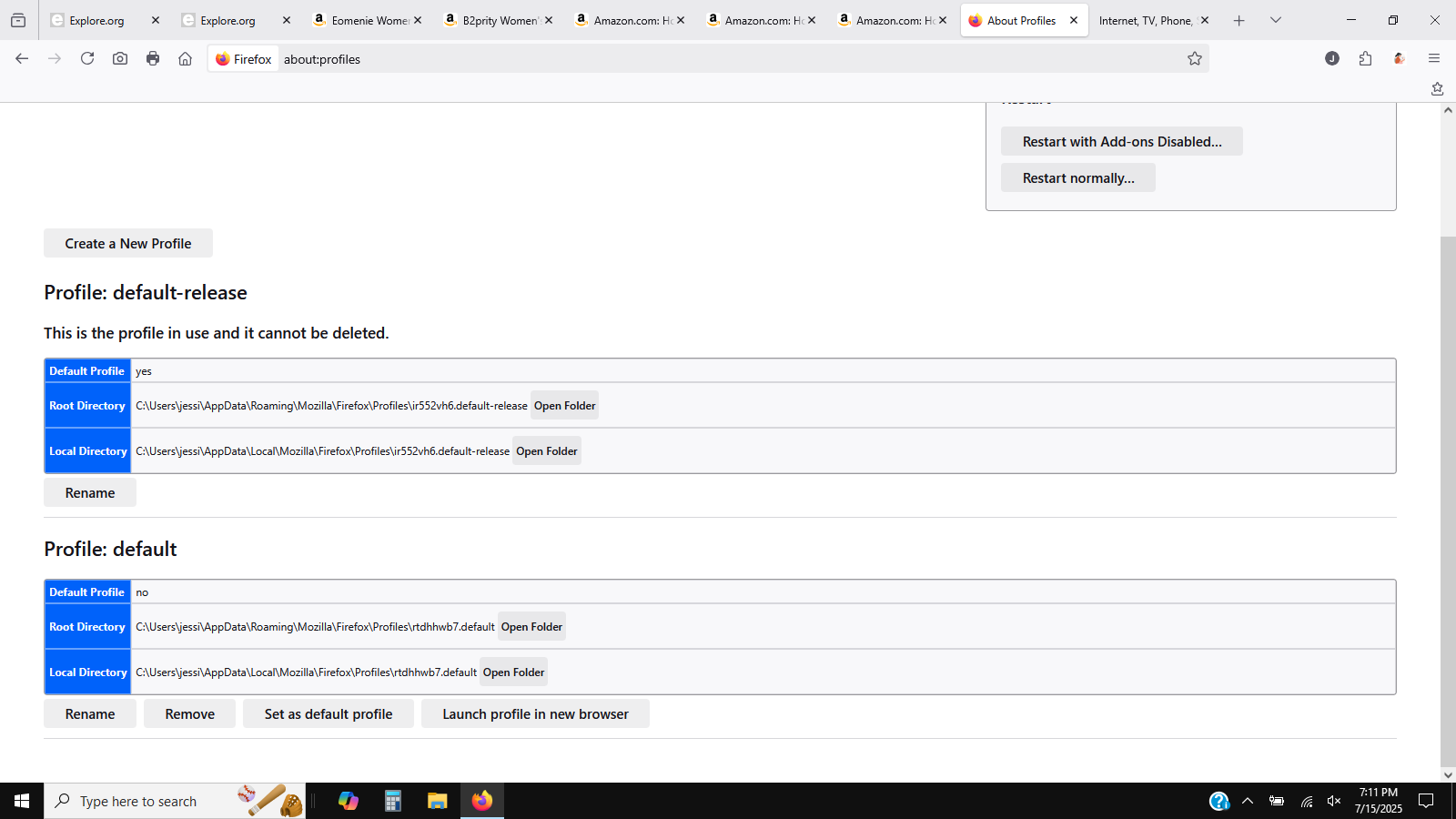
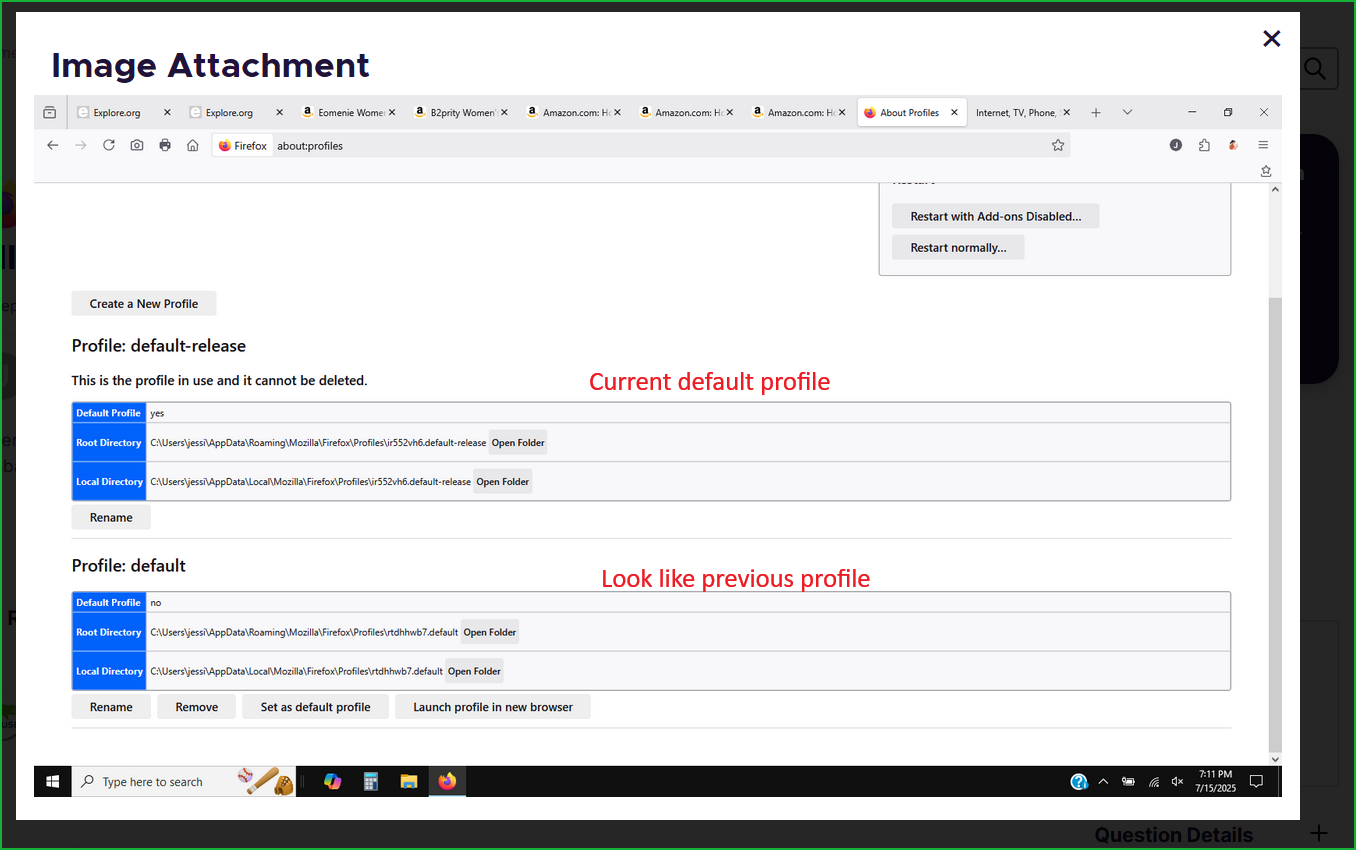
Look like you have a new profile. see screenshot To verify, just open the folder, then go up 1 folder in explorer to the profile folder, and you should see both profiles. Then compare the date / time stamp and the older one should be your previous profile. Then under the about:profiles, just mark the old profile as your default and see if your data is there.


This is the error message I am getting at the top. I made the other "profile" the default and nothing changed-same error message.
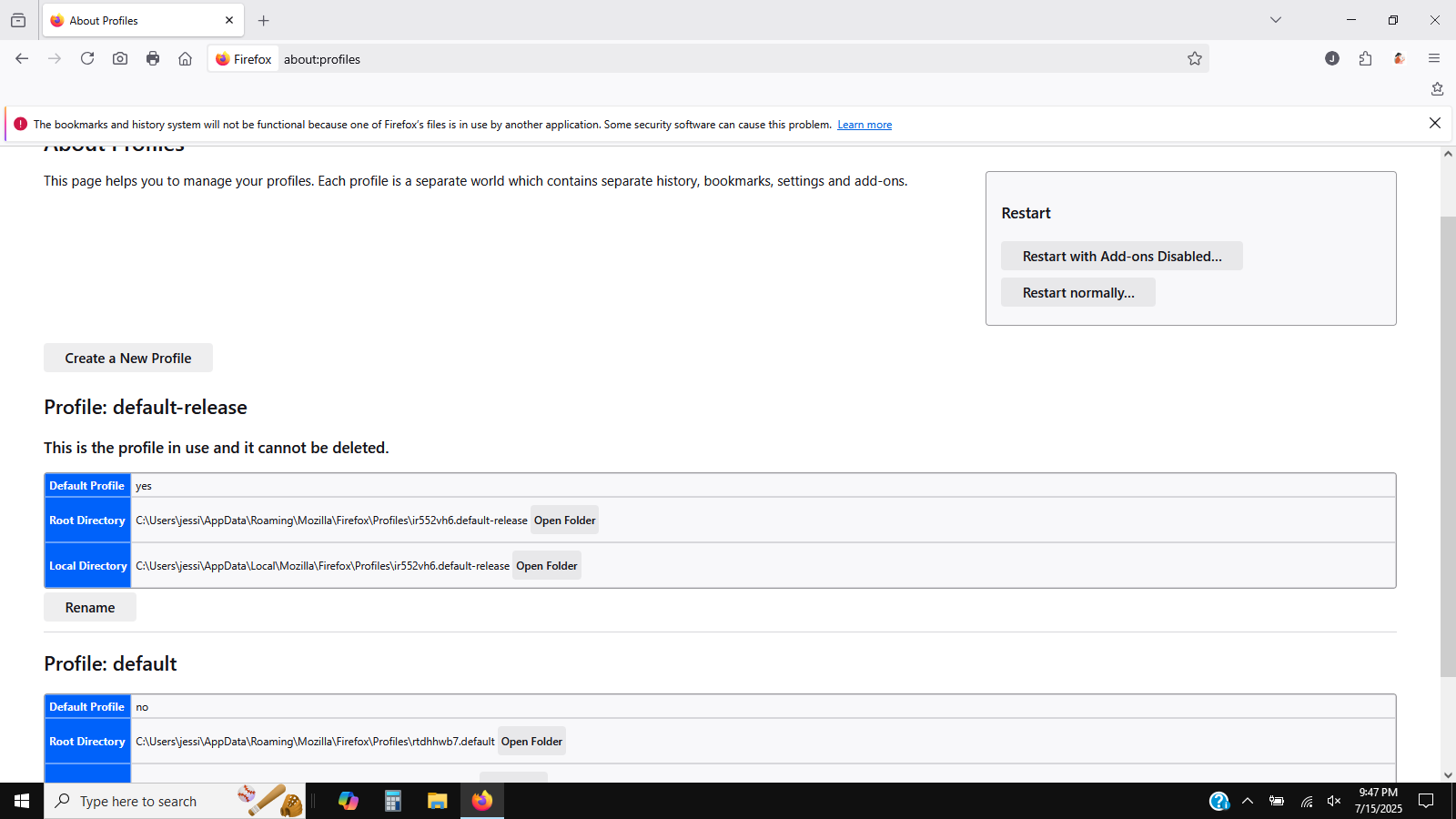
Are you running any security software besides MS Defender? Try this... Get a different version of Firefox. Make sure to install in a different directory than your current install. https://www.mozilla.org/en-US/firefox/channel/desktop/
Then see if you can import the data from the old Firefox.
Được chỉnh sửa bởi jonzn4SUSE vào
I have Norton antivirus.
I don't know how to install a different version of firefox with a different directory. Maybe I have Beta now-you suggest I download the "nightly" or whatever version there is?