


Folders in the Account folder tree

Hi everyone!!!
I have a Hotmail.com account, and there i have a folder created under Inbox (let's say, Receipts).
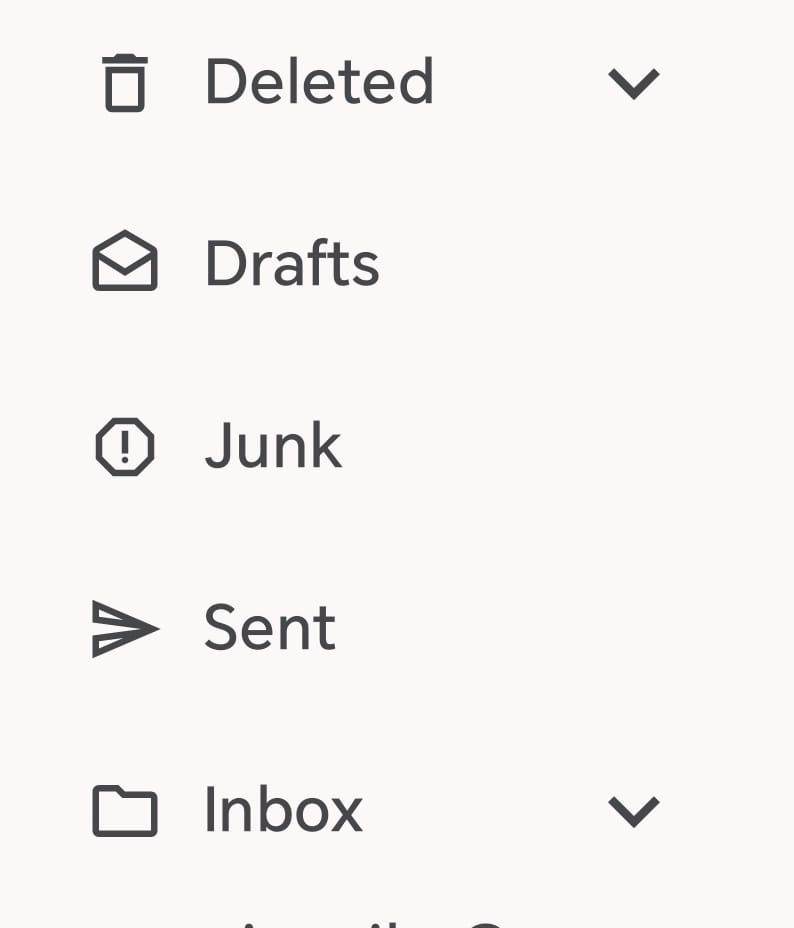
In Thunderbird for Android, in Manage Folders, i can select the Receipts folder to "Show folder", and "Show First", but in the folder tree (when i select the account), the "Inbox" folders is shown (see attached image).
In that place where it says Inbox, is there a way to see the "Receipts" folder directly?
Best regards!!!
Tất cả các câu trả lời (2)

The following steps might be helpful: "Settings" > "Accounts" section > Tap the account you want to configure > "Folders" > "Auto-expand folder" > Select the folder you prefer (for example, "Receipts" folder) > If necessary, close Thunderbird for Android, and then start Thunderbird for Android again.
Hi, thank you very much, while the proposed steps didn't solve my problem (because they let me auto-expand only one folder), it showed a useful characteristic!!!
I've found another way to do this while we get the function in Thunderbird:
In Hotmail web site, I've moved the "Receipts" folder to the highest level (at the same level as "Inbox"), and that let me go directly to the folder in Thunderbird.
The proposed behavior is that Thunderbird let us do this with ANY folder, in any level, to access directly to them, without having to expand the "upper" folders... (similar to "Favorites" folder in Hotmail)...
Best regards!!!