


Error codes between AT&T and Firefox

Trying to connect to yahoo mail (currently.com) and keep getting error messages. All other websites on firefox work.
Tất cả các câu trả lời (5)
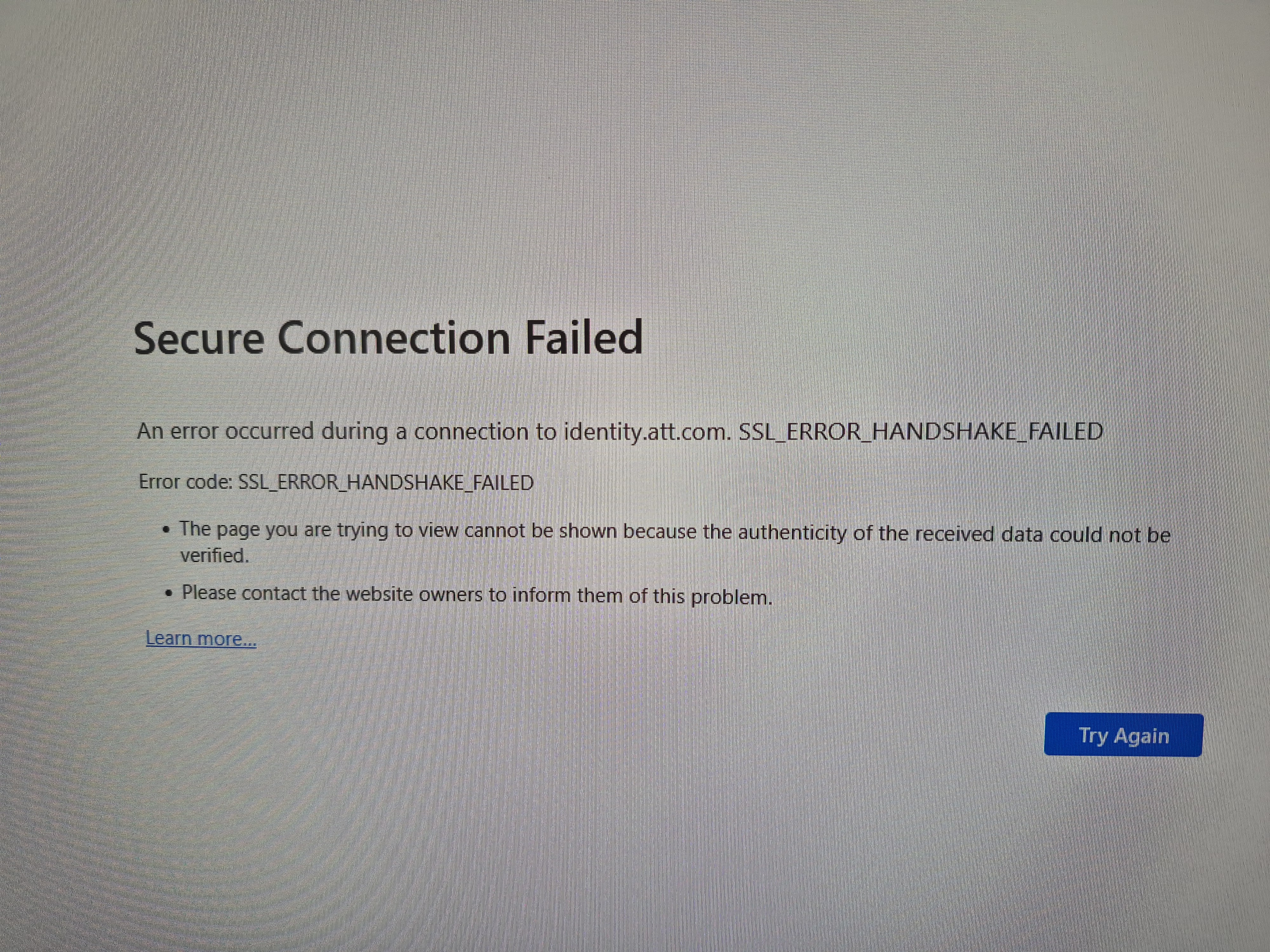
Hi Karen, there have been a lot of threads about problems with the AT&T can't connect page. Some clues to the problem include:
(1) It works for some users in a private window (Ctrl+Shift+P)
(2) Some users reported having to make site exceptions using the toolbar buttons for the AdBlock Plus and DuckDuckGo Privacy Essentials extensions while on the AT&T page.
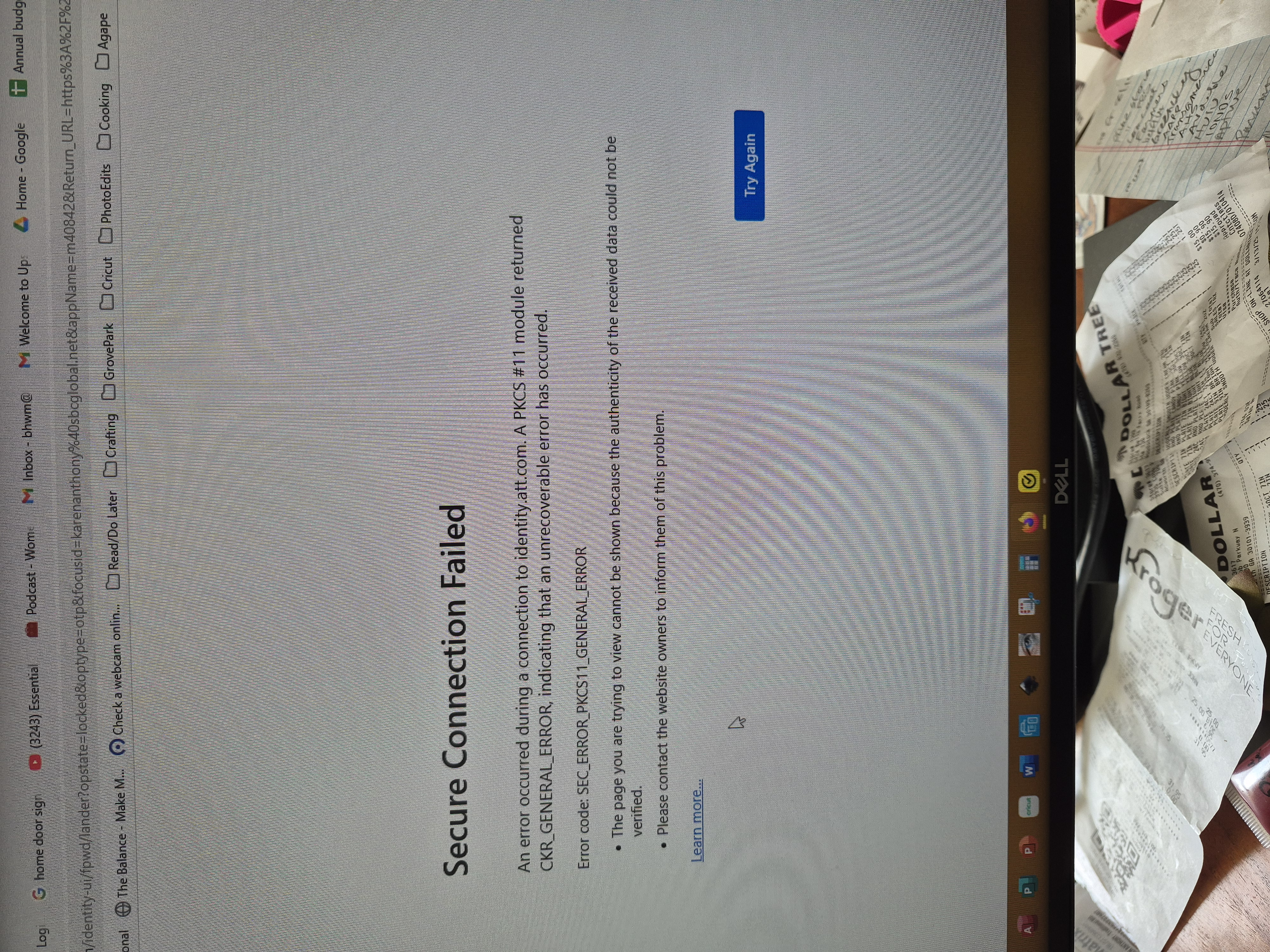
Whoops, you have a different error screen. I'm not familiar with the CKR_GENERAL_ERROR code. Do you use a hardware device to sign into sites, or a "personal certificate" you imported into Firefox?
Hi, No, I do not use any different devices. This problem started last week. I tried to sign on with Chrome vs Firefox and this is what I get: https://photos.app.goo.gl/F1bXLuJKAM6S9czCA
Please HELP me! Thanks so much!
Additional messages: https://photos.app.goo.gl/tX7x8Ztpvp1UuG4V8
Do I accept the certificate?
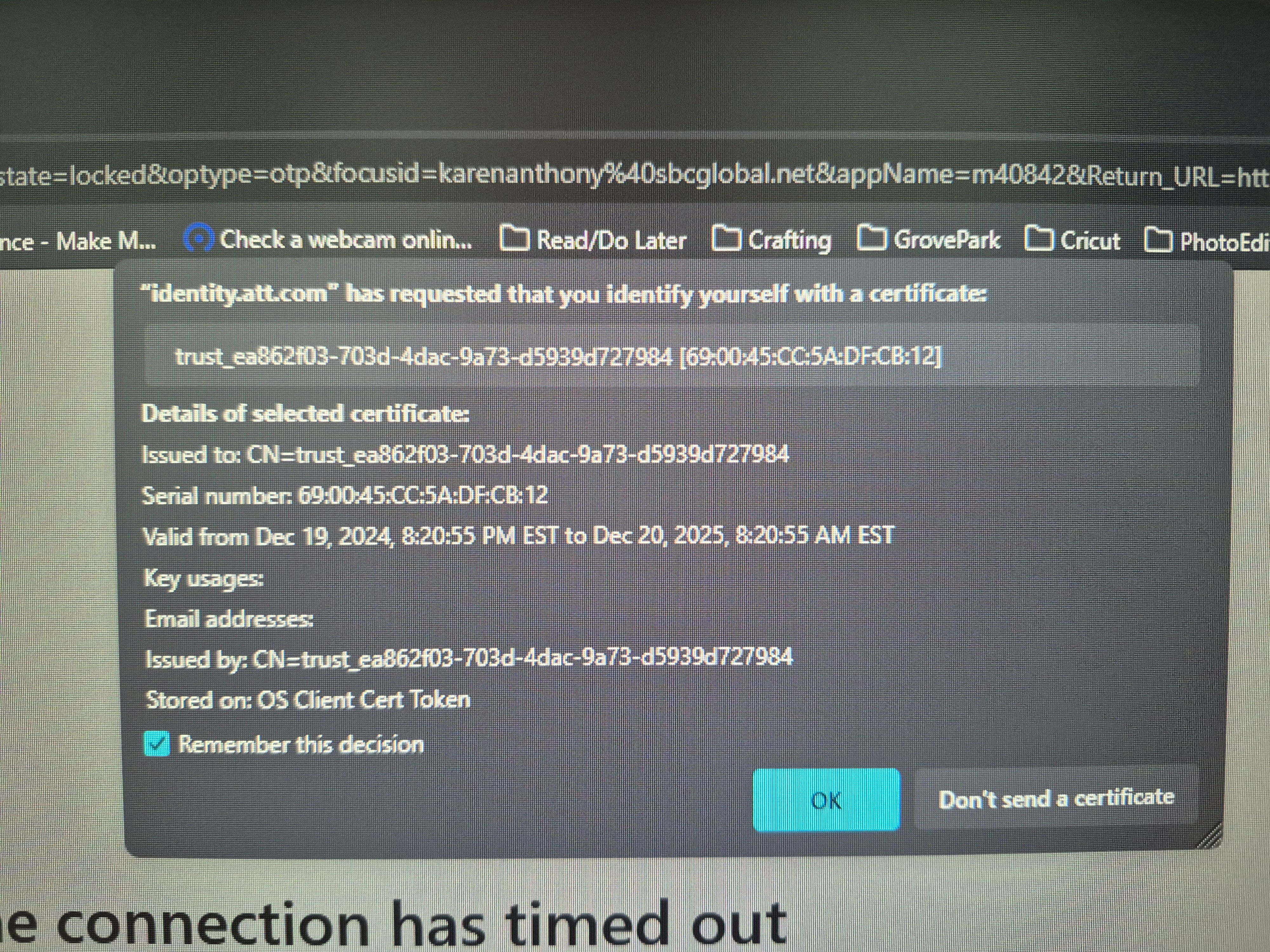
I don't know why that site is asking for a personal certificate. I have not heard of that from other users. Possibly it was installed by some AT&T software outside of your browsers? When I Google it --
"identity.att.com" requested identify yourself certificate
-- there seem to be some pages about password recovery?