Windows 10 reached EOS (end of support) on October 14, 2025. For more information, see this article.

Tìm kiếm hỗ trợ

Tránh các lừa đảo về hỗ trợ. Chúng tôi sẽ không bao giờ yêu cầu bạn gọi hoặc nhắn tin đến số điện thoại hoặc chia sẻ thông tin cá nhân. Vui lòng báo cáo hoạt động đáng ngờ bằng cách sử dụng tùy chọn "Báo cáo lạm dụng".

Tìm hiểu thêm

Mail Compose Screen

  • 1 trả lời
  • 0 gặp vấn đề này
  • 95 lượt xem
  • Trả lời mới nhất được viết bởi Mapenzi

tuỳ chọn khác

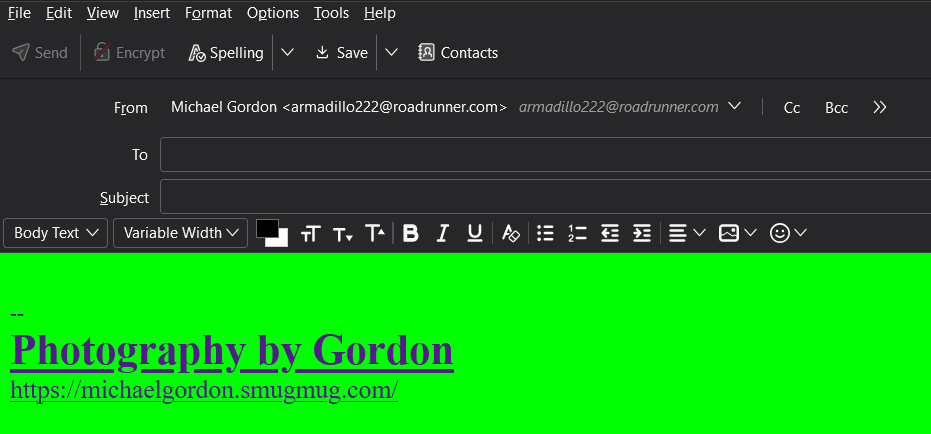
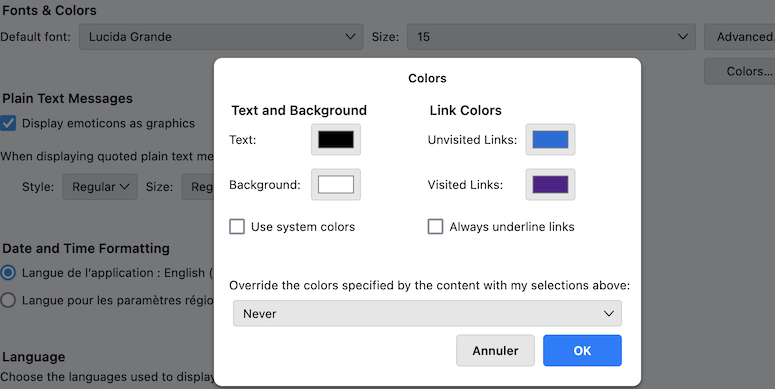
First thing this afternoon, the background color of the mail composition screen was changed to solid green. The HTML toolbar is semi-transparent, and I cannot change the screen background back to white. When I click the cursor in the compose window, the HTML toolbar appears, but it does not change the background to white. The format tool indicates a white screen with black text. In Config Editor, the compose background colors are white and black text. I have tried several theme changes, including the theme from Mozilla, but there has been no change.

Rebooting Win 11, no change.

Michael Gordon
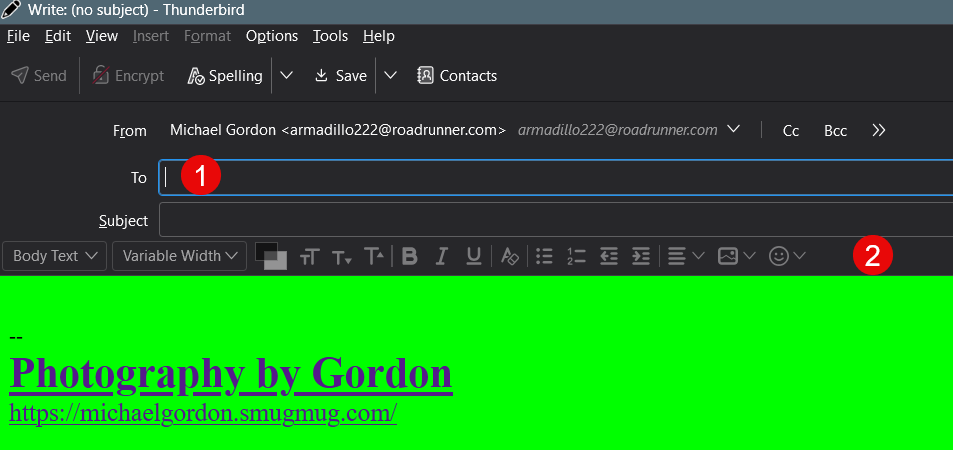
First thing this afternoon, the background color of the mail composition screen was changed to solid green. The HTML toolbar is semi-transparent, and I cannot change the screen background back to white. When I click the cursor in the compose window, the HTML toolbar appears, but it does not change the background to white. The format tool indicates a white screen with black text. In Config Editor, the compose background colors are white and black text. I have tried several theme changes, including the theme from Mozilla, but there has been no change. Rebooting Win 11, no change. Michael Gordon
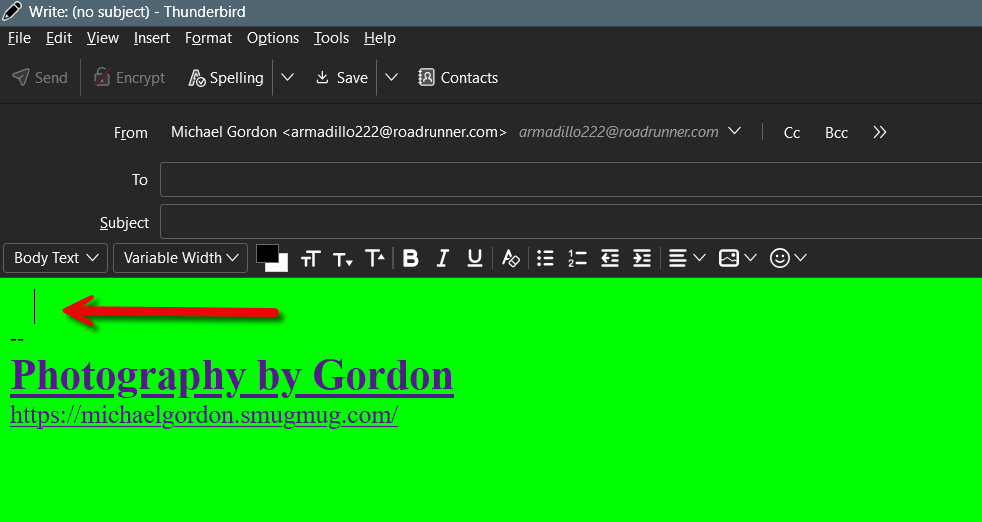
Đính kèm ảnh chụp màn hình

Tất cả các câu trả lời (1)

tuỳ chọn khác

Test Thunderbird in "Troubleshoot Mode" to know whether the issue still is the same https://mzl.la/3AbU5jz Hold the shift ⇧ key and launch Thunderbird. Which are your colour settings in Settings > General > Language & Appearance ... ?