


Firefox Showing UK Currency in US?
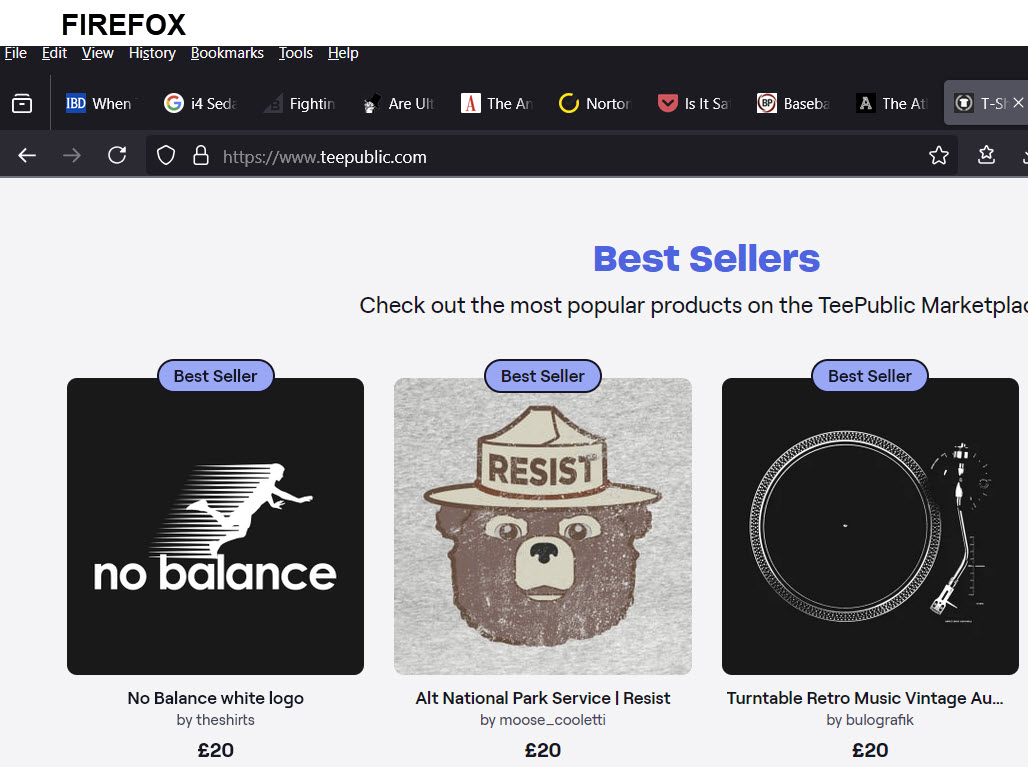
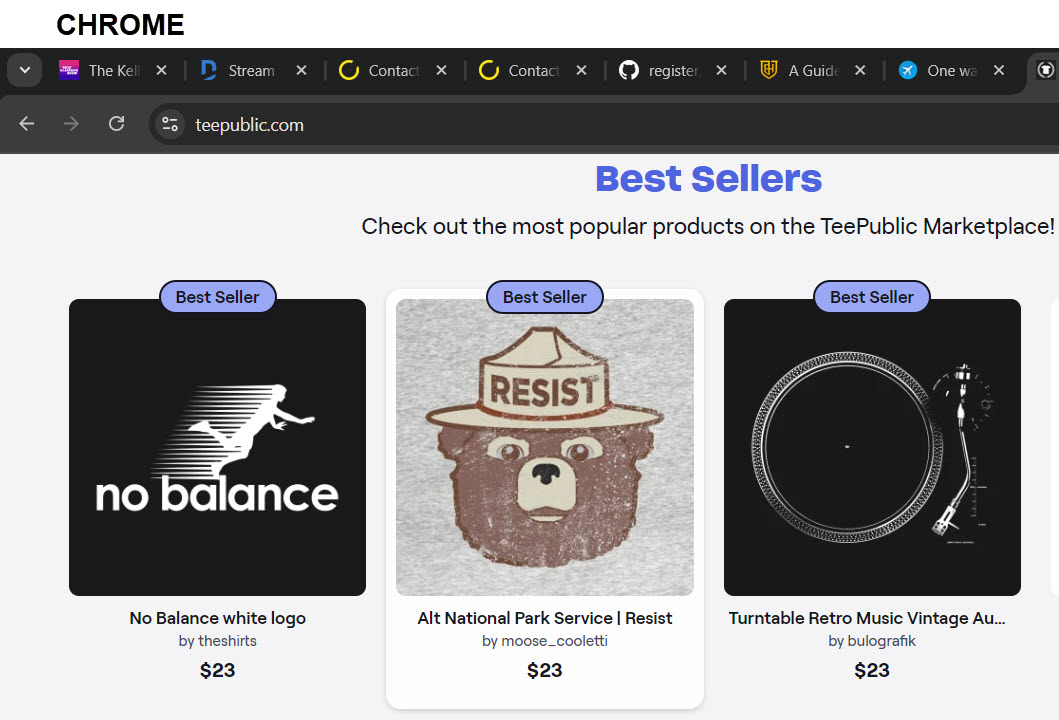
For whatever reason, when I open certain websites in Firefox, it shows the prices in UK currency including VAT, but when I open the same websites in Chrome, they show up in US currency. The Windows region setting and the VPN connection is the exact same for both. The difference is the browser.
Is there some setting in Firefox that makes it think I am in the UK, and if so, how do I change that?
Tất cả các câu trả lời (1)

Hello. Thats are you sure you don't have a inbuilt VPN in your computer or Mozilla Addons.If so,There are a few methods
🞆Profiles method: To make sure you dont have any extensions that are doing this.Go typeabout:profiles in the adress bar and click make new profiles,After that,Simply enter the website again and try.If it shows up in US money.That means a VPN is enabled.
If not,Please provide extra information such as what addons do you have and etc.