


Problem with remembering password

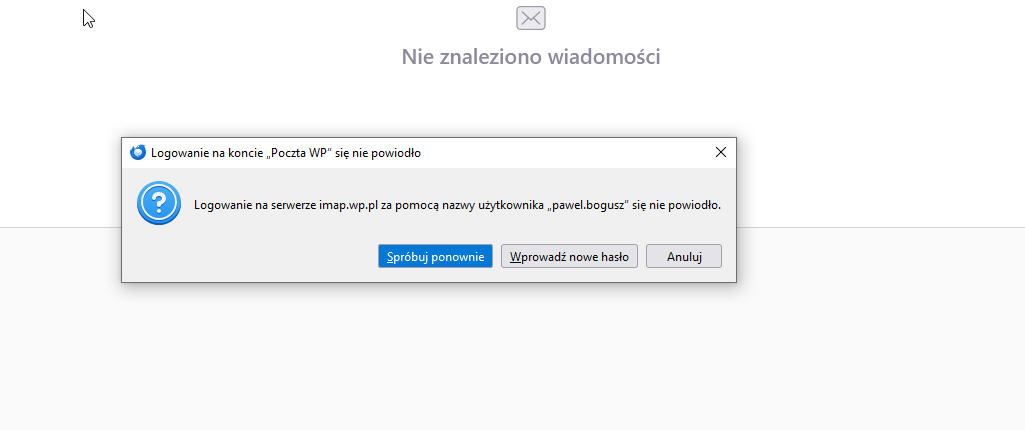
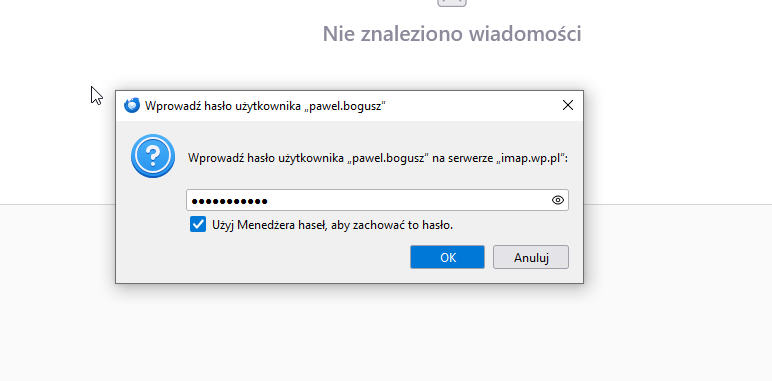
Mail won't save password. After changing provider thunderbird won't accept changed password shows try again
Tất cả các câu trả lời (7)
How did you change to the new account? Did you overwrite settings or did you set up a new account?
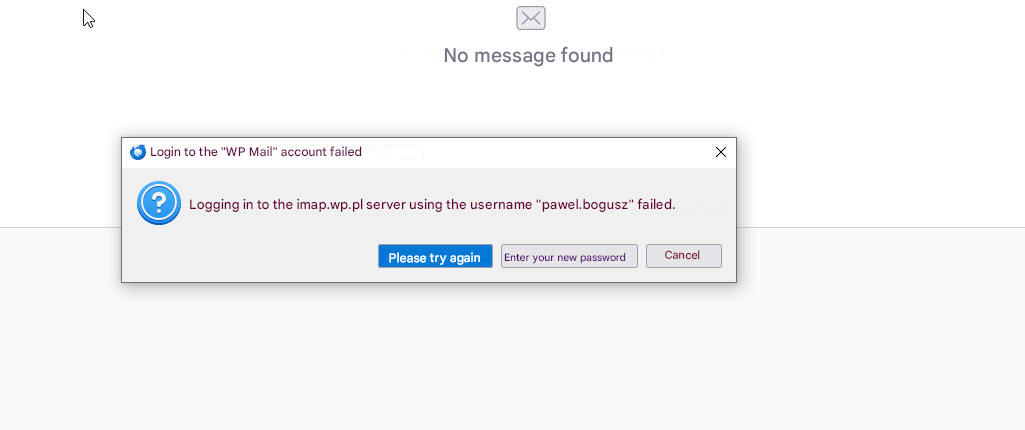
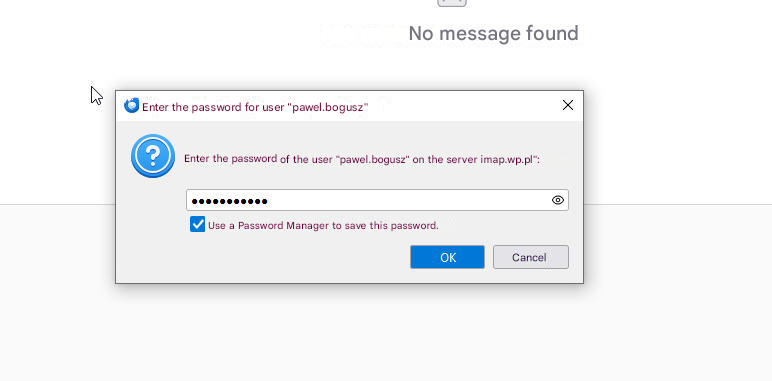
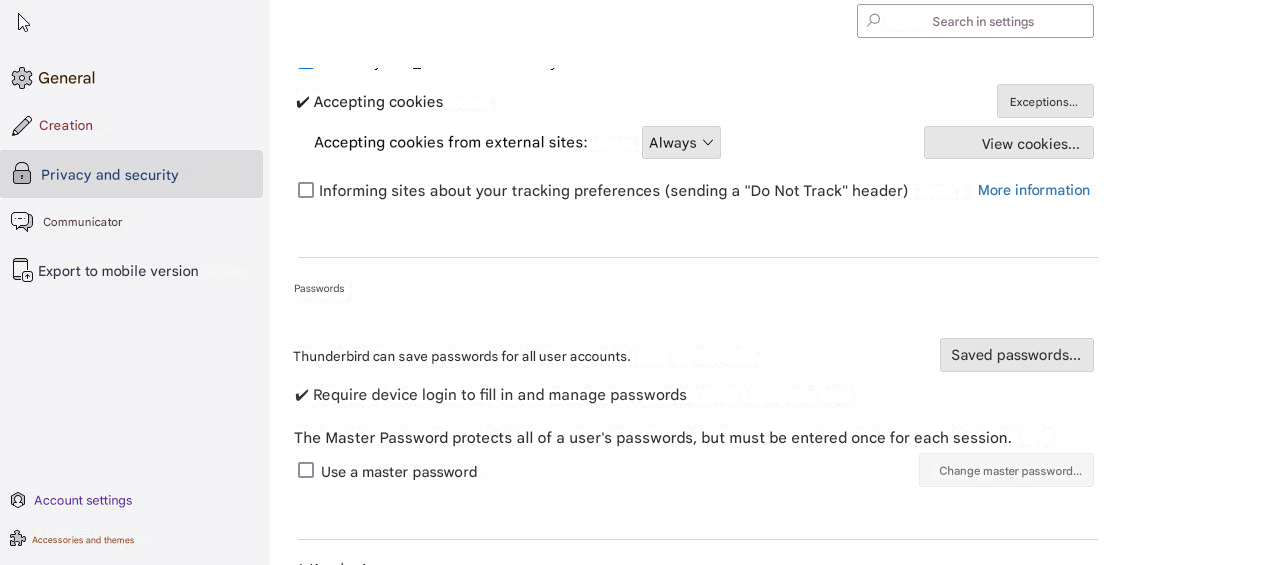
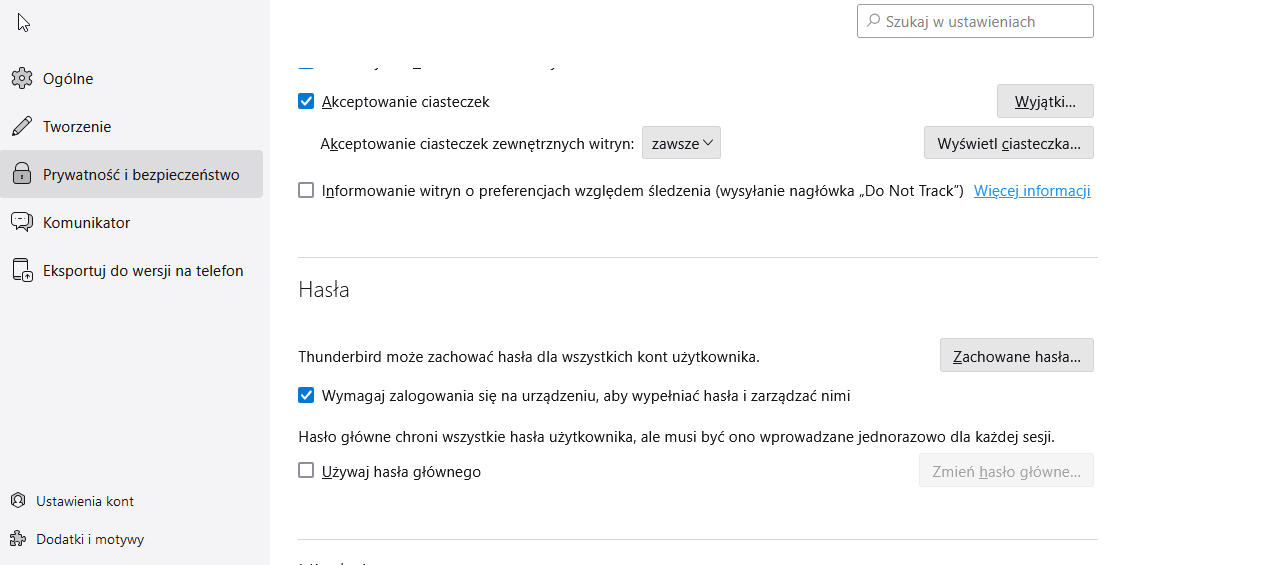
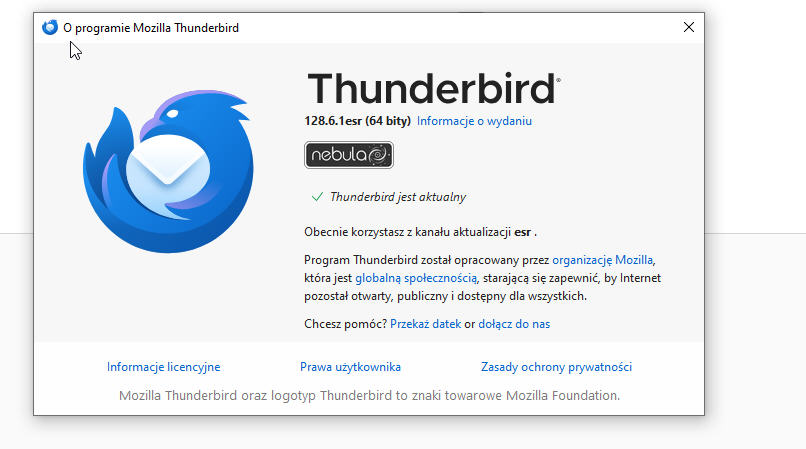
Old email account. I just had to change the password for security. I removed the password from the thunderbird manager and it doesn't want to remember the new one and download the mail. Thunderbird up to date
Did you change the password in all the accounts in the Password Manager? Outgoing and Incoming Servers and the Calendar?
The e-mail provider's mail works fine, only the Thunderbird program does not accept the new password
Please let us know whether you changed all the passwords in the locations specified.
On the email provider's website the new password has been changed and it works and in the phone in the application it also works only the thunderbird program does not want to accept and connect to the email provider's server
Let me know if you don't understand the question I asked. I am wanting to know whether you changed the password in ALL the locations where it's held in the Thunderbird program.
I also don't know what you mean by 'accept'. Please explain. It sounds like you are trying to change the password in TB but the program is refusing to change it.