


Outlook mails

I can't see pictures. What is wrong?
Tất cả các câu trả lời (7)

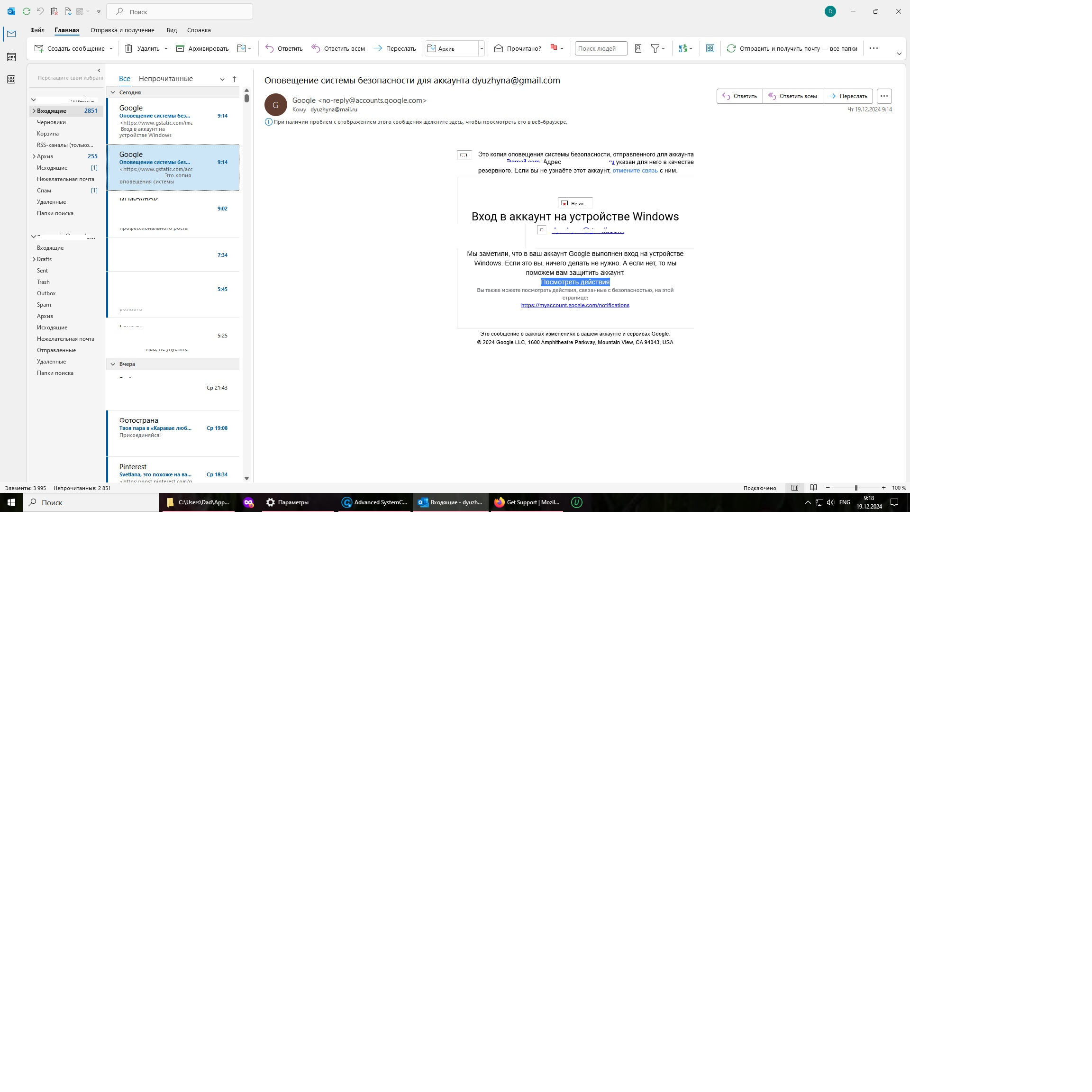
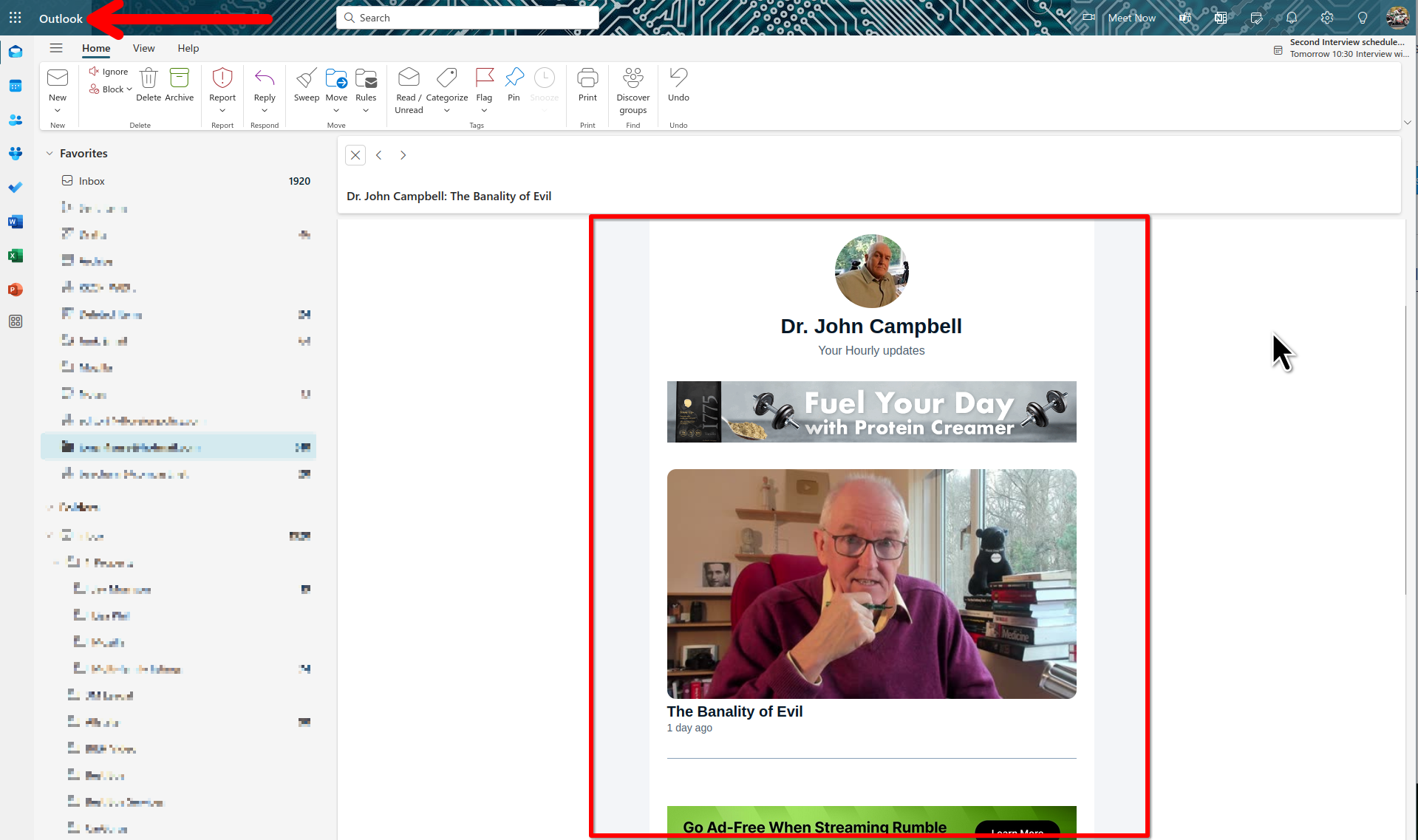
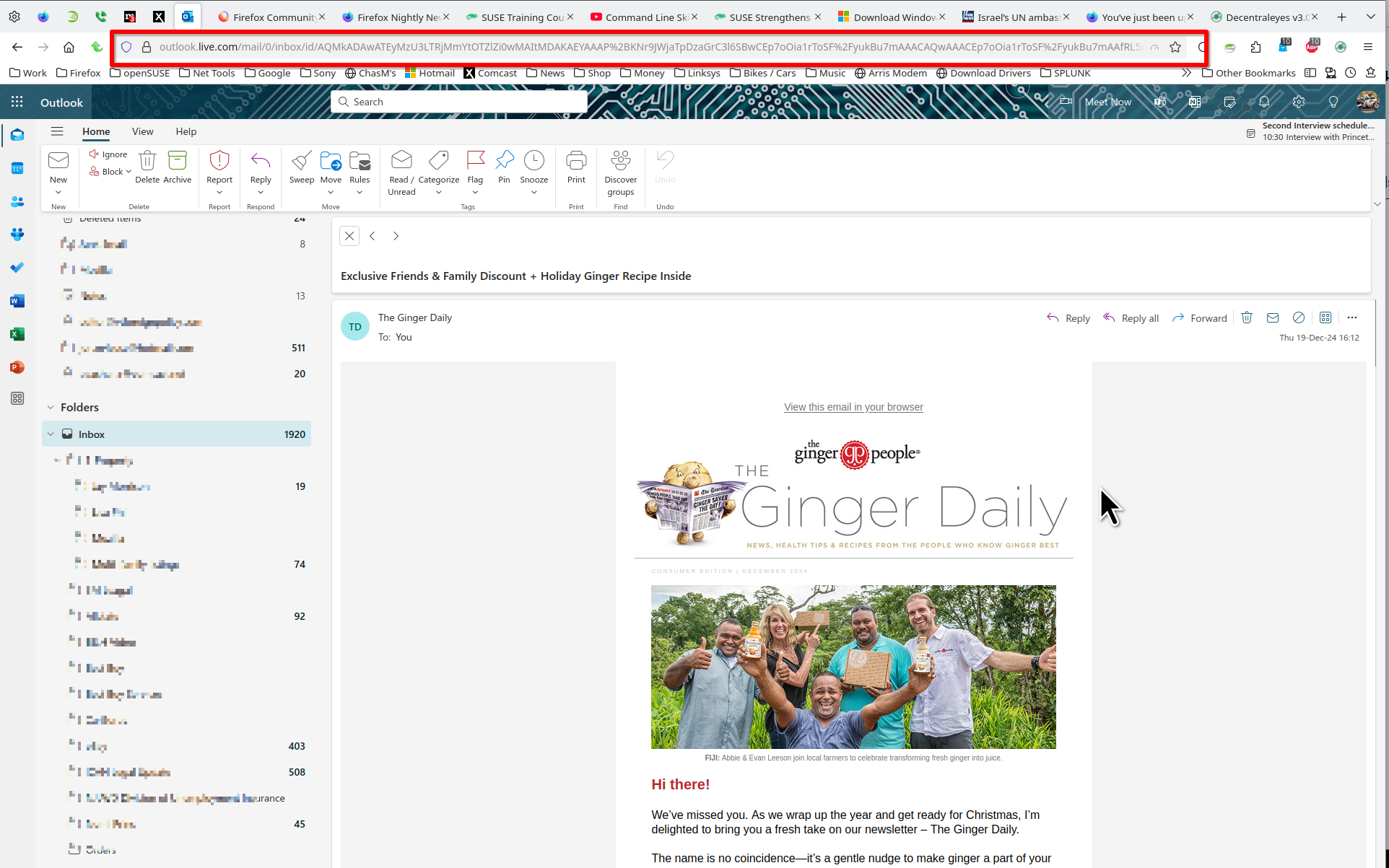
Is it in all email or just that 1? Where is the email from and what is it about. That's M365 and not the free version of Outlook / Hotmail right? Looks like normal M365 blocking external images for security. No issues for me. see screenshot What OS? What version of Firefox?
Được chỉnh sửa bởi jonzn4SUSE vào
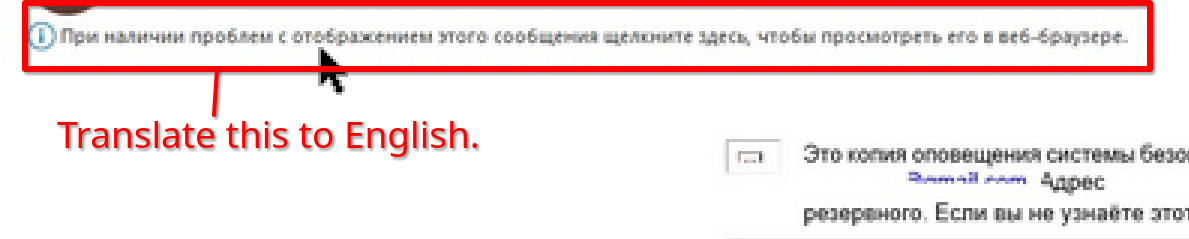
What is this in English? see screenshot
Hi, ?Jon!
Thank You for Your wanting to help! 1. It's about all mails. (See attachments) 2. That email was a login allert in Russian. 3. It is a free version of Outlook. 4. Windows 10. 5. Mozilla Firefox 133.03.3 (64-bit). 6. Translation from Russian: "If you have problems displaying this message, click here to view it in your web browser."
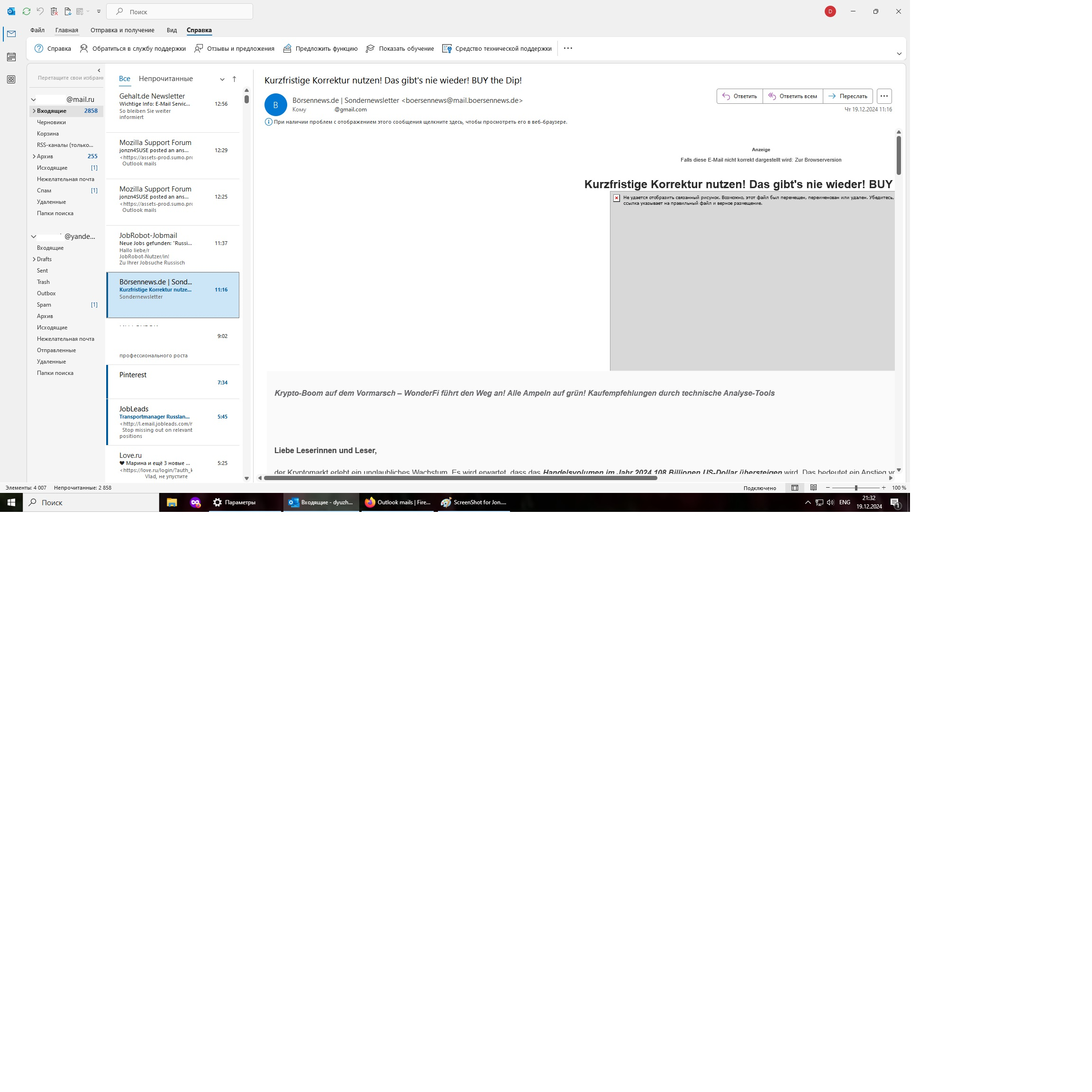
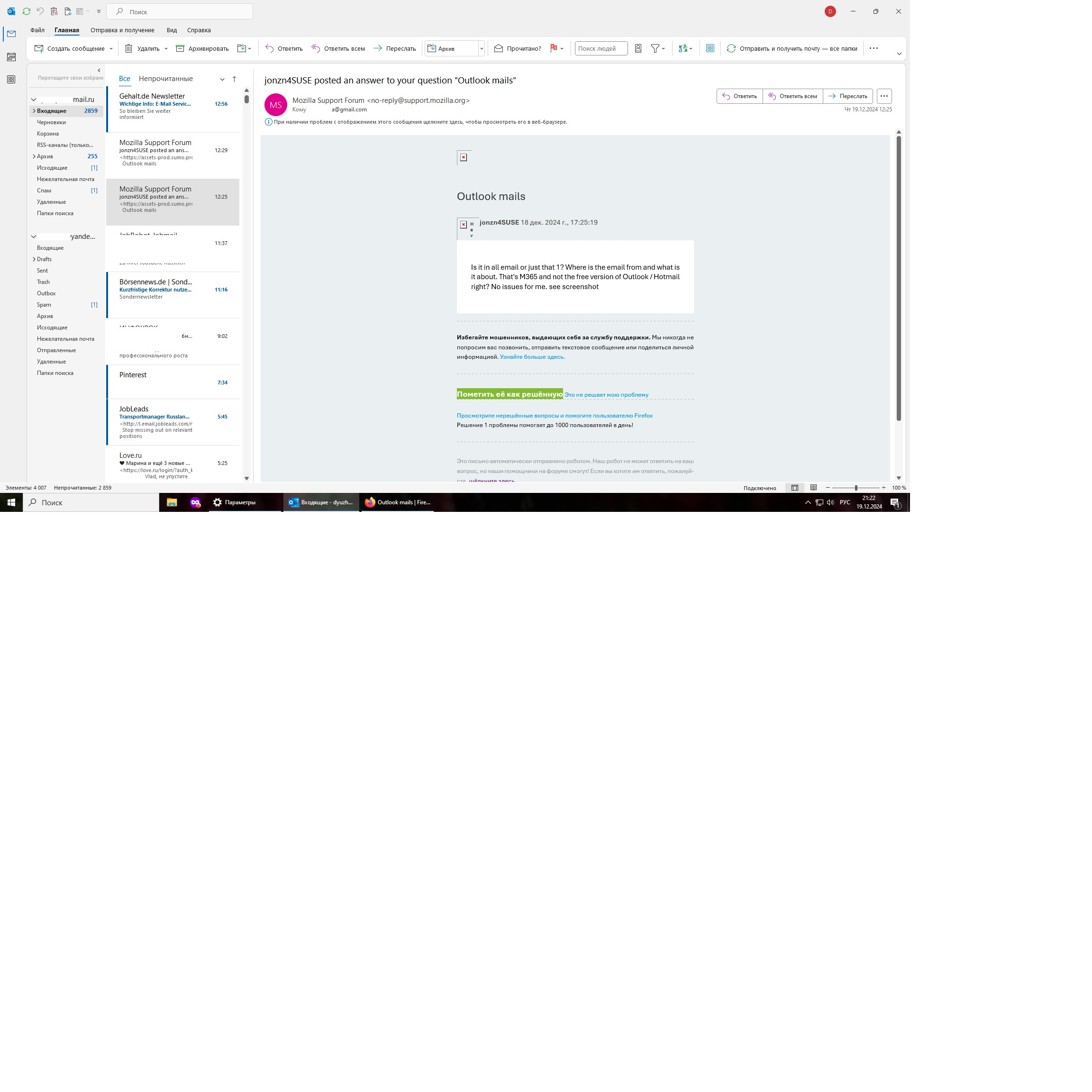
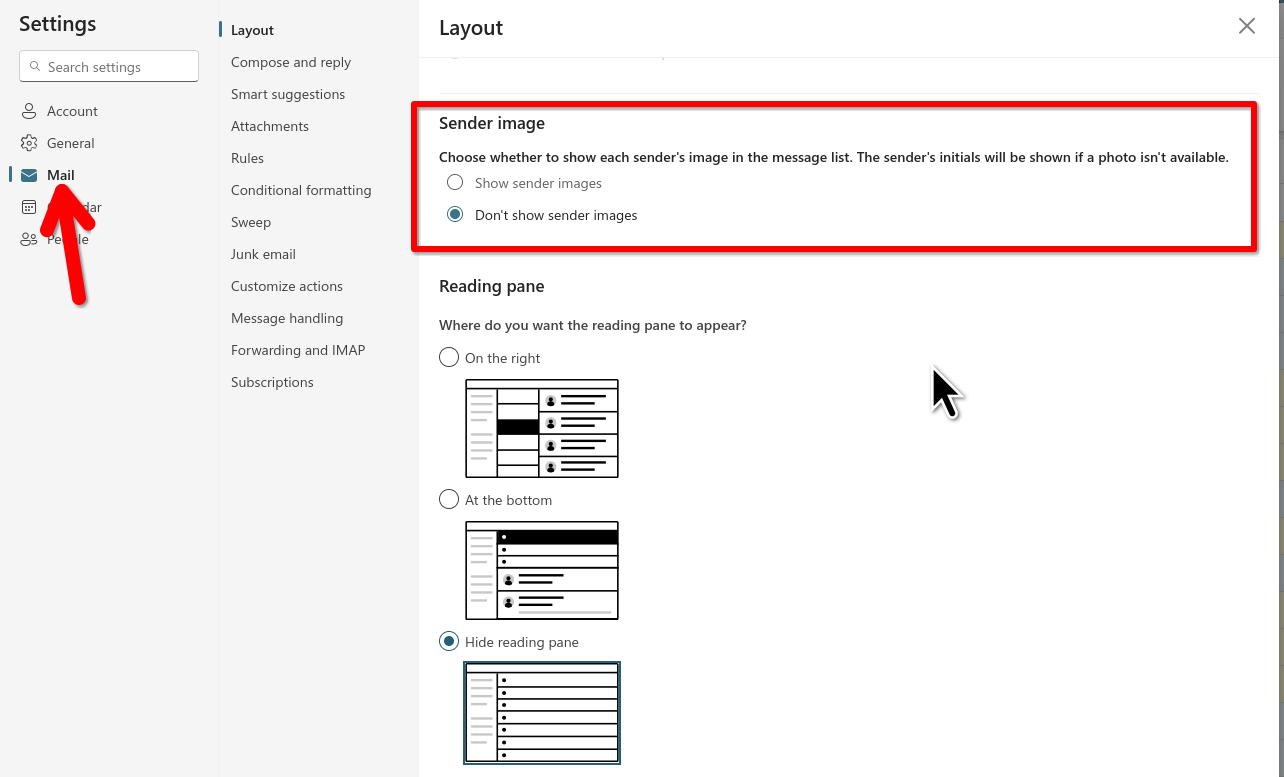
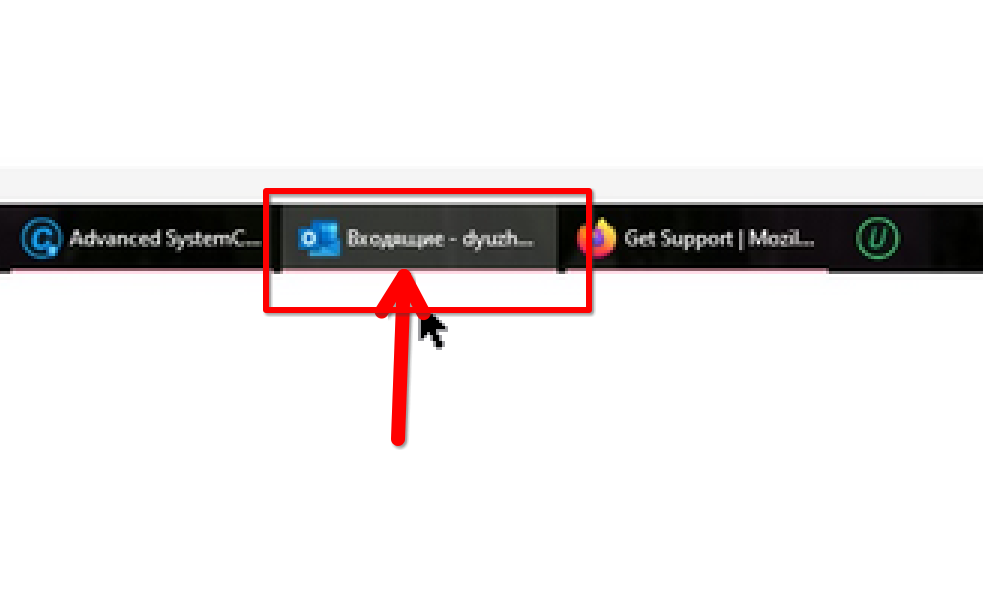
What do you see in Chrome? What do you have set here? see screenshot Post a full browser screenshot. It looks like you are in the Outlook app and not the browser.
Được chỉnh sửa bởi jonzn4SUSE vào
Svetlana Frolova said
6. Translation from Russian: "If you have problems displaying this message, click here to view it in your web browser."
Because you're in the app.
Hi, Jon!
I haven't Chrome. Yes, I am in the app and the link to browse doesn't work. What have I to switch for viewing pictures in imails?
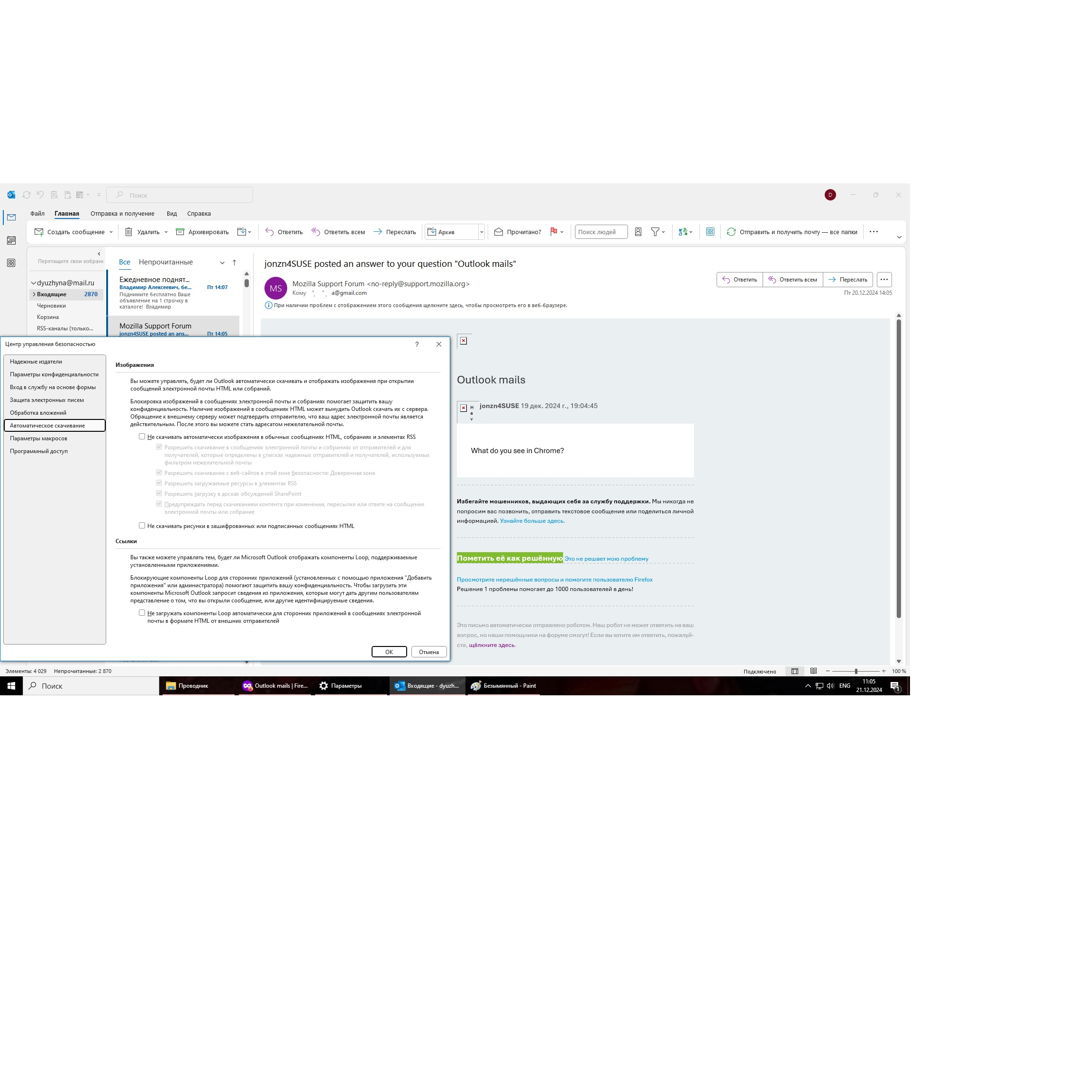
This is Firefox browser support and I don't have the app, but there are settings in the app to block external images.
Here's a search on the issue. https://www.google.com/search?q=outlook+app+settings+to+block+external+images+in+email